5
Press ▲ or ▼ to select Feed Priority, and then press the OK button.
6
Press ▲ or ▼ to select Adjust Length, and then press the OK button.
7
Press ▲ or ▼ to select AdjustmentPrint or Change Settings,
and then press the OK button.
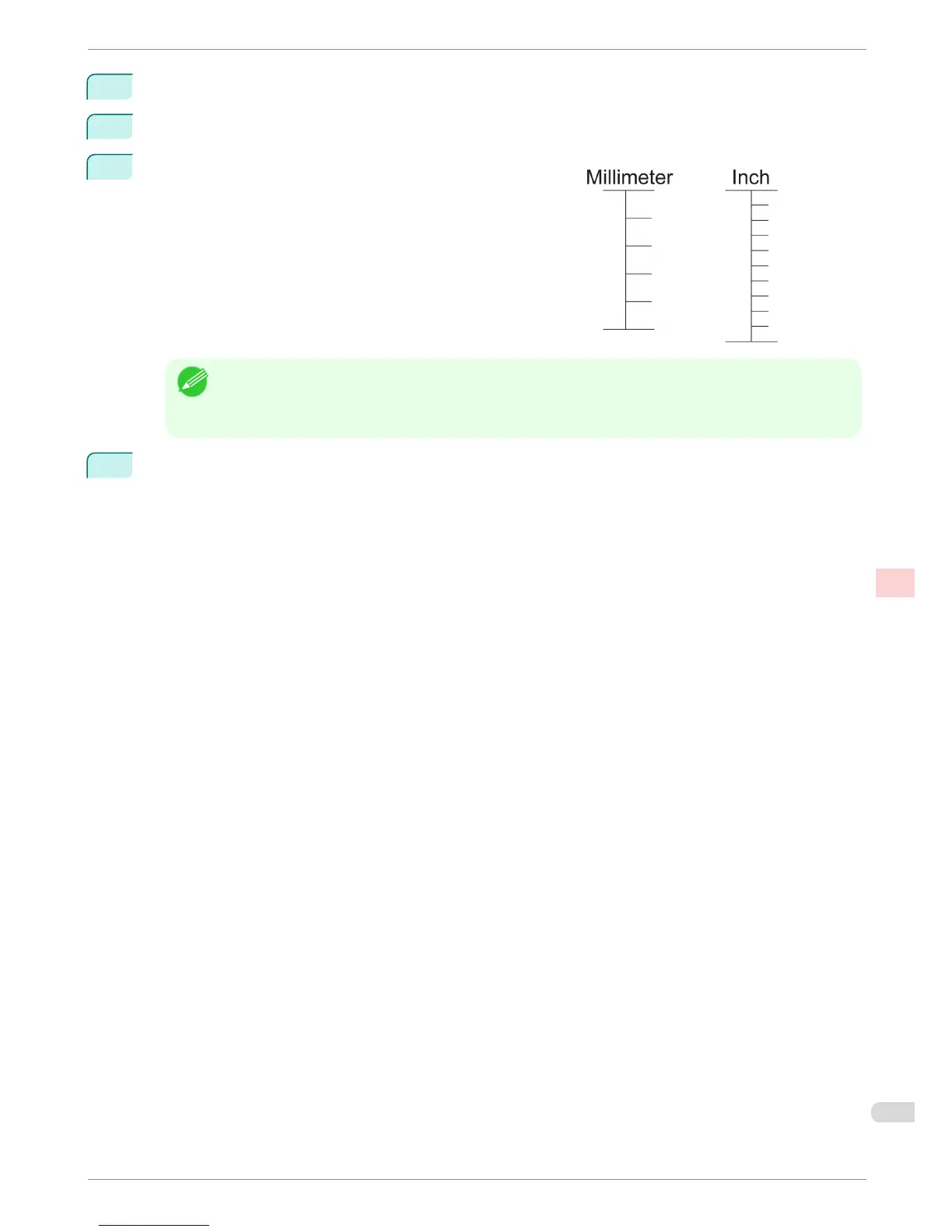
When you select AdjustmentPrint, a test pattern is printed for
you to measure the scale and calculate the discrepancy. The
scale bar prints Millimeter in 50 mm increments and Inch in 1-
inch increments.
Note
• A test pattern is printed in black when you choose A:High or in magenta if you choose B:Standard/Draft.
• To cancel printing the test pattern for adjustment, hold down the Stop button. When "Stop printing?" is dis-
played, press ▲ or ▼ to select "Yes", and then press the OK button.
8
Press ▲ or ▼ to enter the amount of discrepancy, and then press the OK button.
If the scale is shorter than the actual size, use a positive setting value. If it is longer, use a negative value.
The feed amount can be adjusted in 0.02% increments.
iPF8400
Adjusting Line Length
Basic Guide
Adjustments for Better Print Quality Adjusting the feed amount
101














 To Next Page