Important
• Do not remove the Maintenance Cartridge or ink tanks during either Head Cleaning A or Head Cleaning B.
Ink may leak or an error may occur.
• If printing does not improve even if you execute Head Cleaning B, try repeating Head Cleaning B once or twice. If this
still does not improve printing, the Printhead may have reached the end of its useful life. Contact your Canon dealer for
assistance.
Note
• Nozzles are periodically checked to ensure they are clear. Configure the settings on the Control Panel menu in Nozzle
Check. (See "Menu Settings.")
→
User's Guide
Perform cleaning as follows.
1
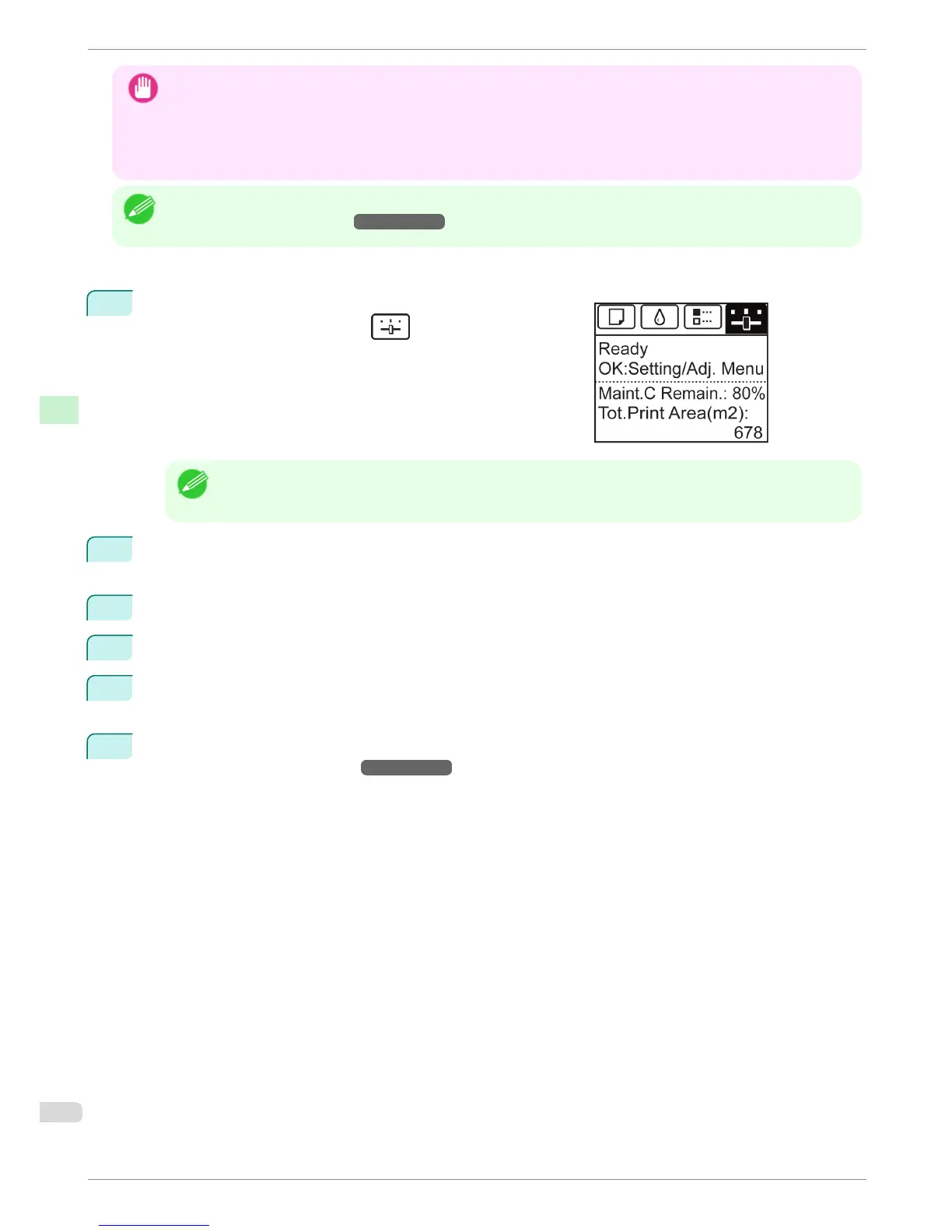
On the Tab Selection screen of the Control Panel, press ◀ or
▶ to select the Settings/Adj. tab ( ).
Note
• If the Tab Selection screen is not displayed, press the Menu button.
2
Press the OK button.
The Set./Adj. Menu is displayed.
3
Press ▲ or ▼ to select Maintenance, and then press the OK button.
4
Press ▲ or ▼ to select Head Cleaning, and then press the OK button.
5
Press ▲ or ▼ to select Head Cleaning A or Head Cleaning B, and then press the OK button.
Head cleaning is now executed.
6
Print a test pattern to check the nozzles, and determine whether cleaning has cleared the nozzles. (See
"Checking for Nozzle Clogging.")
→
User's Guide
Cleaning the Printhead
iPF8400
Basic Guide
Consumables and Maintenance Cleaning the Printer
56





 To Next Page