7
When the process is finished, "Preparations for moving the printer finished. Turn the power off" is dis-
played.
When this happens, replace the Maintenance Cartridge currently being used with a new Maintenance Car-
tridge.
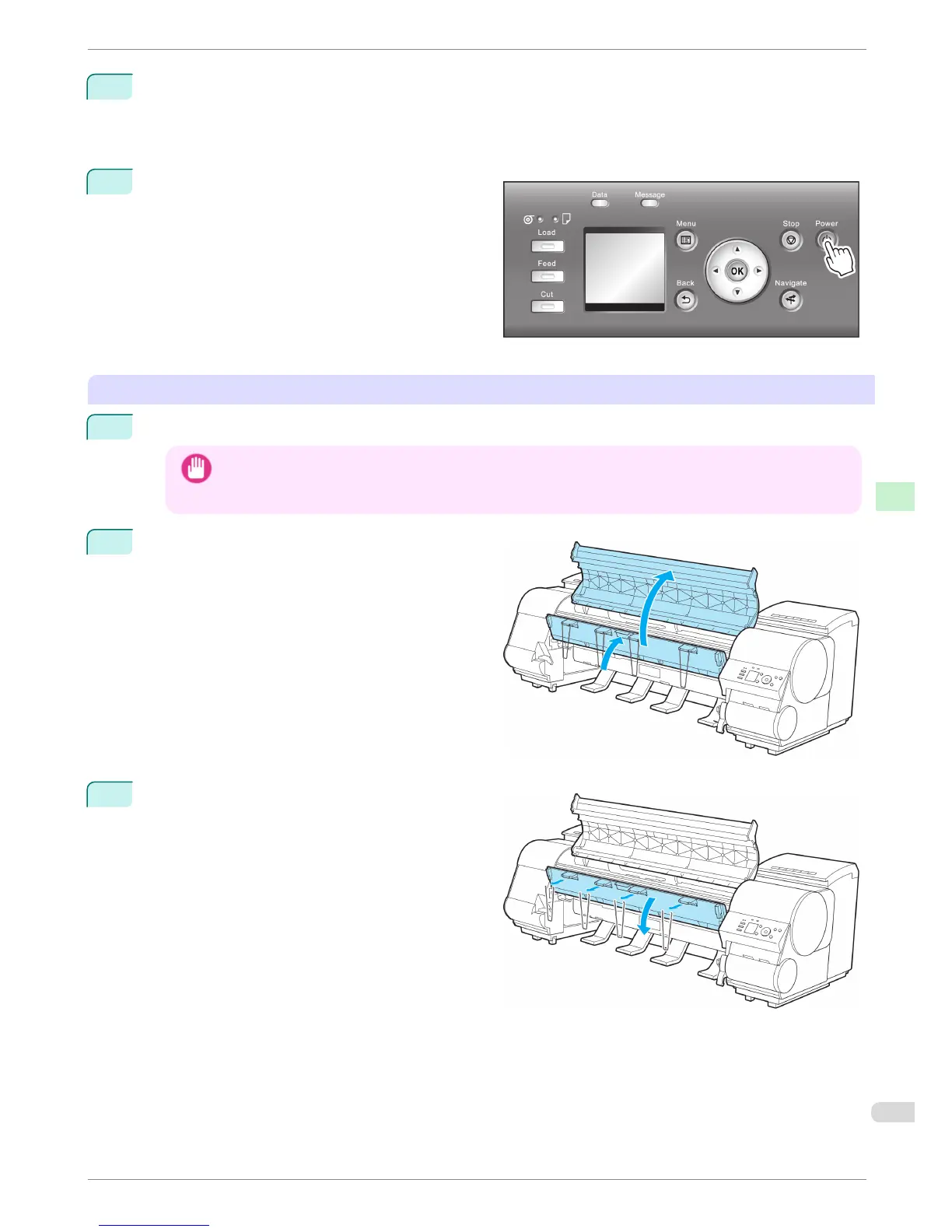
8
Press the Power button and turn off the printer.
Pack the printer
1
Disconnect the power cord, interface cable, and Media Take-up Unit Power Inlet.
Important
• Turn off the printer before you unplug it. It may damage the printer if you unplug it before it is off and transfer
it in that state. If you accidentally unplug the printer, plug it in again, reinstall the ink tanks, and follow this
procedure again.
2
Open the Top Cover and lift the Ejection Guide.
3
Remove the four ejection supports and lower the
Ejection Guide.
iPF8400
Preparing to Transfer the Printer
Basic Guide
Printer Relocation Preparing to Transfer the Printer
79














 To Next Page