Important
•
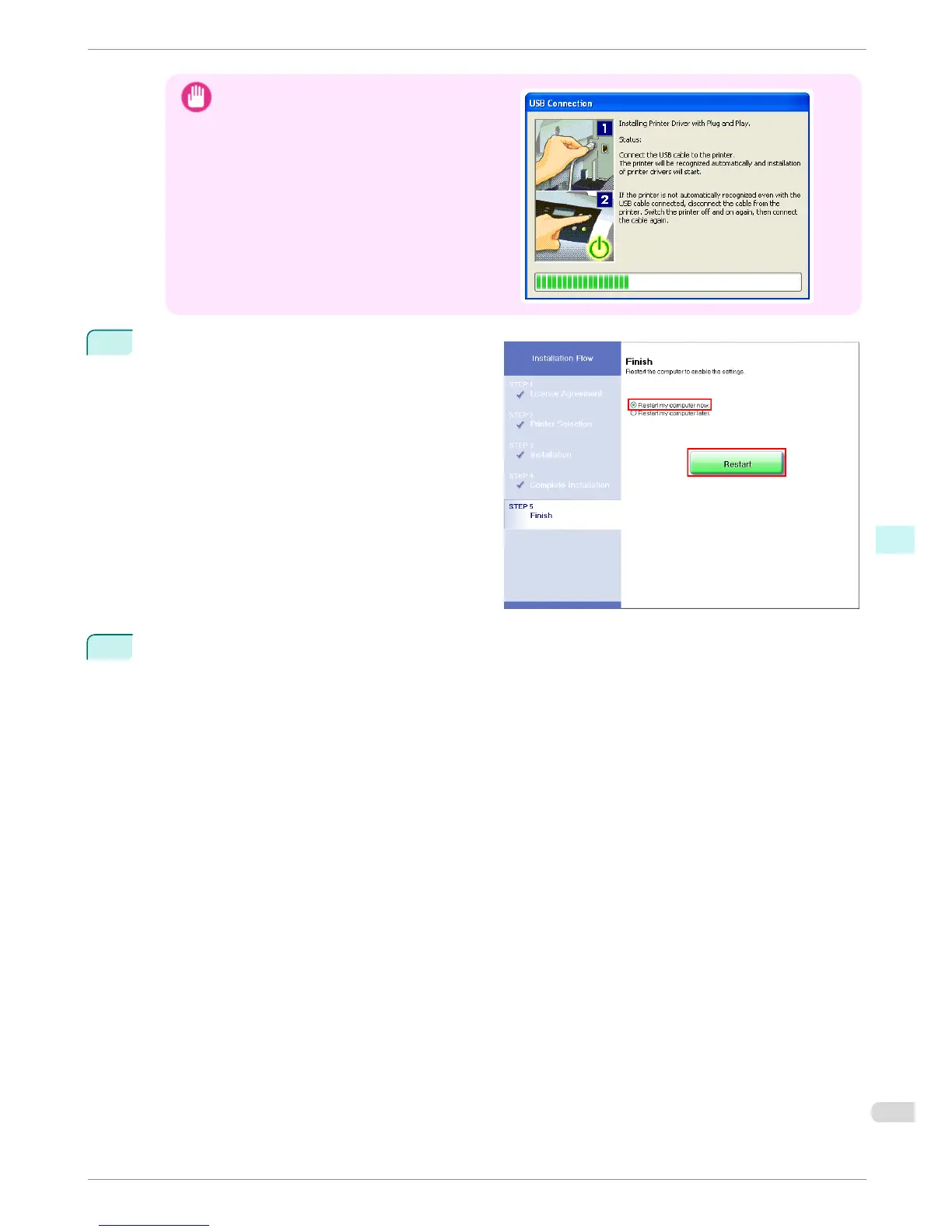
For USB connections, when the dialog box at
right is displayed, make sure the printer is on
and connect the printer and computer with the
USB cable.
4
On the Finish window, select Restart my comput-
er now and click Restart.
Software settings take effect after the computer re-
starts.
Next, install the Electronic manuals.
5
When the Install User Manual dialog box is displayed, insert the provided User Manuals CD-ROM in the
CD-ROM drive and follow the instructions displayed to complete installation.
iPF8400
Installing the Software (Windows)
Basic Guide
Software Installation Installing the Printer Driver (Windows)
87














 To Next Page