4-12
Sending Faxes (MF3240 Only)
● Deleting One-Touch Speed Dialing
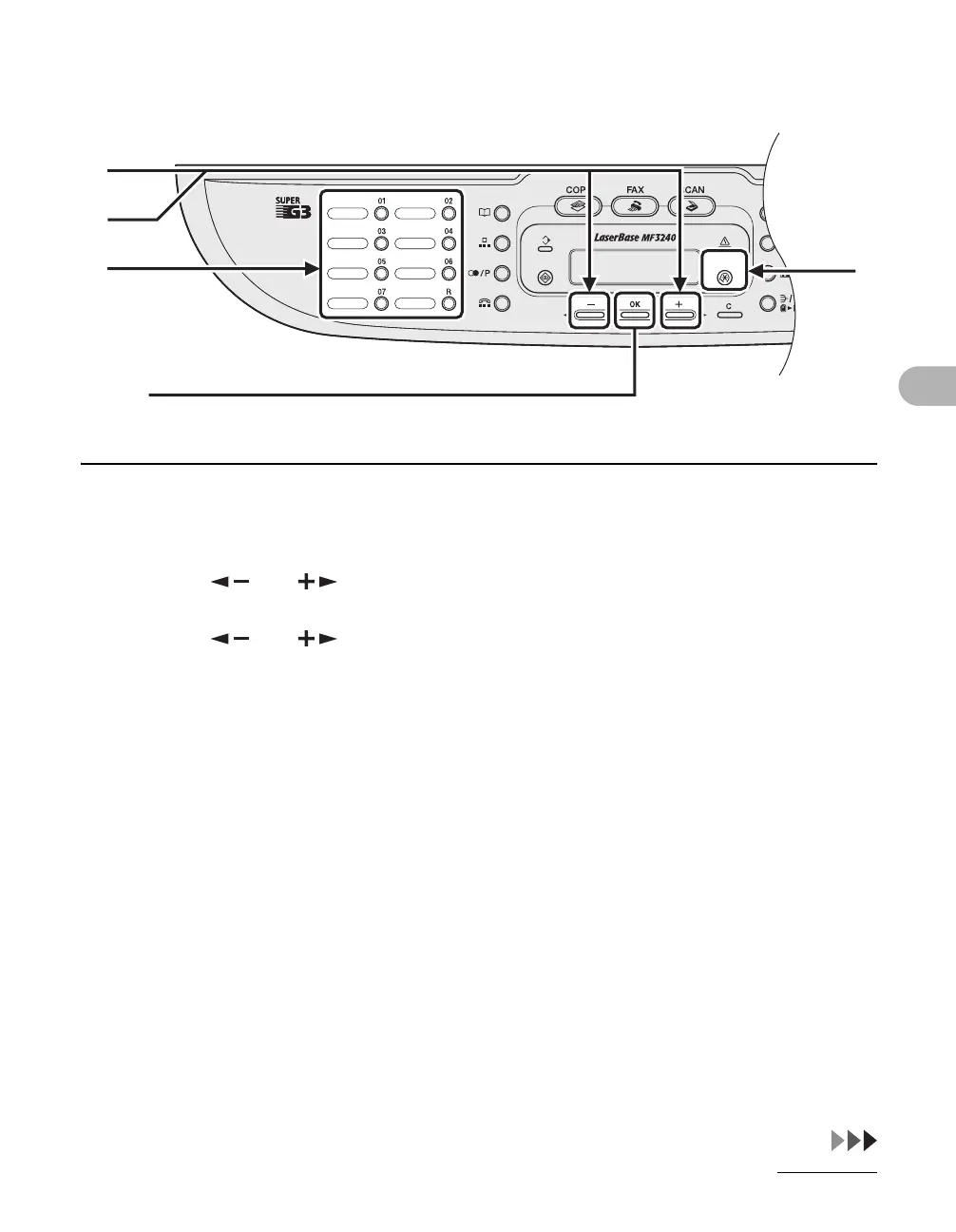
1 Press [Additional Functions].
2 Press [ ] or [ ] to select <ADDRESS BOOK SET.>, then press [OK].
3 Press [ ] or [ ] to select <1-TOUCH SPD DIAL>, then press [OK].
4 Press the one-touch speed dialing key (01 to 07) you want to delete, then
press [OK].
[OK]
4
1
3
2






 To Next Page