Maintenance
Chapter 5 Maintenance
129
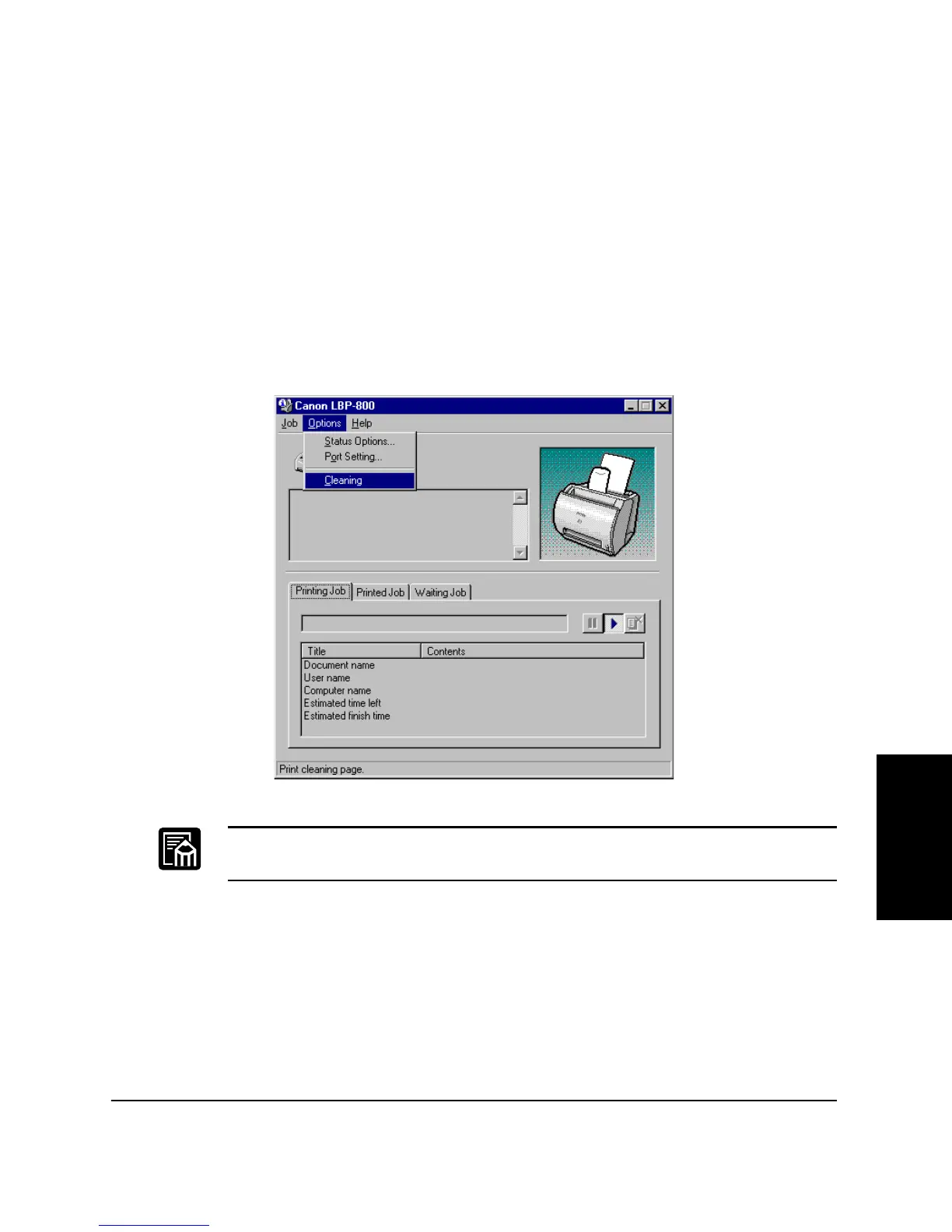
Cleaning
Whenever you replace the EP-22 cartridge and the printing quality is
poor, you may need to use the Cleaning function. Follow the instructions
below.
1. Place letter or A4-size paper in the MP tray.
2. Click on the printer icon in the taskbar to open the Status Window.
3. From the Options menu, click Cleaning. A cleaning sheet starts print-
ing. When printing starts, the Status Window message area displays
“Cleaning” and when printing completes, it returns to normal.
While cleaning is in progress, you cannot pause the printing or change
paper settings.












 To Next Page