60 Using the Canon Advanced Printing Technology Chapter 3
Printer Properties and Default Document Properties*
The CAPT for Windows NT 4.0/2000 has two main dialog boxes: the
Printer Properties dialog box and the Default Document Properties*
dialog box.
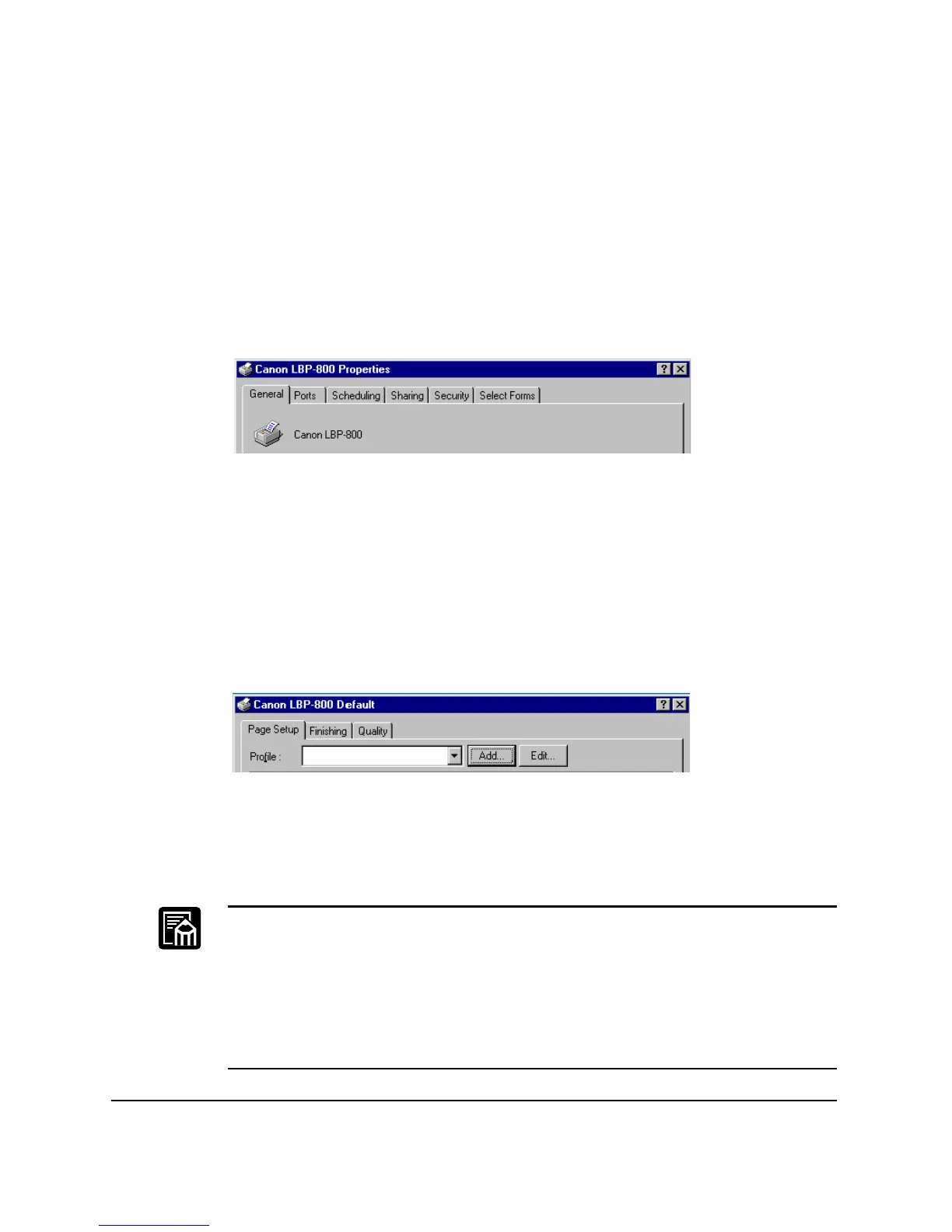
Printer Properties
To view the printer properties, select Properties from the File menu in
the Printers folder, or click the right mouse button on the LBP-800 icon
in the Printers folder and select Properties from the pop-up menu.
Screens examples use Windows NT 4.0.
Default Document Properties*
In the Default Document Properties* dialog box, you can specify the
default settings for the printing options available when you print on the
LBP-800. To view the default document properties, select Document
Defaults...** from the File menu in the Printers folder, or click the right
mouse button on the LBP-800 icon in the Printers folder, and select
Document Defaults...** from the pop-up menu.
Screens examples use Windows NT 4.0.
You can also open an equivalent dialog box and specify the setting by
selecting Print or Page Setup from the File menu of an application.
❏ The number of tabs displayed in the Properties dialog box depends on
how you have your system set up.
❏ For more information about the following features, see the online
Help. To display the online help, select the item you want more
information about and press F1, or click ? in the title bar and then
select the item of interest.
* Printing Preference in Windows 2000
** Printing Preference... in Windows 2000












 To Next Page