34
Using the Canon Advanced Printing Technology Chapter 3
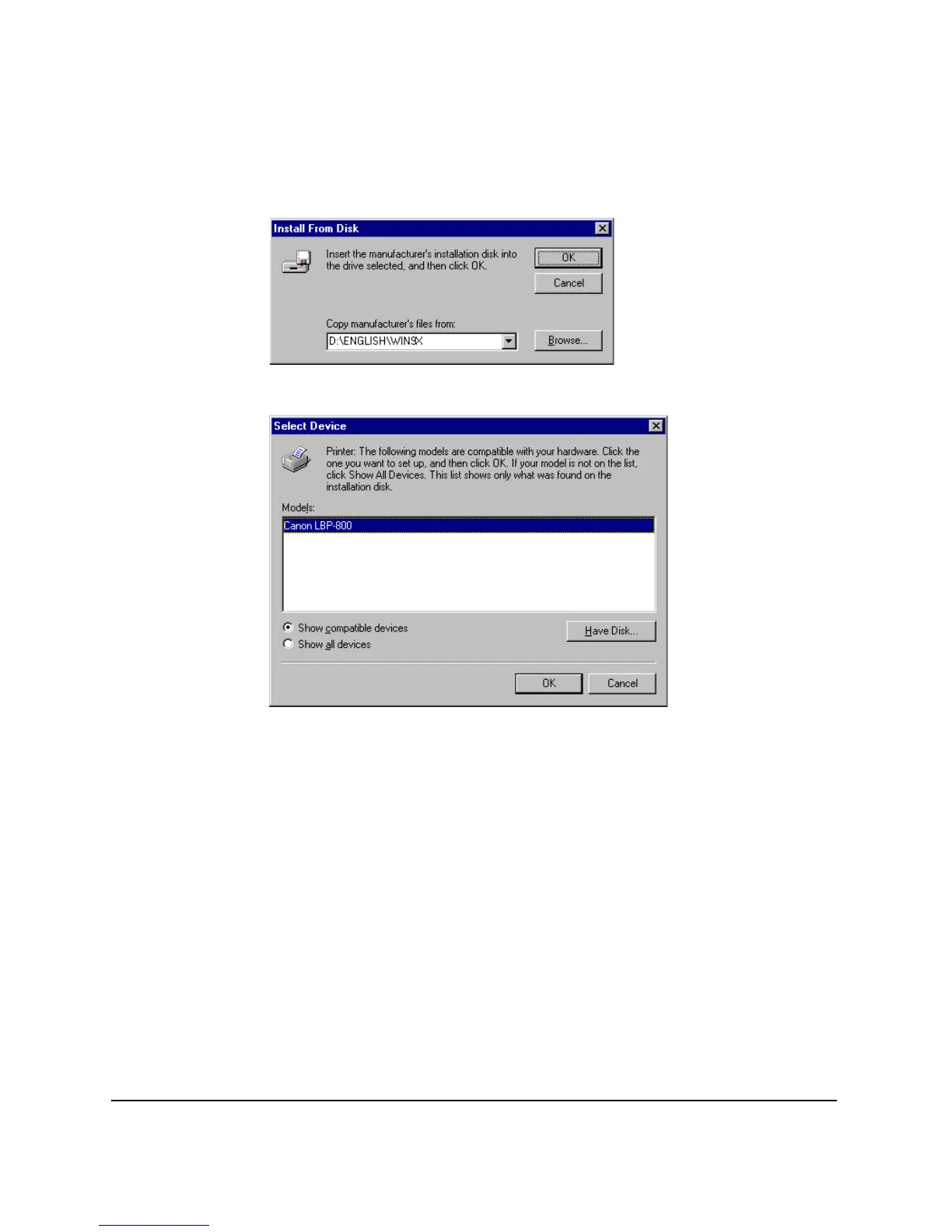
2. Click
Browse…
to select the driver in the language that you want to
install. For example, if your CD-ROM is drive D: and you want to
install the English Windows 95 driver, browse to
D:\ENGLISH\WIN9X and click
OK
.
3. Select the printer from the
Models
list and click
OK
.
4. Follow the instructions on screen.
Windows NT 4.0/2000
Add Printer Wizard
To install the CAPT on a local computer using Windows NT 4.0, you can
use the Windows NT
Add Printer Wizard
.
Refer
here
when using Windows 2000
1. From the
Start
menu, select
Settings
, then
Printers
. The
Printers
folder appears.












 To Next Page