Installing the
Windows 2000
Appendix C Installing the Windows 2000
139
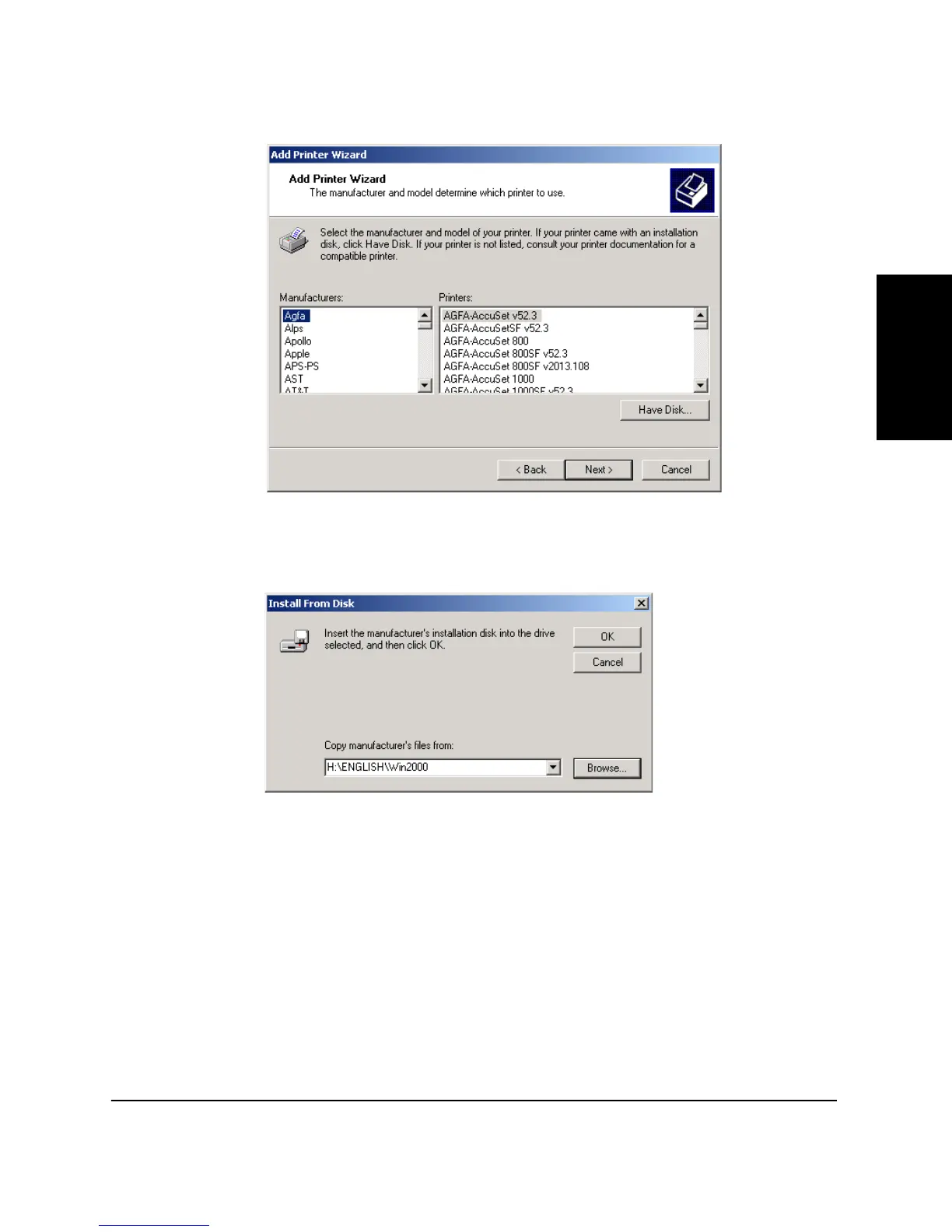
6. Click
Have Disk…
in the Manufacturers/Printers dialog box.
7. The
Install From Disk
dialog box appears. Use
Browse…
to select
the directory or enter the path name that contains the CAPT, then
click
OK
.
For example, if you are using the CD-ROM to install the CAPT, and
your CD-ROM drive is drive H:, the path name would be
H:\ENGLISH\Win2000.











 To Next Page