30
Using the Canon Advanced Printing Technology Chapter 3
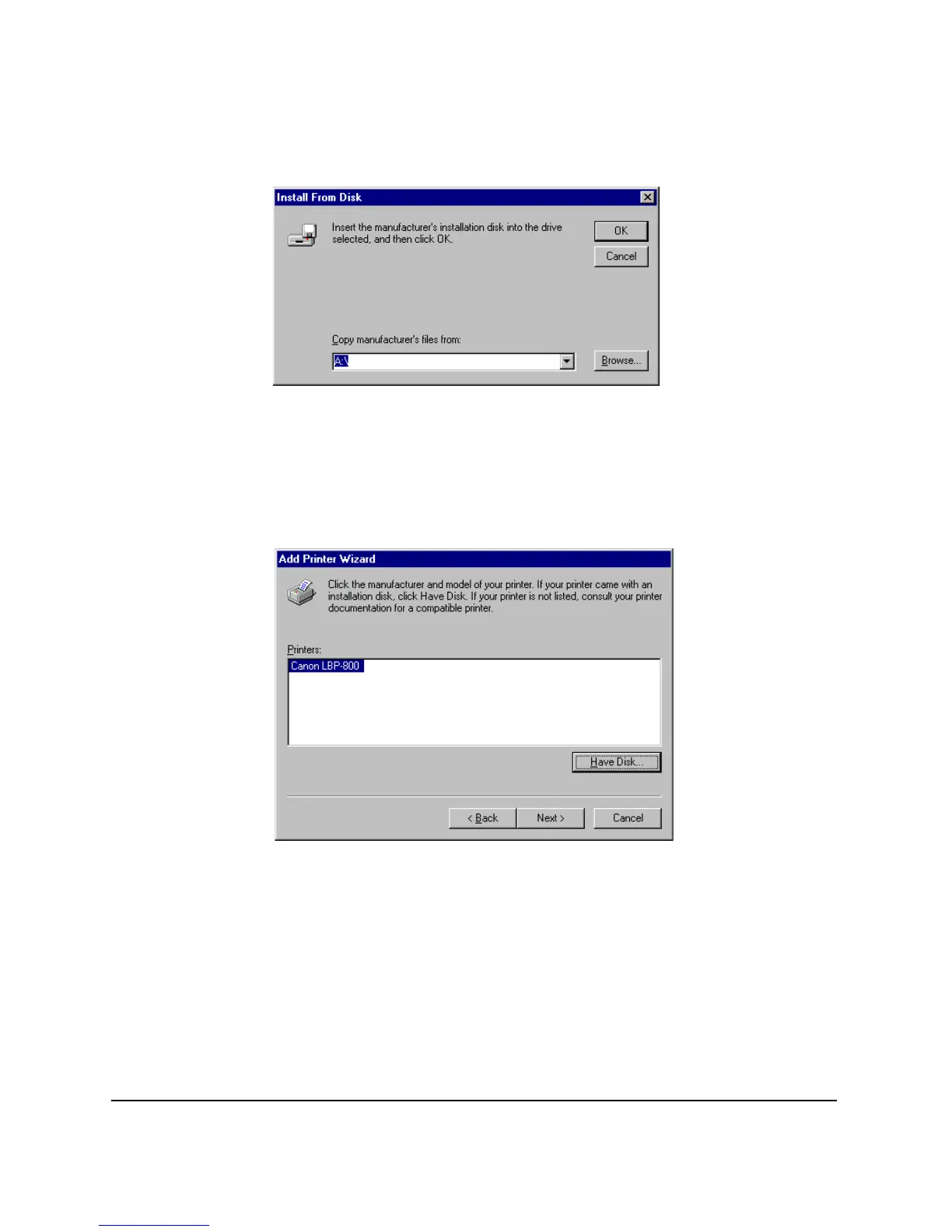
5. The
Install From Disk
dialog box appears. Use
Browse…
to select
the directory or enter the path name that contains the printer
software, then click
OK
.
For example, if you are using the CD-ROM to install the software,
and your CD-ROM drive is drive D:, the path name would be
D:\ENGLISH\WIN9X.
6. Select the printer, and click
Next >
.












 To Next Page