38
Using the Canon Advanced Printing Technology Chapter 3
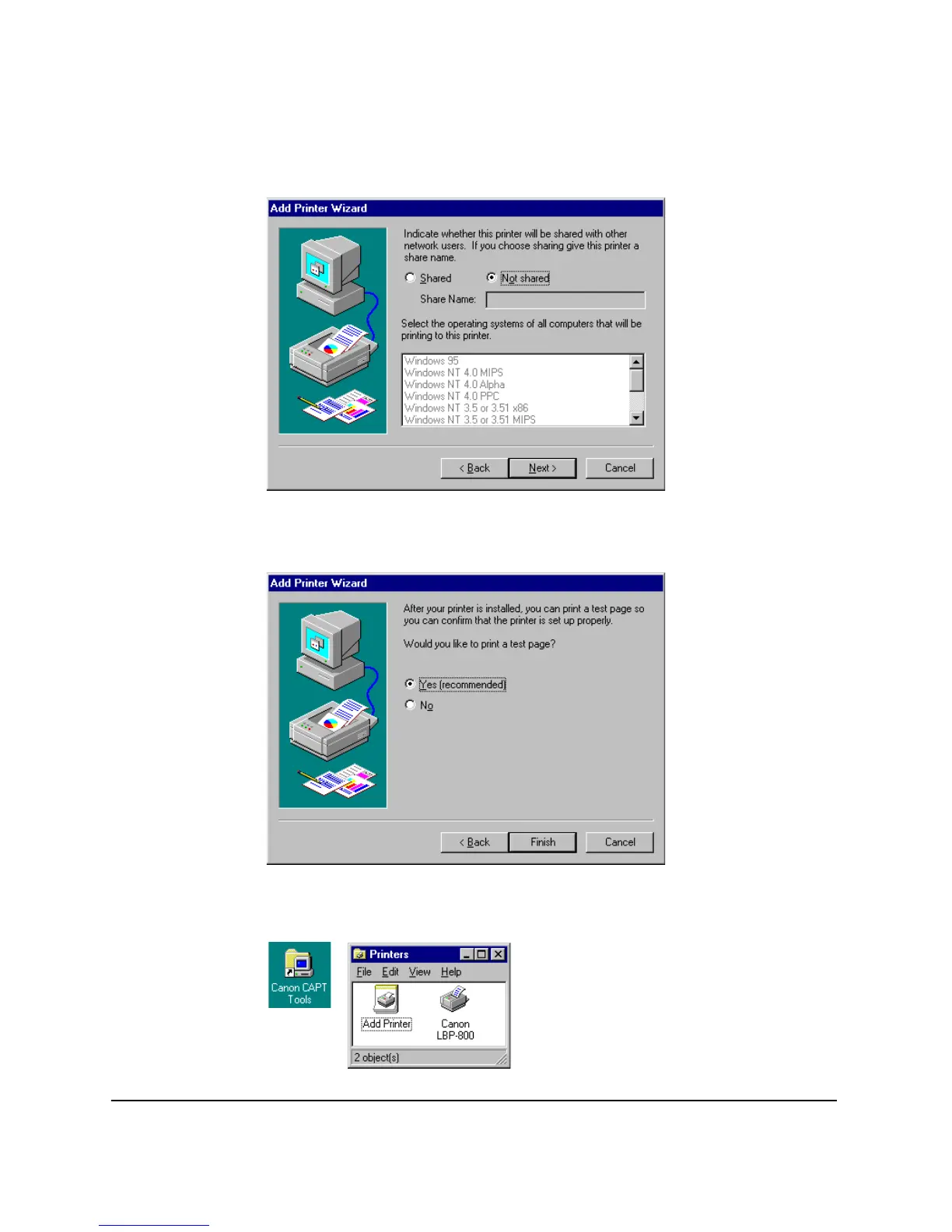
9. Select whether this printer is shared or not shared with other
computers. If it is shared, select all the operating systems that will
use this printer. Click
Next
>.
10. Click
Yes
if you want to print a test page, or
No
if you do not want to
print a test page, then click
Finish
.
Windows creates a
Canon CAPT Tools
icon on the Desktop, and a
Canon LBP-800
icon is added to the
Printers
folder.












 To Next Page