Connected
If you are using a hub, connect the printer to the computer directly.
If you are using a long USB cable, replace it with the short one.
If you have another USB cable, use it.
If printing is not performed, proceed to <Question 4>.
Unconnected
Connect the cable properly.
"Connecting the Printer and Computer"
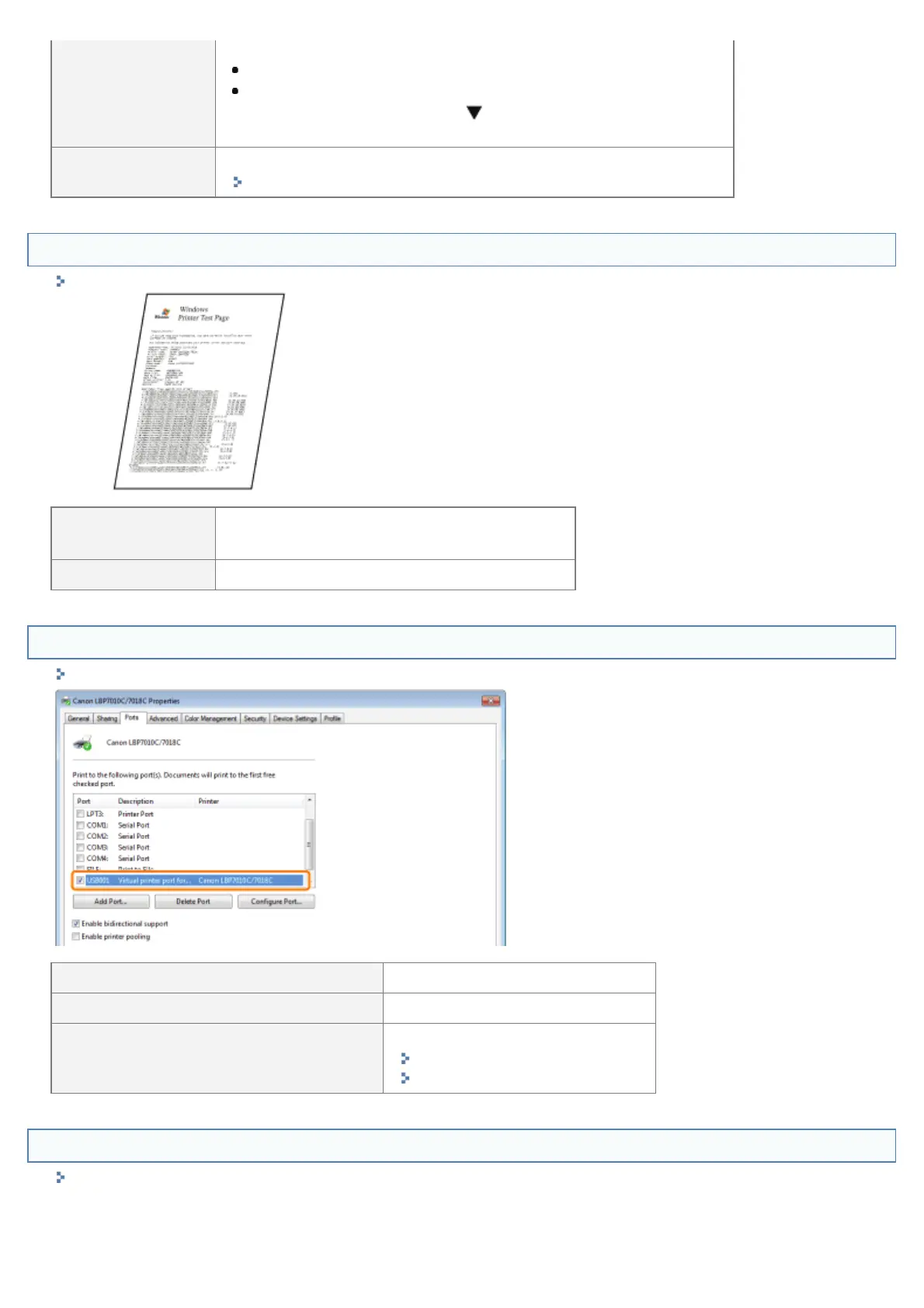
<Question 4> Can you print a test page in Windows?
"Basic Operations/Various Information for Windows"
Printable
There is no problem with the printer and driver.
Check the printing preferences in the application.
Not printable To <Question 5>
<Question 5> Is the port to be used selected correctly?
"Basic Operations/Various Information for Windows"
Selected To <Question 6>
Not selected Select the correct port.
The port to be used cannot be found.
Install the printer driver again.
"Uninstalling the Printer Driver"
"Installing the Printer Driver"
<Question 6> Is bi-directional communication enabled?
"Basic Operations/Various Information for Windows"
㻞㻡㻝㻌㻛㻌㻟㻠㻟












 To Next Page