019A-05C
If a problem occurs during the installation
Select a problem during the installation from any of the following.
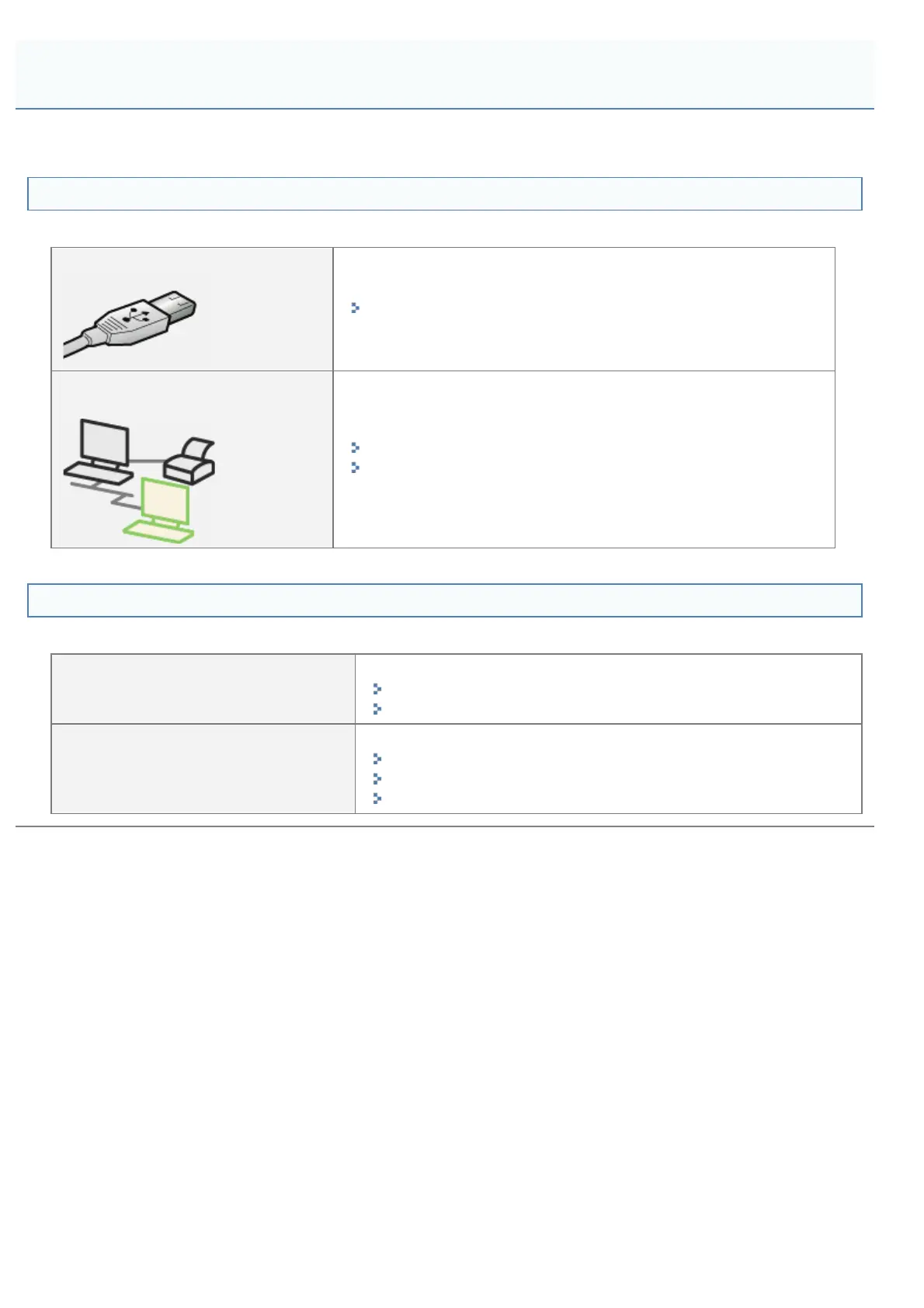
Connection with a USB cable
"The Printer Is Not Recognized Automatically (Easy Installation)"
Connection via the print server
(Client)
"The Print Server for Connection Cannot Be Found"
"The Shared Printer Cannot Be Accessed"
If the printer driver is not installed properly
Perform the following procedure.
Solution 1
Install the printer driver again.
"Uninstalling the Printer Driver"
"Installing the Printer Driver"
Solution 2
(Only when connecting with USB)
Uninstall the USB class driver, and then install the printer driver again.
"Uninstalling the USB Class Driver"
"Uninstalling the Printer Driver"
"Installing the Printer Driver"
You Cannot Install the Printer Driver
㻞㻢㻟㻌㻛㻌㻟㻠㻟












 To Next Page