EasyManua.ls Logo

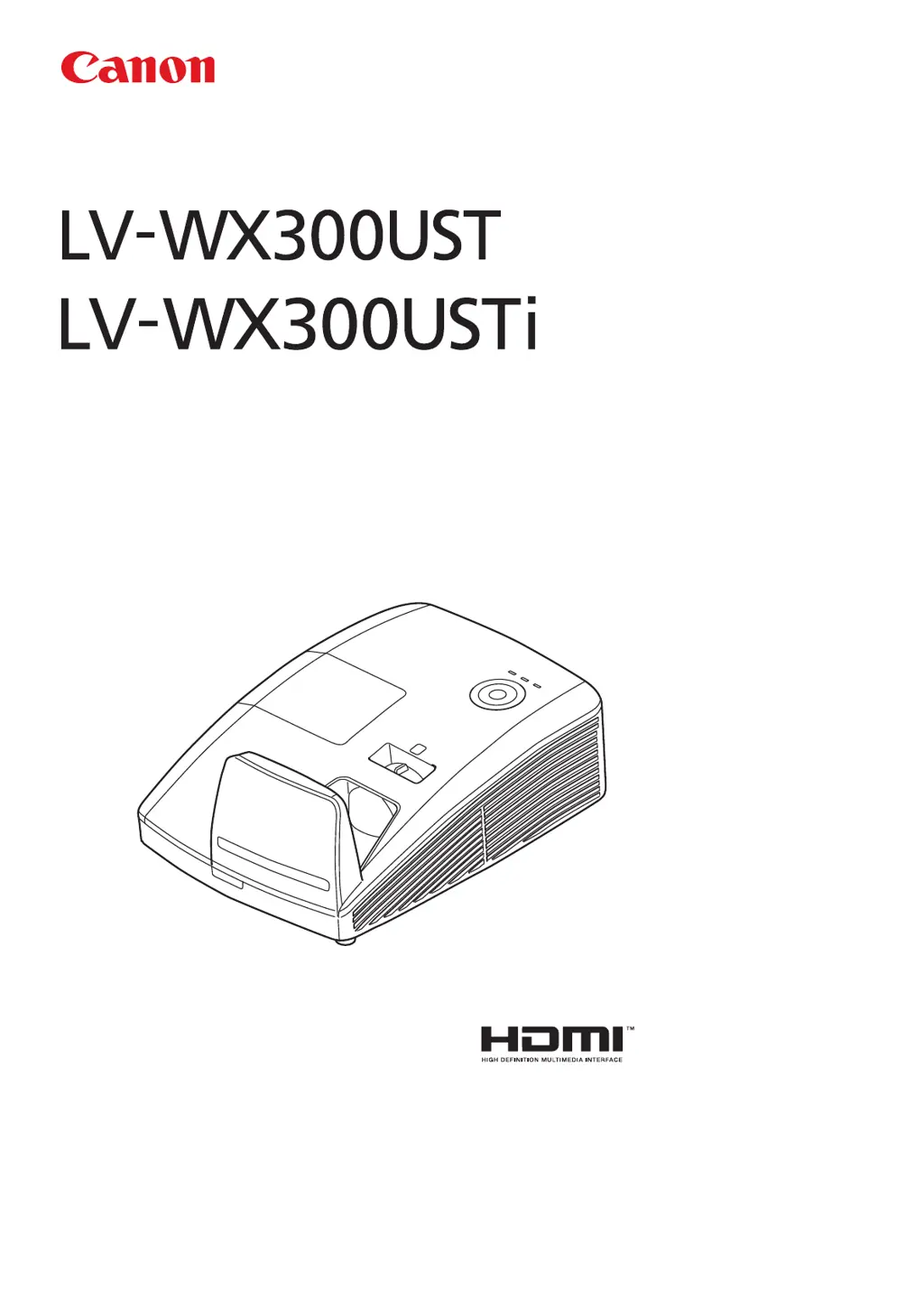
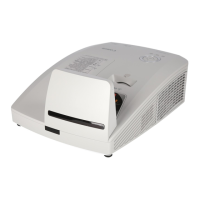
Canon LV-WX300UST - User Manual

Canon LV-WX300UST
75 pages
Print Icon
To Next Page IconTo Next Page
Loading...
ENGLISH
MULTIMEDIA PROJECTOR
Users Manual

Table of Contents

Questions and Answers

Summary

Installation and Cooling Guidelines

Verifying Installation Location

Guide to selecting the correct placement and environmental conditions for projector installation to ensure optimal performance.

Ensuring Proper Cooling

Instructions for maintaining adequate airflow around intake and exhaust vents for effective heat dissipation.

Power Safety and Lamp Replacement Warnings

Power Cord Handling Precautions

Essential safety guidelines for safe handling and use of the projector's power cord to prevent electrical hazards.

Lamp Replacement Safety Hazards

Critical safety information and warnings regarding the hazardous nature of lamp replacement and potential rupture risks.

Safety Instructions Overview

Electrical Shock and Operational Safety

Warnings about risk of electric shock and important operating instructions for safe use of the unit.

General Safety Precautions

Grounding, Moisture, and Fire Hazard Prevention

Essential safety measures including grounding, avoiding moisture, and preventing fire hazards from heat build-up.

Installation and Servicing Safety Rules

Placement, Ventilation, and Electrical Safety

Safe practices for projector placement, ventilation, power outlets, and cord protection.

Use Precautions and Emergency Actions

Emergency Situations and Power Cord Handling

Actions for emergencies like smoke/smell, and strict rules for safe power cord handling.

Power Connection and Installation Environment Safety

Power Plug Safety and Installation Restrictions

Guidelines for safe power connections and prohibitions on installation in hazardous environments.

Handling, Lamp, and Heat Safety

Projector Handling and Lamp Rupture Warnings

Warnings against misuse, touching hot parts, and information on lamp characteristics and rupture risks.

Lamp Rupture, Battery, and 3 D Safety

Lamp Rupture Response and Battery Safety

Procedures for lamp rupture and safe handling of remote control batteries.

General Safe Use and Operation Guidelines

Transport, Installation, and Environmental Precautions

Precautions for carrying, installing, and operating the projector considering environmental factors.

Getting Started: Initial Setup

Remote Control Operations Guide

Setup and Operation Basics

Inserting Batteries and Powering On;Off

Step-by-step guide to insert batteries and procedures for powering the projector on and off.

Security Lock Configuration

Projector Leveling and Positioning

Image and Sound Adjustments

OSD Menu Navigation and Overview

Image Menu Settings

Advanced Installation Feature Settings

Advanced System Feature Settings

Lamp Time and 3 D Configuration

Network Settings Configuration

Network Management Features

LAN RJ45 Setup Guide

RS232 Control Options

Telnet Setup for Windows

Troubleshooting Guide

Error Indicators and Image Issues

LED Messages and Image Problems

Interpreting LED status lights and troubleshooting common image display issues.

Component Troubleshooting

Lamp, Remote, and Audio Issues

Diagnosing and resolving problems related to the projector lamp, remote control, and audio output.

Maintenance and Security

Replacing the Projection Lamp

Detailed, step-by-step instructions for safely replacing the projector lamp module.

Projector Cleaning and Security

Product Specifications

Appendix I: Communication

Canon LV-WX300UST Specifications

General IconGeneral
BrandCanon
ModelLV-WX300UST
CategoryProjector
LanguageEnglish

Related product manuals