EasyManua.ls Logo

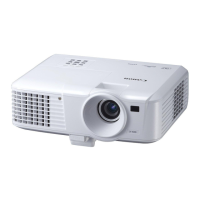
Canon LV-WX300 - User Manual

Canon LV-WX300
77 pages
Print Icon
To Next Page IconTo Next Page
Loading...
ENGLISH
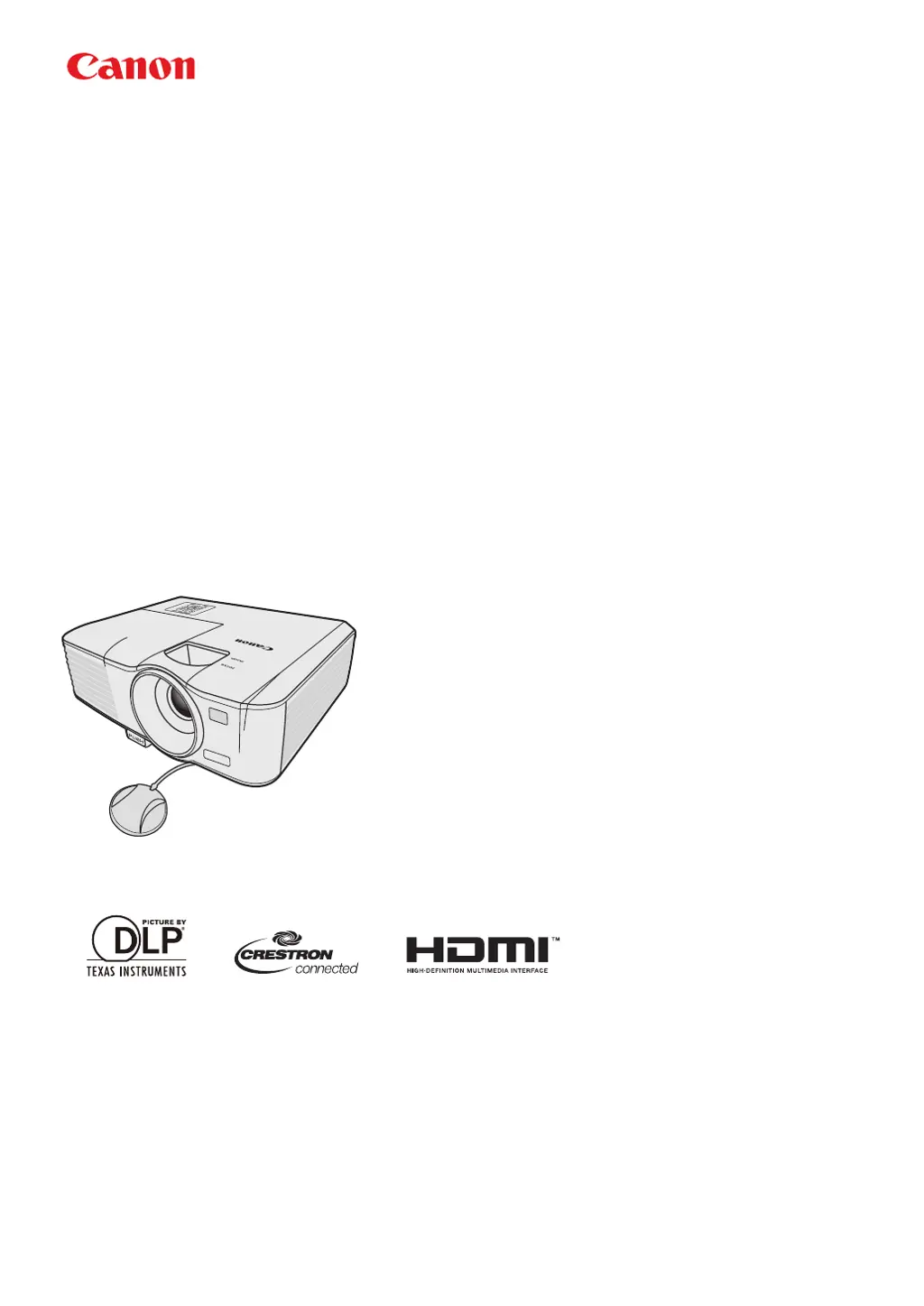
MULTIMEDIA PROJECTOR
LV-WX300/LV-X300/LV-S300
Users Manual

Table of Contents

Questions and Answers

Summary

Safety Instructions

Precautions for Use

Precautions for Installation

For Safe Use

Controls and Functions

Remote Control: LV-RC08

Connection

Connecting Video Source Devices

Operation

Starting Up the Projector

Step-by-step instructions for powering on the projector correctly.

Using the Menus

Utilizing the Password Function

Switching Input Signal

Adjusting the Projected Image

Correcting Keystone

Useful Functions Available During a Presentation

Shutting Down the Projector

Supervising and Controlling by Computer

Configuring the LAN Settings

Steps to set up network connection and IP address for remote control.

Controlling the Projector Remotely Through a Web Browser

Menu Operation

Menu System

Overview of the projector's On-Screen Display (OSD) menu structure and options.

Maintenance

Care of the Projector

General advice on keeping the projector clean and well-maintained.

Lamp Information

Timing of Replacing the Lamp

Replacing the Lamp

Troubleshooting

Specifications

Projector Specifications

Detailed technical specifications for the projector models.

Control Commands

Summary

Safety Instructions

Precautions for Use

Precautions for Installation

For Safe Use

Controls and Functions

Remote Control: LV-RC08

Connection

Connecting Video Source Devices

Operation

Starting Up the Projector

Step-by-step instructions for powering on the projector correctly.

Using the Menus

Utilizing the Password Function

Switching Input Signal

Adjusting the Projected Image

Correcting Keystone

Useful Functions Available During a Presentation

Shutting Down the Projector

Supervising and Controlling by Computer

Configuring the LAN Settings

Steps to set up network connection and IP address for remote control.

Controlling the Projector Remotely Through a Web Browser

Menu Operation

Menu System

Overview of the projector's On-Screen Display (OSD) menu structure and options.

Maintenance

Care of the Projector

General advice on keeping the projector clean and well-maintained.

Lamp Information

Timing of Replacing the Lamp

Replacing the Lamp

Troubleshooting

Specifications

Projector Specifications

Detailed technical specifications for the projector models.

Control Commands

Canon LV-WX300 Specifications

General IconGeneral
Matrix size0.65 \
Matrix typeDMD
Native aspect ratio16:10
Projection distance- m
Vertical scan range15.73 - 120 Hz
Horizontal scan range24 - 101.563 kHz
Projection technologyDLP
Contrast ratio (typical)2300:1
Screen size compatibility60 - 150 \
Projection distance (tele)2.1 - 4.3 m
Projection distance (wide)1.9 - 4.8 m
Projector native resolutionWXGA (1280x800)
Keystone correction, vertical±30 °
Projector brightness (economic mode)2100 ANSI lumens
FocusManual
Throw ratio1.5 - 1.65:1
Optical zoom1.1 x
Zoom capabilityYes
Focal length range21 - 23.1 mm
Aperture range (F-F)2.56 - 2.8
Horizontal lens shift range0 - 50 %
RS-232 ports1
Maximum analog resolution1280 x 800 pixels
Lamp power190 W
Light source typeLamp
Lamp power (economic mode)160 W
Service life of light source5000 h
Service life of light source (economic mode)6000 h
3DNo
Full HD-
Supported video modes480i, 480p, 576i, 576p, 720p, 1080i, 1080p
Analog signal format systemNTSC, NTSC 4.43, PAL, PAL 60, PAL M, PAL N, SECAM
Supported graphics resolutions640 x 480 (VGA), 800 x 600 (SVGA), 1024 x 768 (XGA), 1280 x 1024 (SXGA), 1280 x 768 (WXGA), 1360 x 768 (WXGA), 1366 x 768, 1400 x 1050 (SXGA+), 1440 x 900 (WXGA+), 1600 x 1200 (UXGA)
HDMI connector typeFull-size
Serial interface typeRS-232
USB 2.0 ports quantityUSB 2.0 ports have a data transmission speed of 480 Mbps, and are backwards compatible with USB 1.1 ports. You can connect all kinds of peripheral devices to them.
Component video (YPbPr/YCbCr) in0
Noise level35 dB
Noise level (economic mode)29 dB
Dot clock scanning frequency162 MHz
Power sourceDC
AC input voltage100 - 240 V
AC input frequency50 - 60 Hz
Power consumption (standby)3 W
Power consumption (typical)330 W
Power consumption (PowerSave)275 W
Power consumption (network standby)0.5 W
Remote control typeIR
PlacementDesktop, Ceiling
Product typeStandard throw projector
Product colorWhite
RMS rated power10 W
Storage temperature (T-T)-20 - 60 °C
Operating temperature (T-T)0 - 40 °C
Weight and Dimensions IconWeight and Dimensions
Depth232 mm
Width282 mm
Height114.5 mm
Weight2500 g

Related product manuals