Receiving Faxes
This section describes the preparation necessary for receiving a fax and how to receive a fax.
Preparing for Receiving Fax
Prepare for receiving a fax according to the following procedure.
1. Make sure that printer is turned on.
2.
Flick HOME screen, and then tap FAX.
Using the Operation Panel
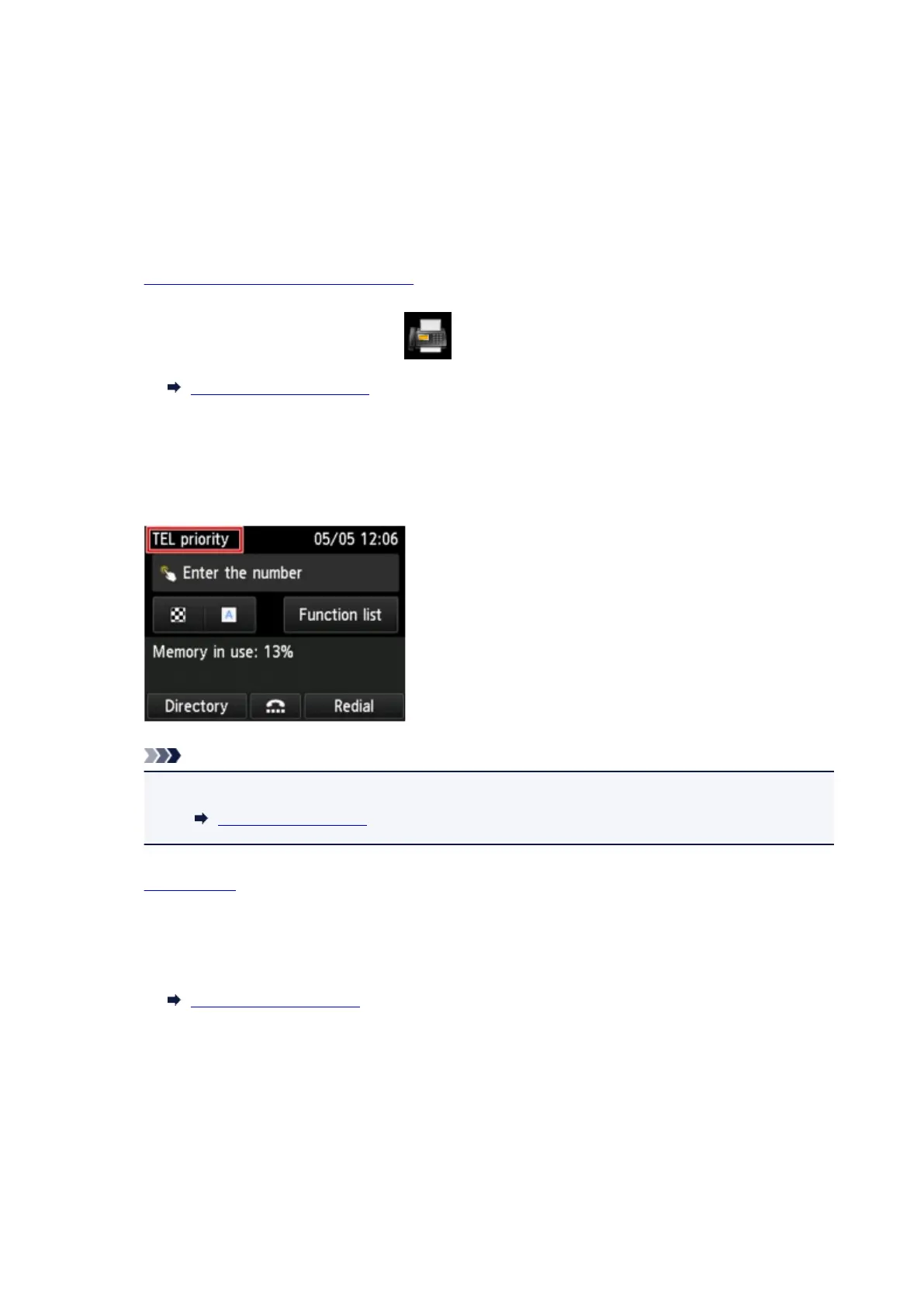
The Fax standby screen is displayed.
3.
Check receive mode setting.
Check the receive mode setting displayed on the Fax standby screen.
Note
•
For details on how to change the receive mode:
Setting Receive Mode
4.
Load paper.
Load the sheets of plain paper.
5. Specify paper settings as necessary.
Changing Paper Settings
This completes the preparation for receiving fax.
When a fax is received, it is printed on the loaded paper automatically.
Receiving Fax
Depending on the selected receive mode, the receive operation varies.
985










 To Next Page