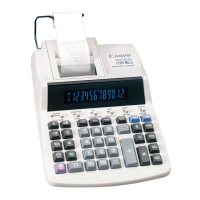
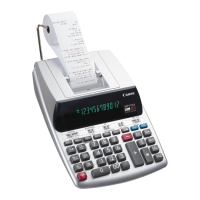
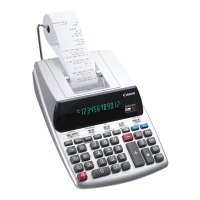
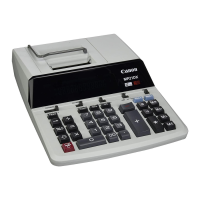
K eyInde x
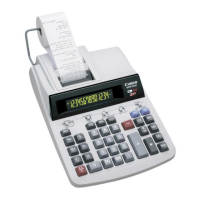
Impor tantFunctionstoRemember
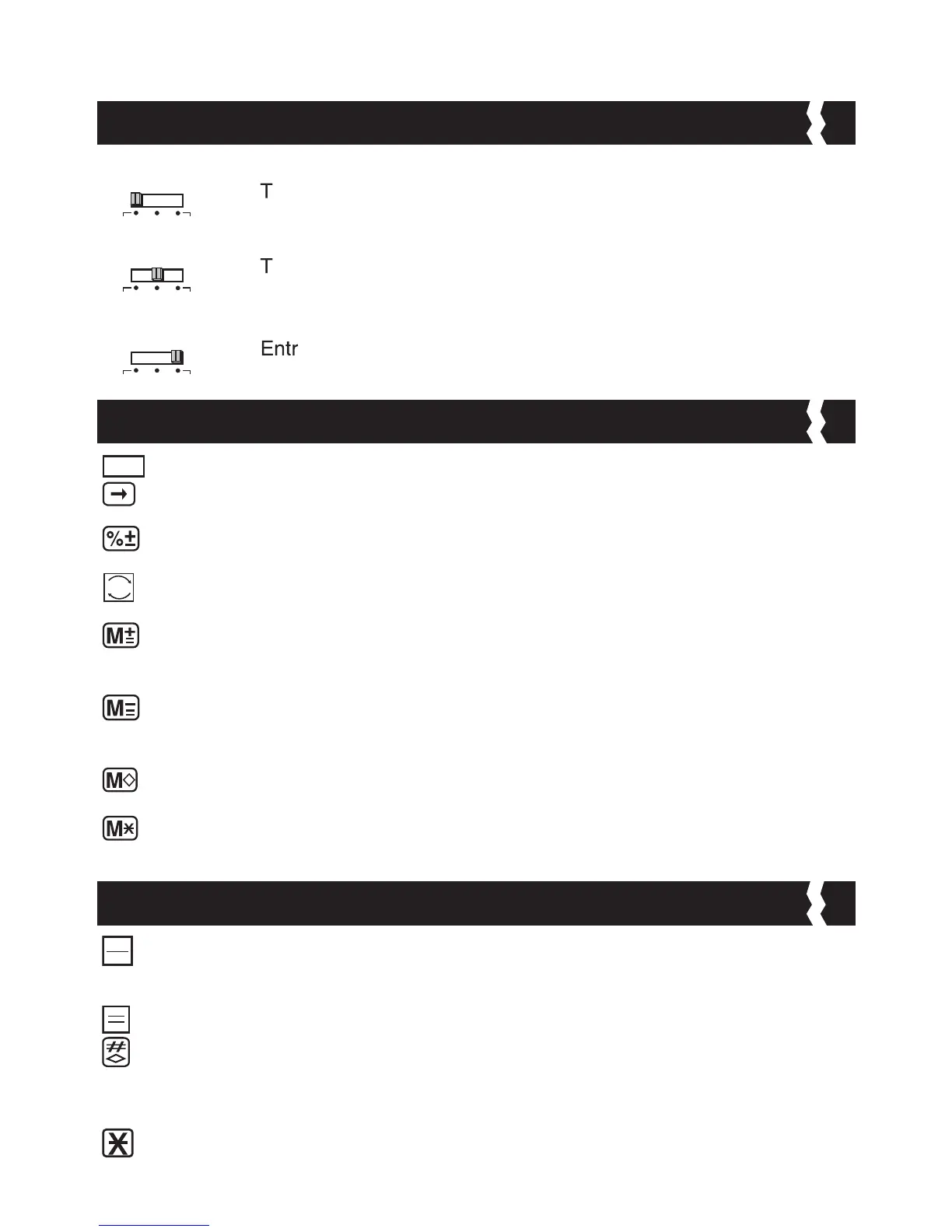
POWEROFF
:
urns power off.
POWERON/PRINTOFF
:
urns power on. Entries and results will appear on the display,
but will not be printed out.
POWERON/PRINTON
:
ies and results will appear on the display and will be printed
out.
P ower/PrintSwitc h
PaperFeedK ey: Used for advancing the paper.
RightShiftK ey:Used for shifting and correcting an entered numeral. A
single press deletes the last digit on the right.
PercentPlus-Min usK ey:Used for performing percentage, add-on and
discount calculations.
SignChang eK ey:Used for changing the sign (+ or –) of the displayed
numbers.
MemoryPlusEqualK ey:Used for obtaining a calculation result and
adding the result automatically to the memory. This key is also used for
adding number to the memory.
MemoryMinusEqualK ey:Used for obtaining a calculation result and
subtracting the result automatically from the memory. This key is also
used for subtracting a number from the memory.
MemorySubtotalK ey:Used for obtaining intermediate result of the
memory calculation. This key will not clear memory contents.
MemoryTotalandMemor yClearK ey:Used for obtaining total of memory
contents. This key will clear memory contents at the same time.
ClearEntr yandClearK ey: Press once to clear last entered value. Press
again to clear all entered values except memory. This key is also used for
clearing the overflow error.
EqualK ey: Used for obtaining multiplication and division results.
Non-Add/SubtotalK ey:Used for printing out information which does
not affect the calculation such as dates and serial numbers. Figure are
printed on the left-hand side of the paper. It is also used for obtaining
intermediate results.
TotalK ey:Used for obtaining addition and subtraction results.


 To Next Page