80
E
Using the Full
Range of Features
Turning Off the AF-Assist Lamp
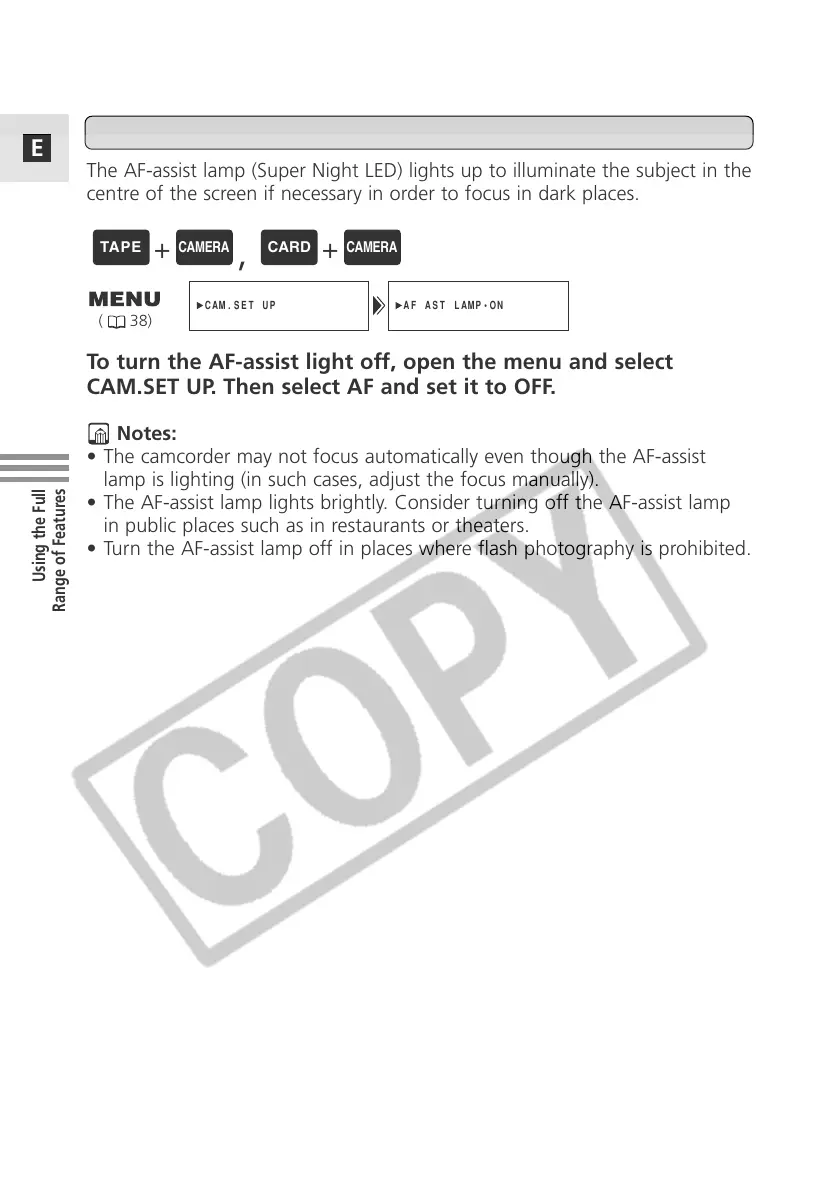
The AF-assist lamp (Super Night LED) lights up to illuminate the subject in the
centre of the screen if necessary in order to focus in dark places.
To turn the AF-assist light off, open the menu and select
CAM.SET UP. Then select AF and set it to OFF.
Notes:
• The camcorder may not focus automatically even though the AF-assist
lamp is lighting (in such cases, adjust the focus manually).
• The AF-assist lamp lights brightly. Consider turning off the AF-assist lamp
in public places such as in restaurants or theaters.
• Turn the AF-assist lamp off in places where flash photography is prohibited.
( 38)
+
,
+



 To Next Page