CHAPTER 2 STANDARDS AND ADJUSTMENTS
2-3
c. Adjusting the Mirror Position (optical length between No. 1 mirror and No. 2 mirror)
If you have replaced the scanner drive cable, you must adjust the mirror position, by changing
the position of the cable retainer of the No. 1 mirror mount.
Reference:
1. As more and more copies are made, the cable tends to become slack, requiring adjustment.
2. If the optical length between the No. 1 mirror and the No. 2 mirror is not correct, the horizontal
reproduction ratio will be wrong, causing poor sharpness or blurred images.
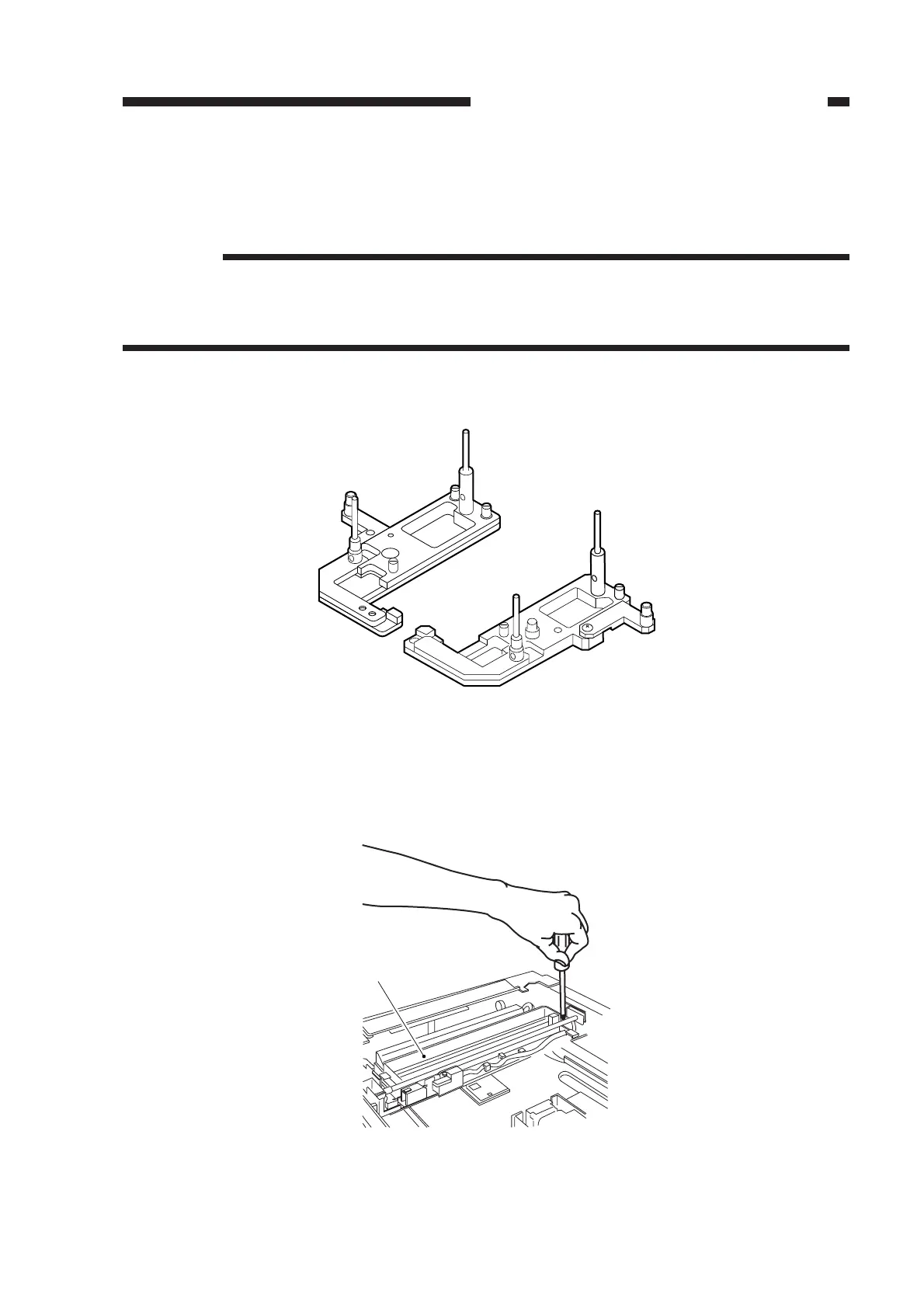
1) Fit the mirror positioning tool (FY9-3009) as shown.
Figure 2-5
2) Remove the copyboard glass.
3) Loosen the screws used to secure the cable retainer at the rear and the front of the No. 1 mirror
mount [1].
Figure 2-6
[1]



 To Next Page