CHAPTER 2 STANDARDS AND ADJUSTMENTS
2-27
3) Press the Copy Start key to make a copy.
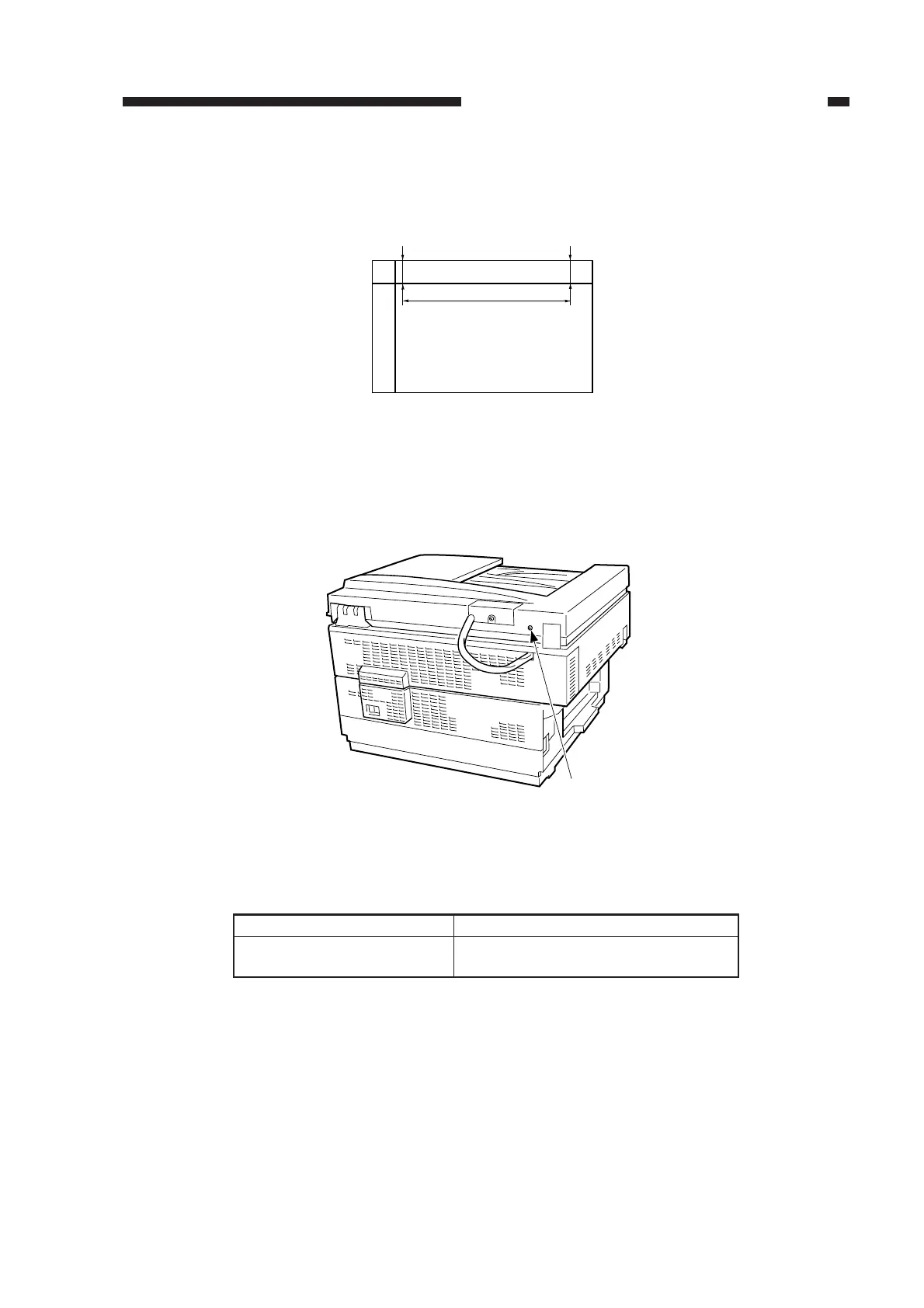
4) Check to make sure that the difference between L1 and L2 on the copy is 1.8 mm (standard) or
less.
Figure 2-46
5) If the difference is not as specified, turn the adjusting screw found to the side of the left hinge
unit to make adjustments.
Figure 2-47
Relationship between Adjusting Screw and L1/L2
Table 2-3
Direction of turn
Clockwise
Counterclockwise
Relationship between L1 and L2
L1 > L2
L1 < L2
Copy image
L1 L2
280mm
L1-L2=0 ± 1.8mm
Adjusting screw



 To Next Page