CHAPTER 2 STANDARDS AND ADJUSTMENTS
2-31
4. Adjusting the Original Leading Edge Stop Position
You must first correct original skew and adjust the rear/front original stop position before
adjusting the original leading edge stop position.
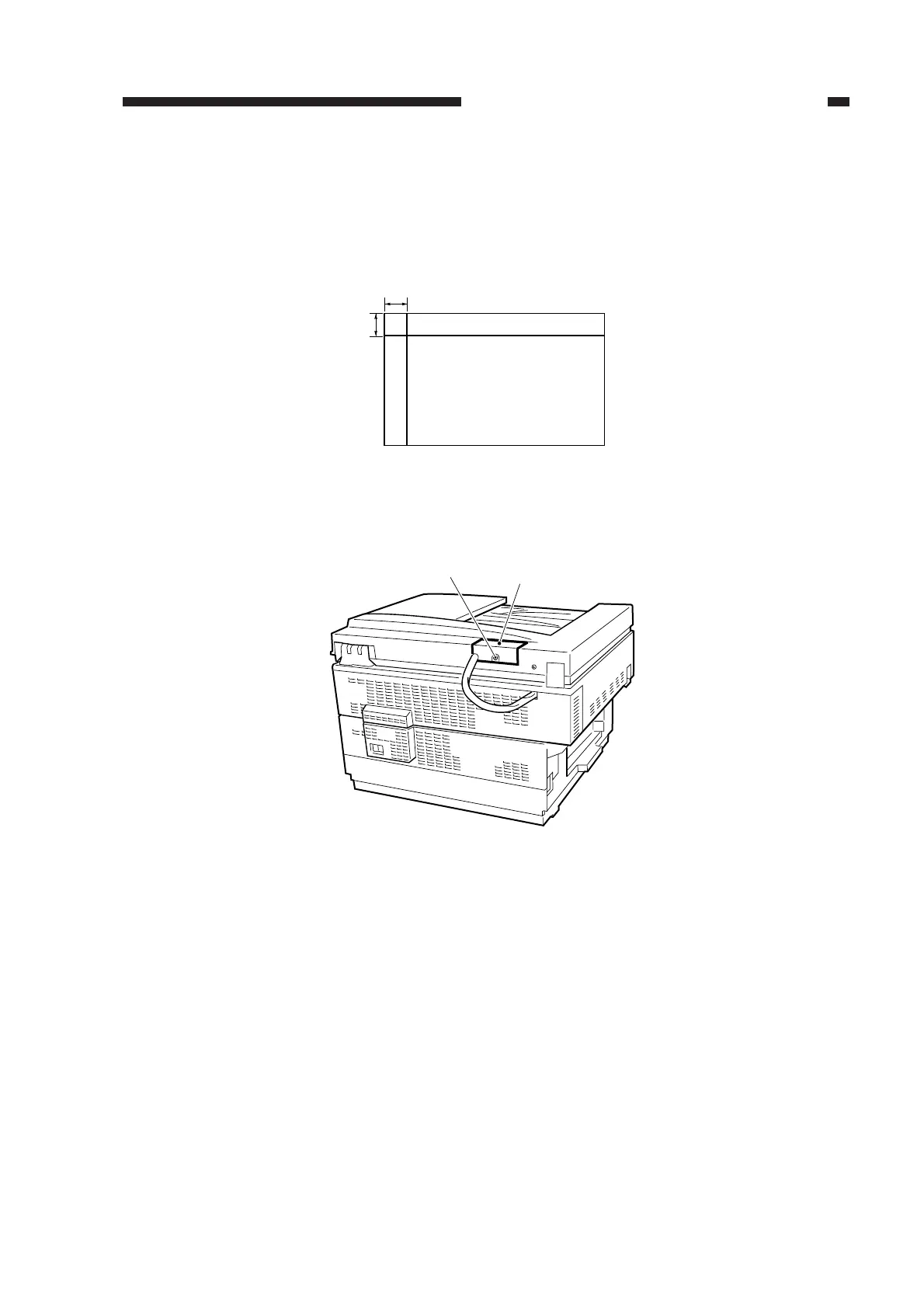
1) Obtain a sheet of A4 or LTR white copy paper, and draw two lines as indicated.
• The sheet will be used as a test sheet.
Figure 2-53
2) Remove the screw, and remove the ADF controller cover.
Figure 2-54
10mm
10mm
A4/LTR copy papper
ADF controller cover
Screw



 To Next Page