CHAPTER 2 STANDARDS AND ADJUSTMENTS
2-33
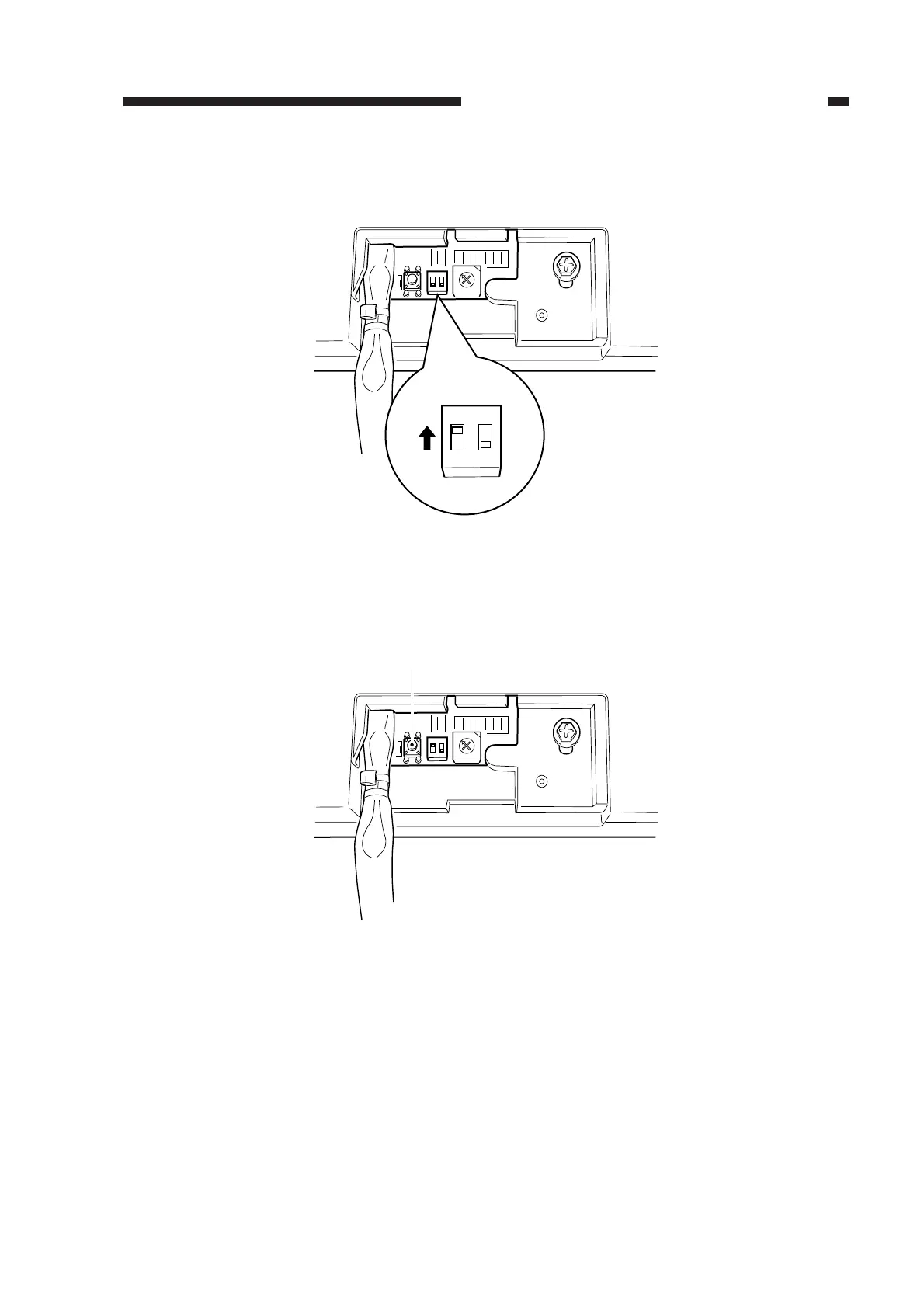
6) If the distance is not as specified, shift bit 1 of the DIP switch (SW1) on the ADF controller
PCB to ON, and place an A4 or LTR white copy paper on the original tray.
Figure 2-57
7) Press the push switch (PSW) on the ADF controller PCB.
• The copy paper will be picked up from the original tray and stopped on the copyboard glass.
Figure 2-58
0
F
E
D
C
B
A
9
8
7
6
5
4
3
2
1
ON
12
ON
12
SW1
0
F
E
D
C
B
A
9
8
7
6
5
4
3
2
1
ON
12
PSW



 To Next Page