CHAPTER 2 STANDARDS AND ADJUSTMENTS
2-34
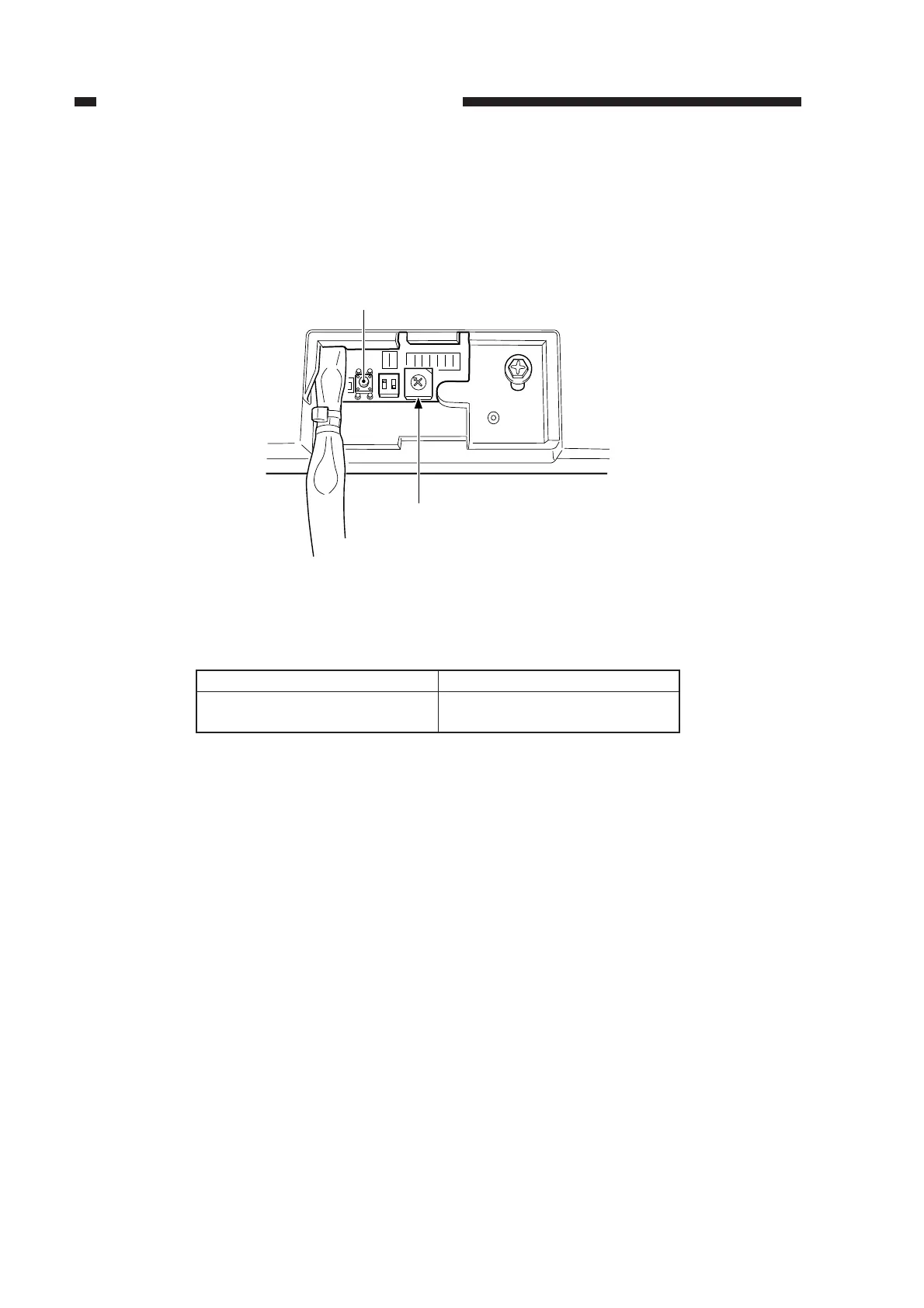
8) Use the rotary switch (SW2) on the ADF controller PCB to adjust the original leading edge
stop position.
Moving the rotary switch by a single notch changes the original stop position by about 0.3 mm.
Press the push switch (PSW) after deciding on a position to discharge the copy paper and store
the optimum value.
Figure 2-59
Relationship between Rotary Switch Direction and Original Position
Table 2-5
Position (shift) of original
Toward leading edge
Toward trailing edge
Direction of rotary switch
Clockwise
Counterclockwise
0
F
E
D
C
B
A
9
7
6
5
4
3
2
1
ON
12
PSW
SW2
8



 To Next Page