23 ImageBrowser Software User Guide
Chapter 3
What You Can Do with a
Camera Connected
Checking Images in the Camera before Downloading (2/2)
4.
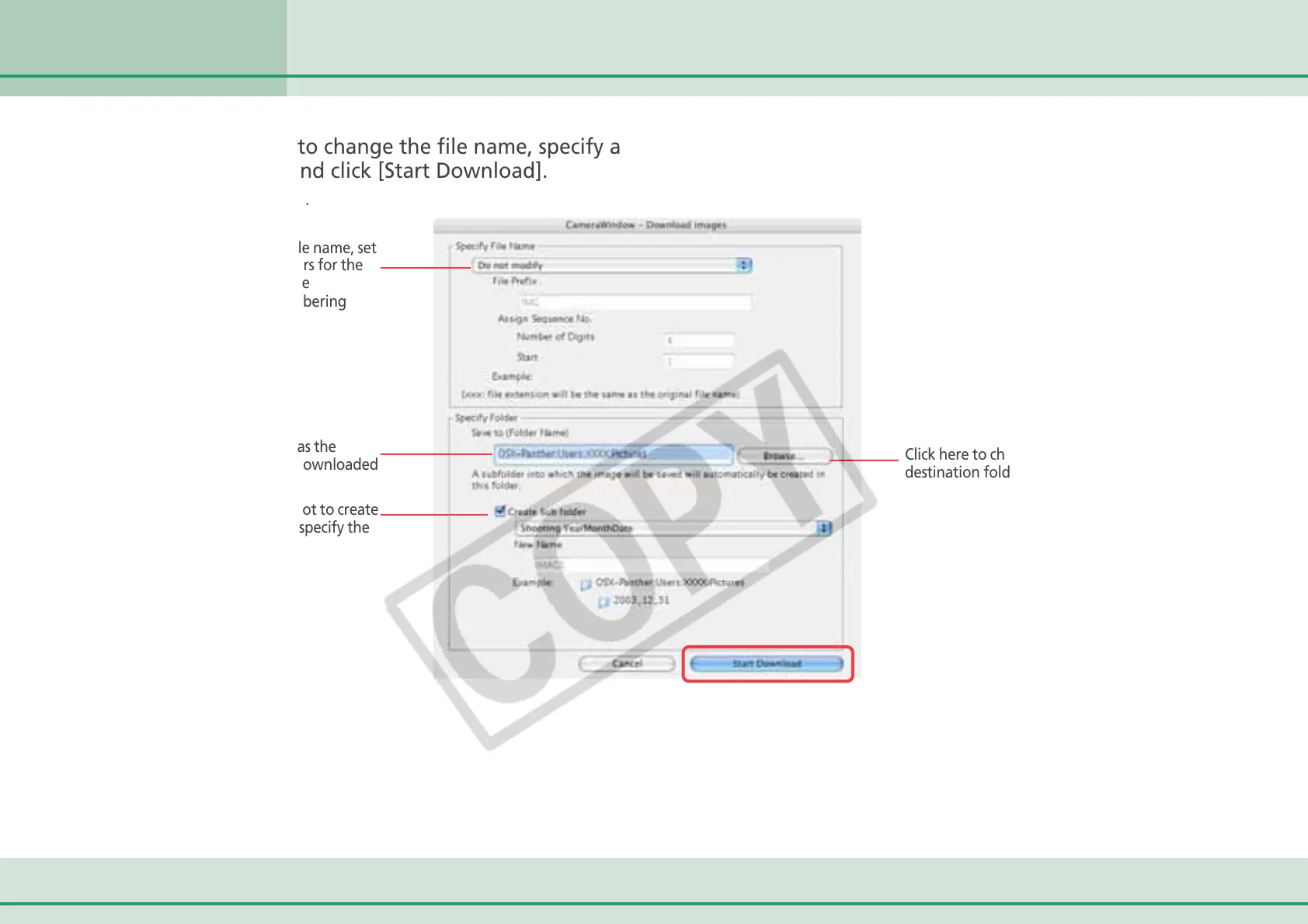
Set whether or not to change the file name, specify a
destination folder and click [Start Download].
The image will be saved.
To change the file name, set
the text characters for the
file prefix and the
consecutive numbering
system.
Specify a folder as the
destination for downloaded
images.
Click here to change the
destination folder.
Set whether or not to create
a subfolder and specify the
name.












 To Next Page