84 ImageBrowser Software User Guide
Chapter 6
Using Supplementary Features
Running Slide Shows (3/3)
If you selected “Control with Mouse or keypad” in the Slide Show
Options dialog box, you can control the slide show as follows:
■ To move to the next image
Press the [return] or [ ] key.
Click the image.*
■ To return to the previous image
Press the [ ] key.
Hold the [shift] key and click the image.*
■ To end the show
Press the [esc] key.
○○○○○○○○○○○○○○○○○○○○○○○○○○○○○○○○○○○○○○○○○○
REFERENCE
• The operations marked with an asterisk can only be used when
[Hides buttons] has been selected in the Slide Show Options
dialog. (The mouse actions are disabled when the buttons are
displayed.)
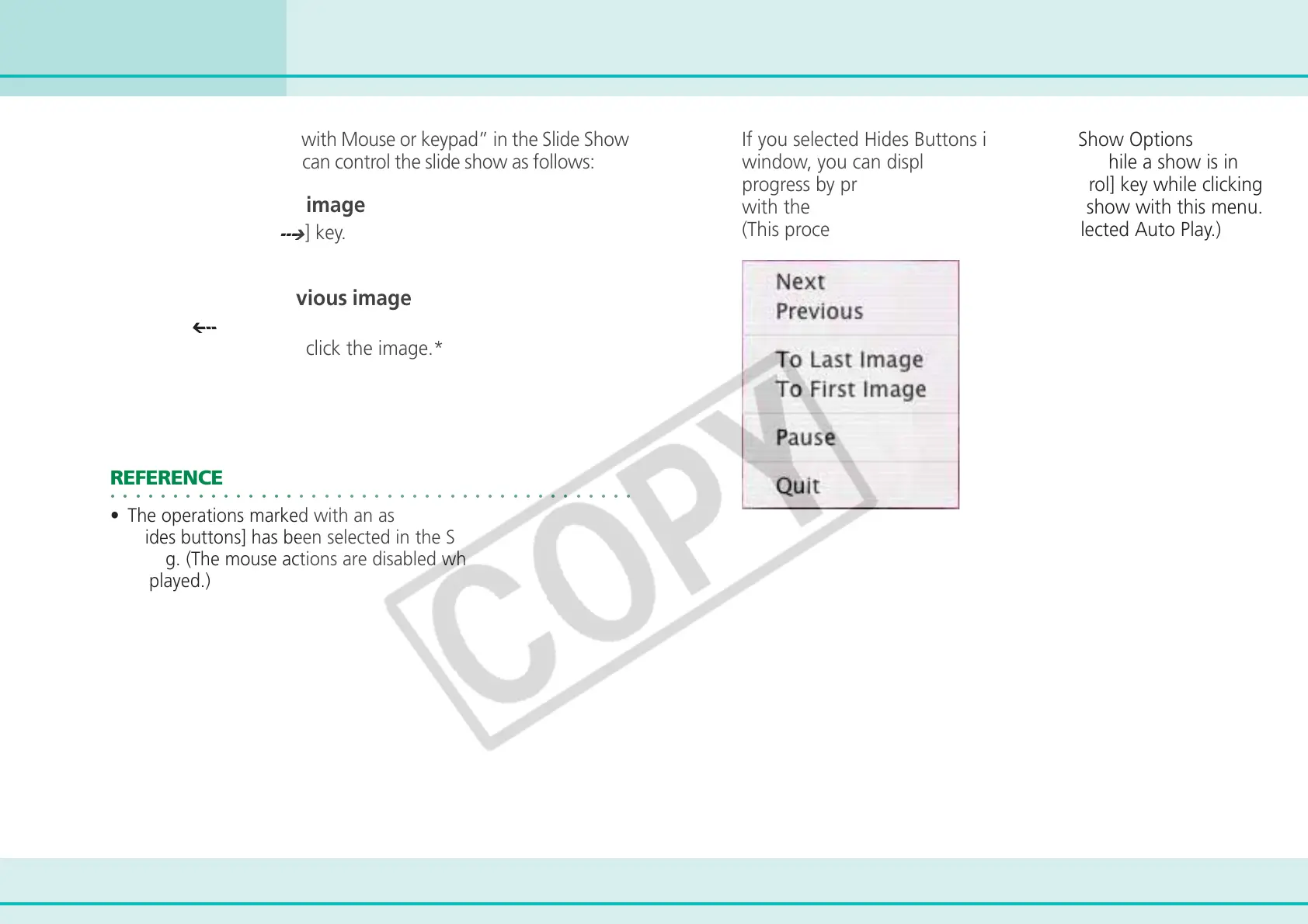
If you selected Hides Buttons in the Slide Show Options
window, you can display the control menu while a show is in
progress by pressing and holding the [control] key while clicking
with the mouse. You can control the slide show with this menu.
(This procedure can also be used if you selected Auto Play.)












 To Next Page