EasyManua.ls Logo

Canon PRIMA SUPER 155 CAPTION - Page 15

Canon PRIMA SUPER 155 CAPTION
43 pages
Print Icon
To Next Page IconTo Next Page
To Previous Page IconTo Previous Page
Loading...
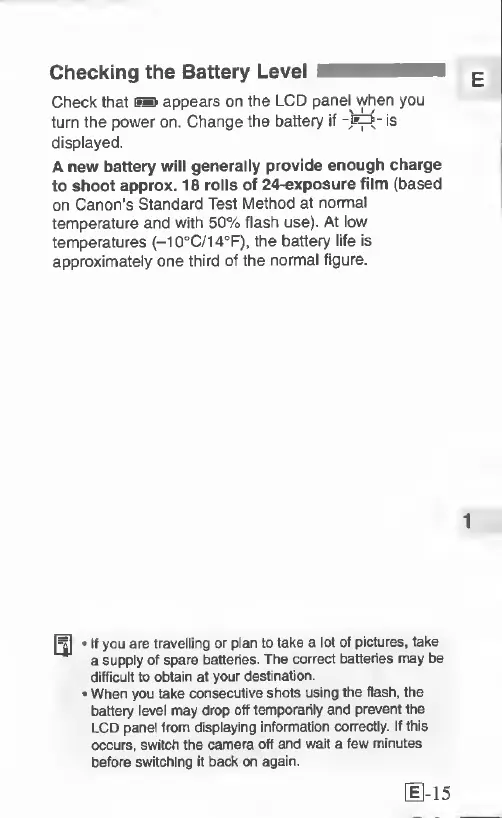
Checking
the
Battery
Level
Check
that
ES
appears
on
the
LCD
panel
when
you
turn
the
power
on.
Change
the
battery
if
is
displayed.
A
new
battery
will
generally
provide
enough
charge
to
shoot
approx.
18
rolls
of
24-exposure
film
(based
on
Canon's
Standard
Test
Method
at
normal
temperature
and
with
50%
flash
use).
At
low
temperatures
(-10°C/14®F),
the
battery
life
is
approximately
one
third
of
the
normal
figure.
If
you
are
travelling
or
plan
to
take
a
lot
of
pictures,
take
a
supply
of
spare
batteries.
The
correct
batteries
may
be
difficult
to
obtain
at
your
destination.
When
you
take
consecutive
shots
using
the
flash,
the
battery
level
may
drop
off
temporarily
and
prevent
the
LCD
panel
from
displaying
information
correctly.
If
this
occurs,
switch
the
camera
off
and
wait
a
few
minutes
before
switching
it
back
on
again.
11-15

Related product manuals