EasyManua.ls Logo

Canon PRIMA SUPER 155 CAPTION - Green;Orange Lamps.18

Canon PRIMA SUPER 155 CAPTION
43 pages
Print Icon
To Next Page IconTo Next Page
To Previous Page IconTo Previous Page
Loading...
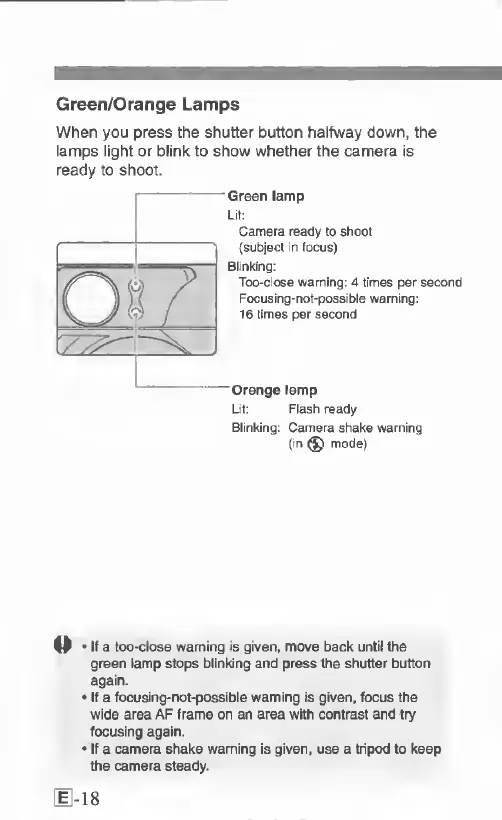
Green/Orange
Lamps
When
you
press
the
shutter
button
halfway
down,
the
lamps
light
or
blink
to
show
whether
the
camera
is
ready
to
shoot.
Green
lamp
Lit:
Camera
ready
to
shoot
{subject
in
focus)
Blinking:
Too-close
warning:
4
times
per
second
Focusing-not-possible
warning:
16
times
per
second
—Orange
lamp
Lit:
Flash
ready
Blinking:
Camera
shake
warning
(in
^
mode)
If
a
too-close
warning
Is
given,
move
back
until
the
green
lamp
stops
blinking
and
press
the
shutter
button
again.
If
a
focusing-not-possible
warning
is
given,
focus
the
wide
area
AF
frame
on
an
area
with
contrast
and
try
focusing
again.
If
a
camera
shake
warning
is
given,
use
a
tripod
to
keep
the
camera
steady.
18

Related product manuals