9
Safety Precautions
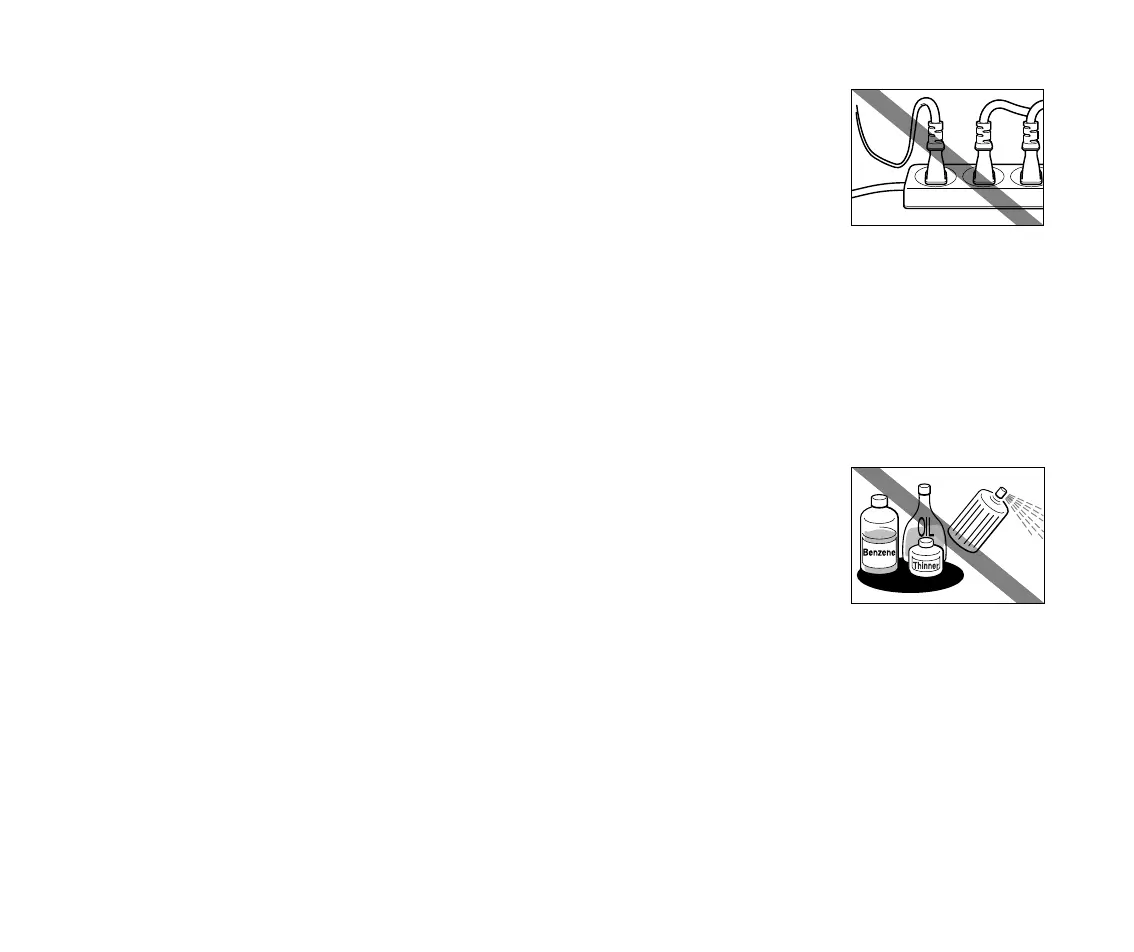
Never plug the printer into a power socket that is shared with other
equipment (extension lead, double adapter, etc.).
Never use the printer if the power cord is bundled or knotted.
If you detect smoke, unusual smells or strange noises around the printer, immediately
unplug the printer at the power supply and call for service.
■
Cleaning the printer
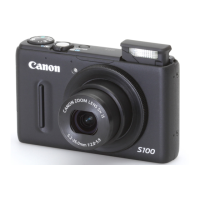
Use a damp cloth to clean the printer. Never use flammable solvents
such as alcohol, benzene or thinners.
If flammable solvents come in contact with electrical components inside the
printer, it could cause a fire or electric shock.
Always unplug the printer from the power outlet before cleaning the printer.
If you do not unplug the printer before cleaning it, you could injure yourself or damage the printer.
S200.book Page 9 Saturday, September 22, 2001 2:34 PM


 To Next Page