Cancelling a Print Job
40
Printer Driver Functions (Windows)
Cancelling a Print Job
You can cancel a print job that is currently performed by:
• Pressing the RESUME/CANCEL button, or
• Operating the BJ Status Monitor.
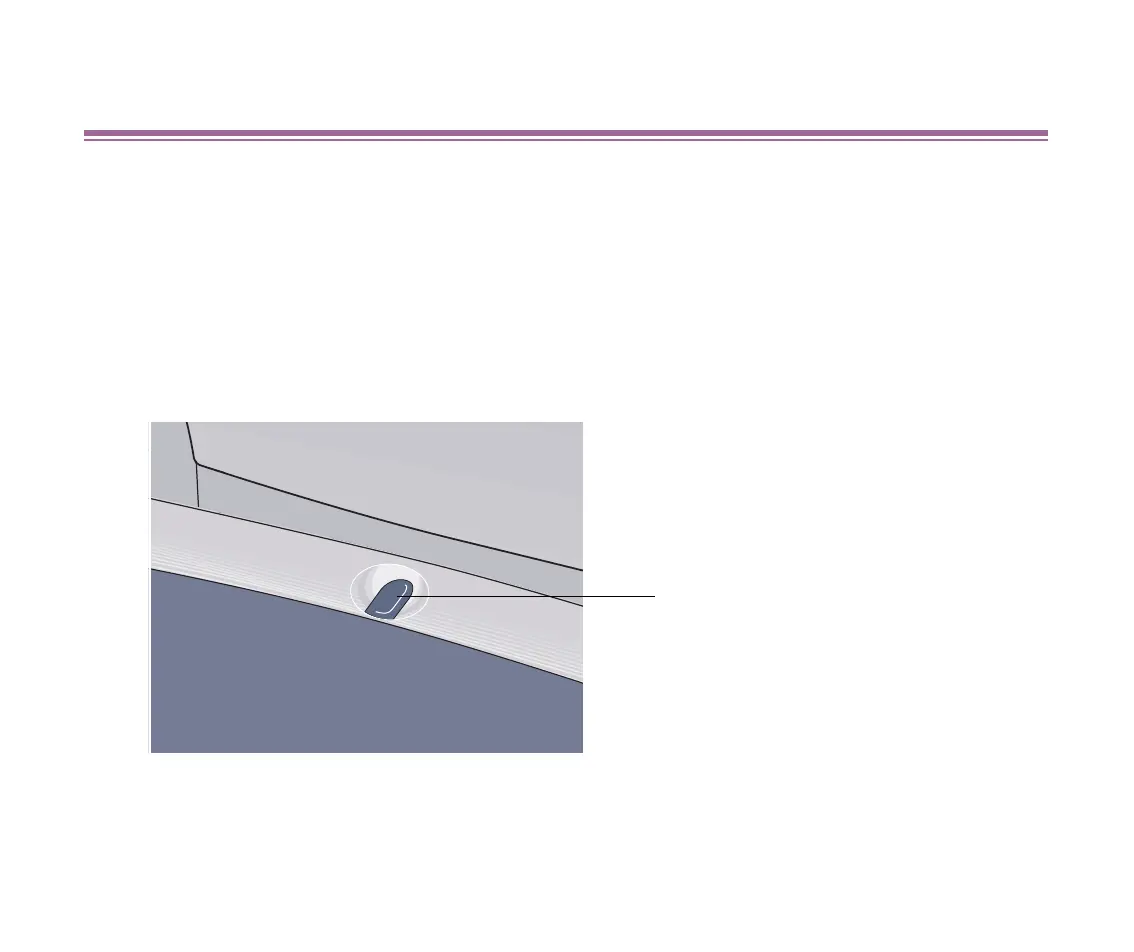
■ Cancelling a print job with the RESUME/CANCEL button of the printer itself
Press the RESUME/CANCEL button to terminate the print job.
RESUME/CANCEL button
S200.book Page 40 Saturday, September 22, 2001 2:34 PM



 To Next Page