EasyManua.ls Logo

Canon Speedlite 420EX - User Manual

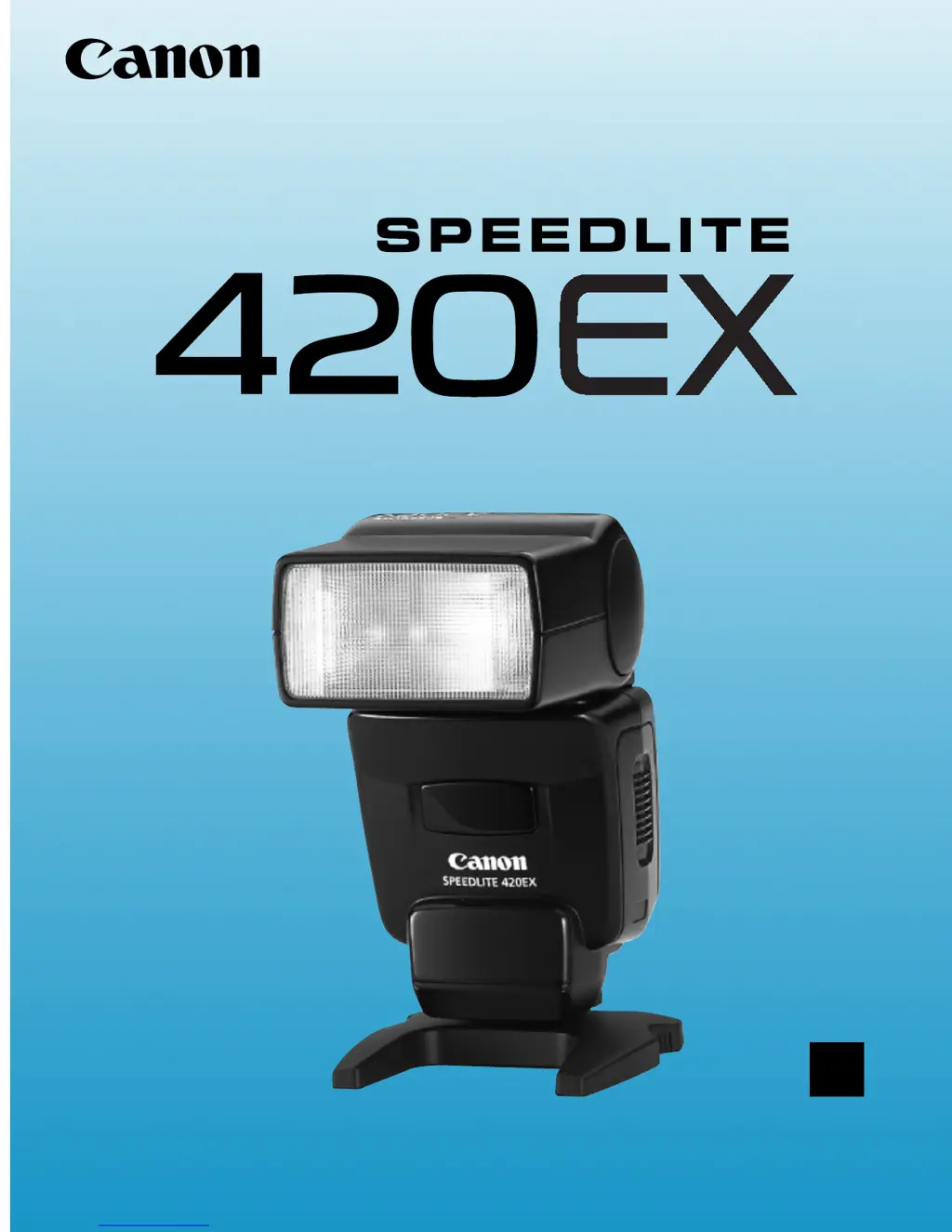
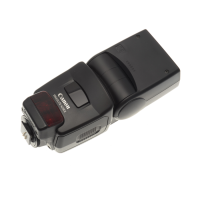
Canon Speedlite 420EX
56 pages
Print Icon
To Next Page IconTo Next Page
Loading...
E
English Edition
INSTRUCTIONS
K133 Cover (E) 02.4.1 2:59 PM Page 3

Other manuals for Canon Speedlite 420EX

Questions and Answers

  • A
    Anna GarrisonJul 25, 2025
    Why doesn't my Canon Speedlite 420EX Camera Flash fire?
    • T
      Thomas OneillJul 25, 2025
      The Canon Camera Flash might not fire due to several reasons: * The batteries may be exhausted, so install new batteries. * The batteries may be installed incorrectly; ensure they are in the proper orientation. * The mounting foot might not be securely mounted; slide it all the way into the hot shoe. * The hot shoe contacts may be dirty; clean the contacts.
  • M
    Michael AndrewsAug 3, 2025
    What to do if Canon Speedlite 420EX slave unit does not fire?
    • J
      Jared Stevens MDAug 3, 2025
      If the Canon Camera Flash slave unit isn't firing, consider these potential causes: * The wireless selector might be set incorrectly; set the wireless selector to < >. * The unit may be out of range; position the slave unit within the master unit's wireless transmission range. * The wireless sensor might not be facing the master unit; point the slave unit's wireless sensor toward the master unit. * The master unit's flash mode may be incompatible; set the master unit's flash mode to < >.
  • T
    Tiffany RodriguezAug 9, 2025
    Why does my Canon Speedlite 420EX power turn off automatically?
    • R
      Richard SimsAug 9, 2025
      If your Canon Camera Flash turns off automatically, it is likely because it has not been used for 90 seconds. To resolve this, press the shutter button halfway or press the test firing button.
  • J
    Jason AdamsAug 17, 2025
    What to do if my Canon Speedlite 420EX cannot be detached?
    • A
      Adrian RussellAug 17, 2025
      If the Canon Camera Flash cannot be detached from the camera, the locking collar has probably not been loosened enough. Loosen the locking collar until the locking pin disengages.

Summary

Before You Start (For Type-A and Type-B Cameras)

Installing the Batteries

Describes how to insert batteries into the Speedlite.

Mounting the Speedlite

Explains how to attach the Speedlite to a camera's hot shoe.

Wireless Selector

Details the settings for the wireless selector switch.

Main Switch

Explains the ON/OFF settings of the main power switch.

High-Speed Sync (FP Flash) Switch

Describes the settings for normal and high-speed sync modes.

Pilot Lamp and Test Firing

How to check flash readiness and perform a test flash.

Flash Exposure Confirmation

Explains the flash exposure confirmation lamp and its meaning.

Flash Coverage

Explains how flash coverage adjusts to focal length.

AF-Assist Beam

Details the function and range of the AF-assist beam.

Easy Flash Photography (For Type-A Cameras)

Flash in Full Auto Mode

How to use flash in Full Auto or Program AE modes.

Flash in Other Picture-Taking Modes

Using flash in Aperture-priority, Shutter speed-priority, and Manual modes.

High-Speed Sync (FP Flash)

How to use high-speed sync for faster shutter speeds.

FE Lock

How to lock flash exposure for precise lighting.

Second-Curtain Synchronization

Capturing light trails with rear-curtain sync.

Modeling Flash

Firing a test flash to preview lighting effects.

Easy Flash Photography (For Type-B Cameras)

Flash in Full Auto Mode

Using flash in Full Auto or Program AE modes for Type-B cameras.

Flash in Other Picture-Taking Modes

Using flash in Av, Tv, and M modes for Type-B cameras.

Advanced Flash Photography (For Type-A and B Cameras)

Bounce Flash

How to bounce flash off surfaces for softer lighting.

Flash Exposure Compensation

Applying flash exposure compensation for adjusted flash output.

Multi-Speedlite System

Creating sophisticated lighting with multiple Speedlites.

Canon Speedlite 420EX Specifications

General IconGeneral
Number of batteries supported4
Weight and Dimensions IconWeight and Dimensions
Weight300 g
Dimensions (WxDxH)71 x 99 x 122 mm

Related product manuals