31
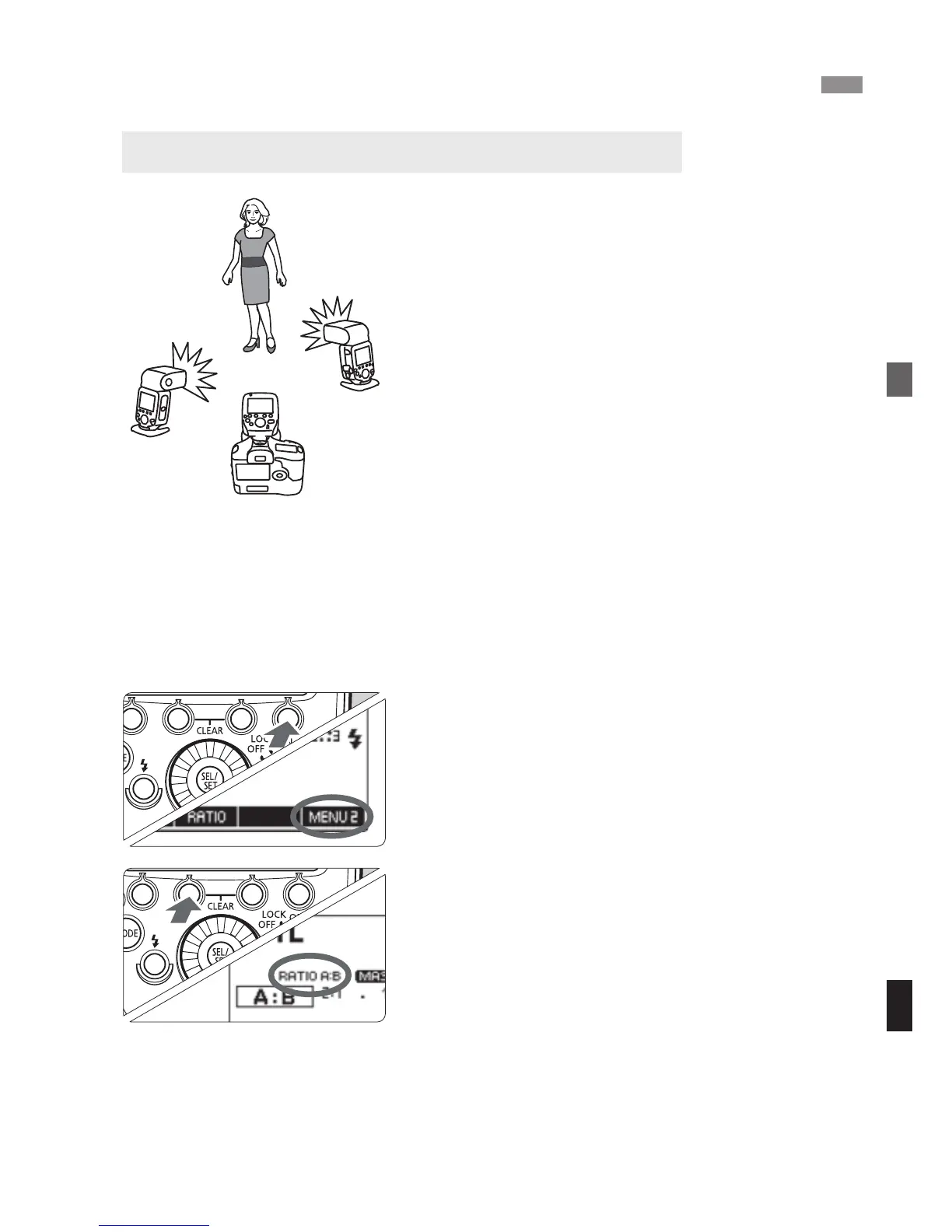
You can divide the slave units into two
firing groups, A and B, and adjust the
lighting balance (flash ratio) for shooting.
The exposure is controlled automatically
so that the total flash output of firing
groups A and B results in the standard
exposure.
1
Set the firing group of the slave
units.
Operate and set the slave units one
by one.
Set one unit to <4> and set the
other to <5>.
For the slave unit settings, see the
flash’s instruction manual.
2
Display <N>.
The operations in steps 2 to 4 are set
on the master unit.
Press the master unit’s function
button 4 to display <N>.
3
Set to <%>.
Press function button 2 <T> and
set to <%>.
a
: Wireless Multiple Flash Shooting with Flash Ratio
Autoflash Shooting with Two Slave Groups
A
B



 To Next Page