38
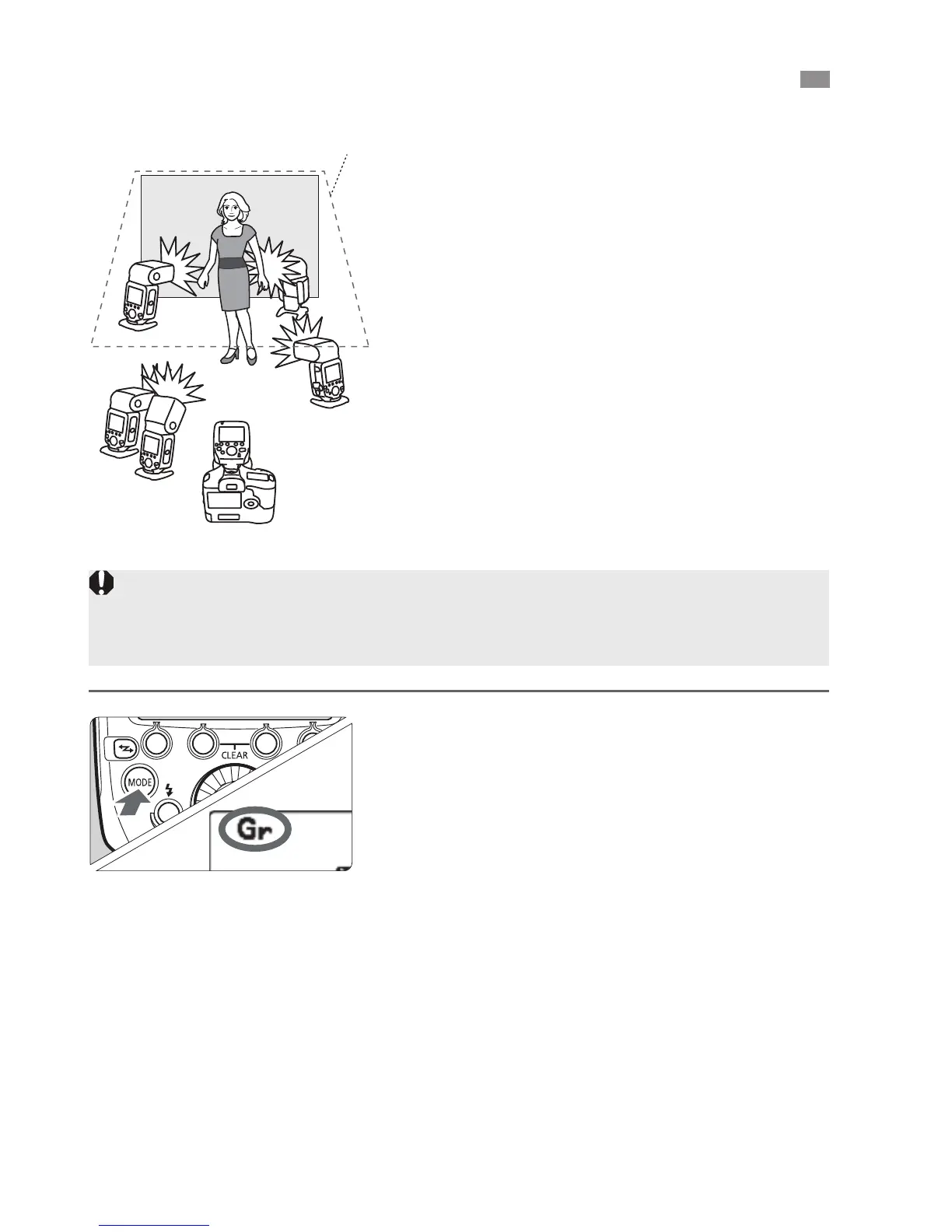
When using an EOS digital camera
released since 2012, such as the EOS-1D
X, you can shoot with a different flash
mode set for each firing group, with up to 5
groups (A/B/C/D/E).
The flash modes that can be set are "
E-TTL II/E-TTL autoflash, # Manual
flash and $ Auto external flash
metering. When the flash mode is " or
$, exposure is controlled to result in
standard exposure for the main subject
as a single group.
This function is for advanced users who
are very knowledgeable and
experienced in lighting.
1
Set the flash mode to <[>.
Press the <E> button on the
master unit and set the flash mode to
<[>.
2
Set the firing group on the slave
units.
Operate and set the slave units one
by one.
Set a firing group (A/B/C/D/E) for all
the slave units.
For the slave unit settings, see the
flash’s instruction manual.
[
: Shooting with a Different Flash Mode for Each Group
A
C
E
D
B
Ceiling
Wireless flash shooting using the <[> flash mode cannot be performed
with cameras released up to 2011. Shooting with up to 3 groups (A/B/C) is
set (p.32).



 To Next Page