34
This describes wireless (multiple flash) shooting using manual flash.
You can shoot with a different flash output setting for each slave unit
(firing group). Set all parameters on the master unit.
1
Set the flash mode to <q>.
2
Set the number of firing groups.
While <M> is displayed, press
function button 2 <T> and set
the groups to fire.
The setting changes as follows each
time you press the button:
ALL (_) →
A/B (%) →
A/B/C (]).
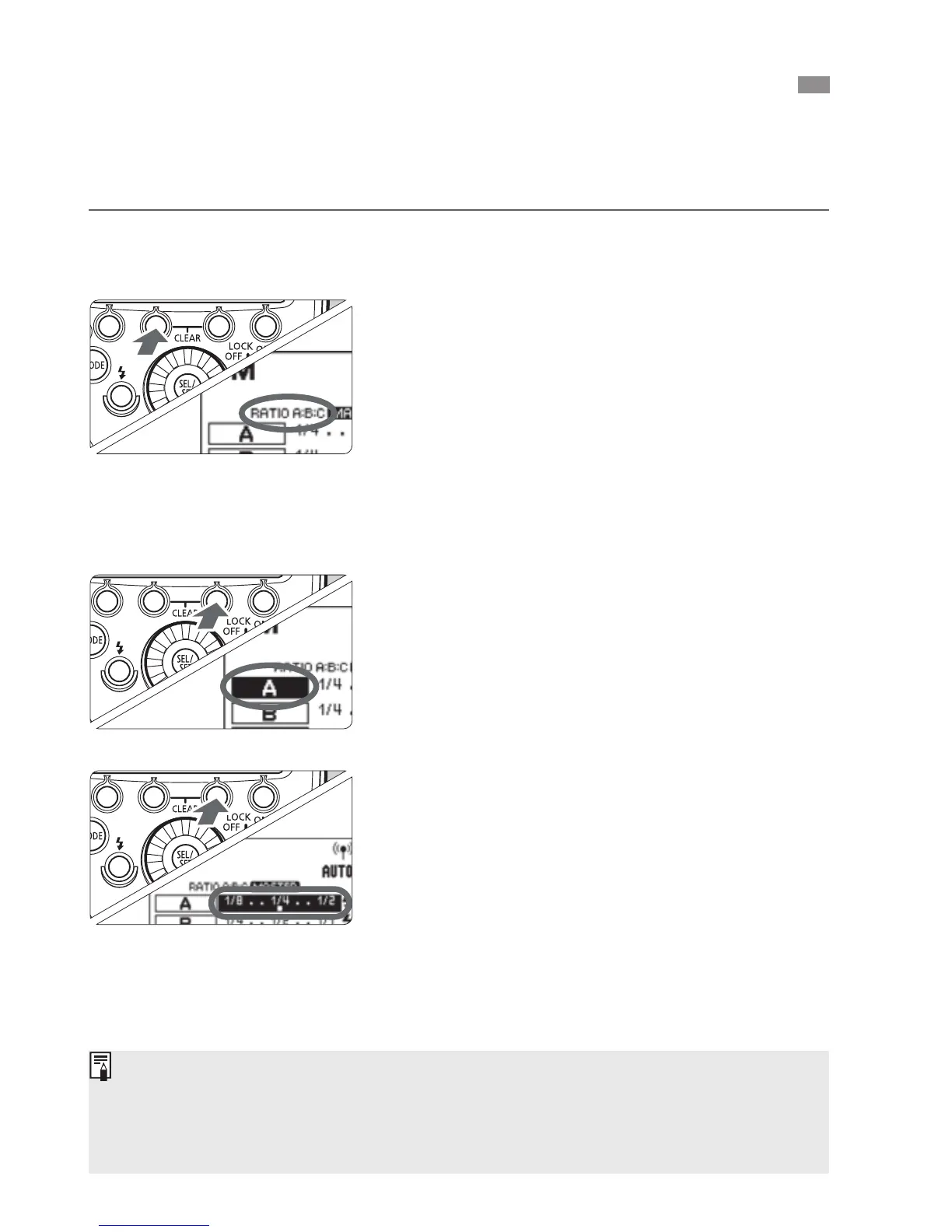
3
Select a firing group.
Press function button 3 <F>,
turn <9> and select the group for
which you want to set the flash
output.
4
Set the flash output.
Press function button 3 <1 >.
Turn <9> to set the flash output,
and press the <8> button.
Repeat steps 3 and 4 to set the flash
output of all groups.
5
Take the picture.
X Each group fires at the set flash
output.
q
: Wireless Multiple Flash Shooting with Manual Flash Output
When ALL <_> is set, set A, B or C as the firing group for the
slave units. The flash will not fire if it is set to D or E.
To fire multiple slave units with the same flash output, select ALL
<_> in step 2.



 To Next Page