44
Linked Shooting
1
Set to linked shooting mode.
Press the <I> button continuously
until <b> is displayed on
the LCD panel.
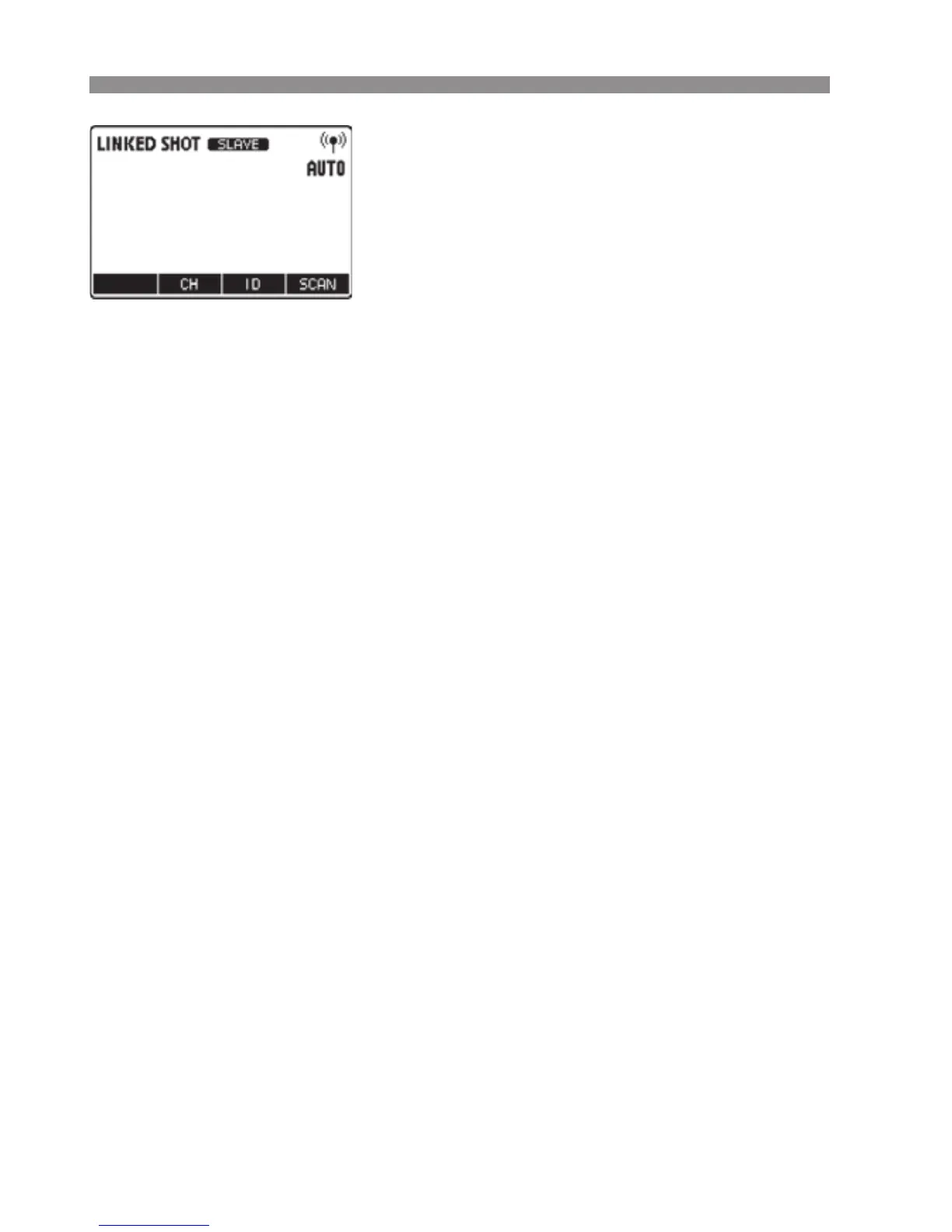
X Linked shooting mode’s “Slave unit”
is set.
Press the <I> button again to set
“Master unit” of the linked shooting
mode.
2
Set the channel and ID.
Set the channel by pressing function
button 2 <C>, and set the ID by
pressing function button 3 <H>.
For details on the setting procedure,
see pages 20 to 22.
3
Set the camera’s shooting
functions.
4
Set all the transmitters.
Repeat steps 1 to 3 and set all the
transmitters to “Master unit” or “Slave
unit” in the linked shooting mode.
Set the Speedlites used in linked
shooting in the same way.
When pressing the <I> button to
change the setting of a unit from
“Slave unit” to “Master unit,” the other
transmitters (or Speedlites) that were
set to “Master unit” until then
automatically switch to “Slave unit”.



 To Next Page