22
Note:
Camera shake
is
likely to occur
if the shutter speed is slower
than a speed equivalent to
"1/lens focal length" sec. If the
camera sets a shutter speed
slower than this value, either
use a tripod or change to a
larger aperture
so
that a faster
shutter speed is set. (For ex-
ample, using a 100 mm lens,
camera shake
is
likely at shut-
ter speeds slower than 1/100
sec. Accordingly, make sure
the shutter speed
is
set to
1/125 sec or faster or use a
tripod.)
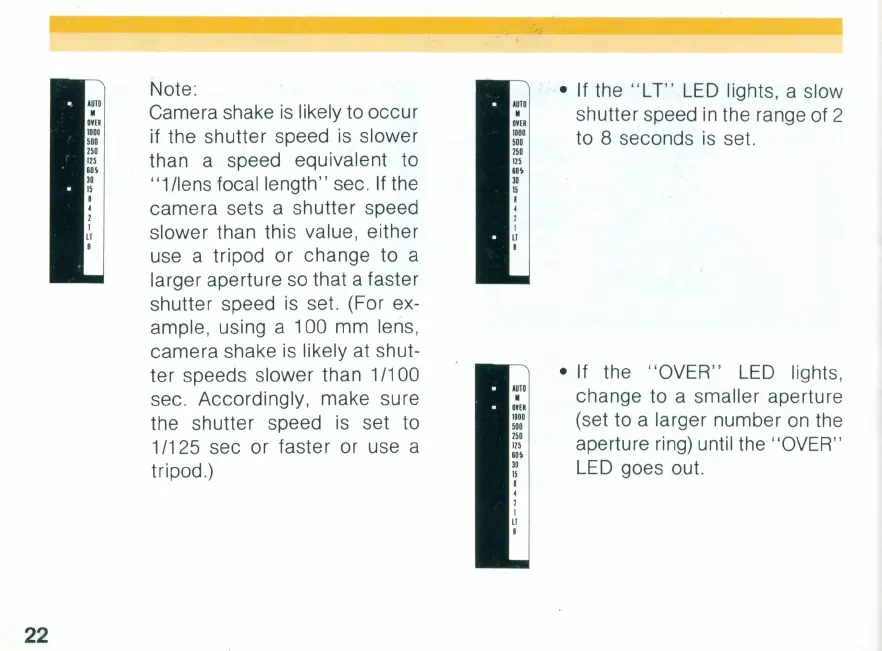
• If the
"L
T"
LED
lights, a slow
shutter speed
in
the range of 2
to 8 seconds
is
set.
• If the " OVER"
LED
lights,
change to a smaller aperture
(set to a larger number
on
the
aperture ring) until the "OVER "
LED
goes out.



 To Next Page