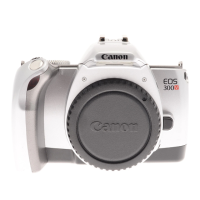
2. Lens Attachment
1)
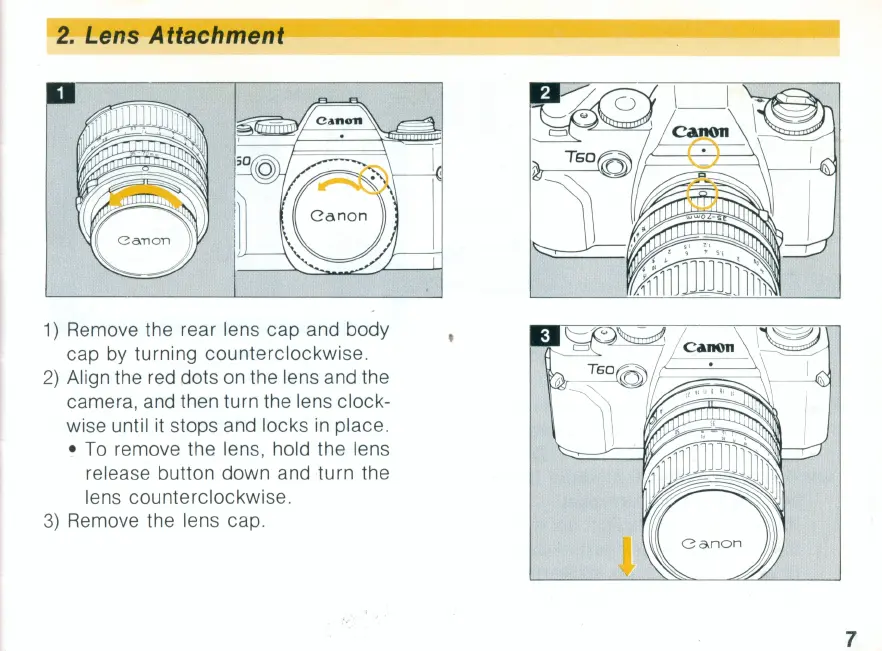
Remove the rear lens cap and body
cap by turning counterclockwise.
2)
Align the red dots on the lens and the
camera, and then turn the lens clock-
wise until it stops and locks
in
place.
•
To
remove the lens, hold the lens
release button down and turn the
lens counterclockwise.
3)
Remove the lens cap.
7



 To Next Page