32
4)
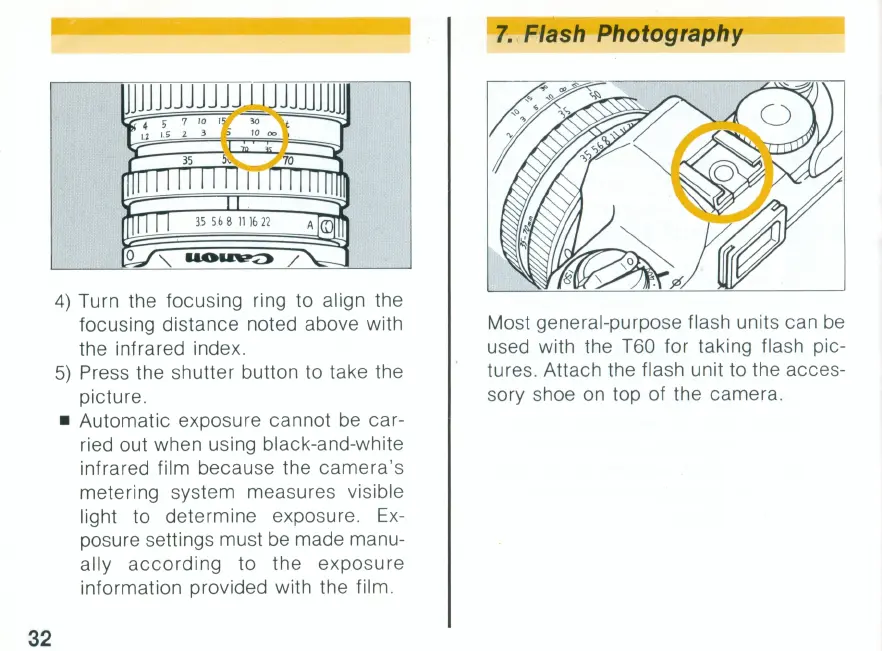
Turn the focusing ring to align the
focusing distance noted above with
the infrared index.
5)
Press the shutter button to take the
picture .
• Automatic exposure cannot be car-
ried out when using black-and-white
infrared film because the camera's
metering system measures visible
light to determine exposure. Ex-
posure settings must
be
made manu-
ally
according
to
the exposure
information provided with the film.
7.
Flash Photography
Most general-purpose flash units can
be
used with the T60 for taking flash pic-
tures. Attach the flash unit to the acces-
sory shoe on top of the camera.



 To Next Page