viii
Setting Page
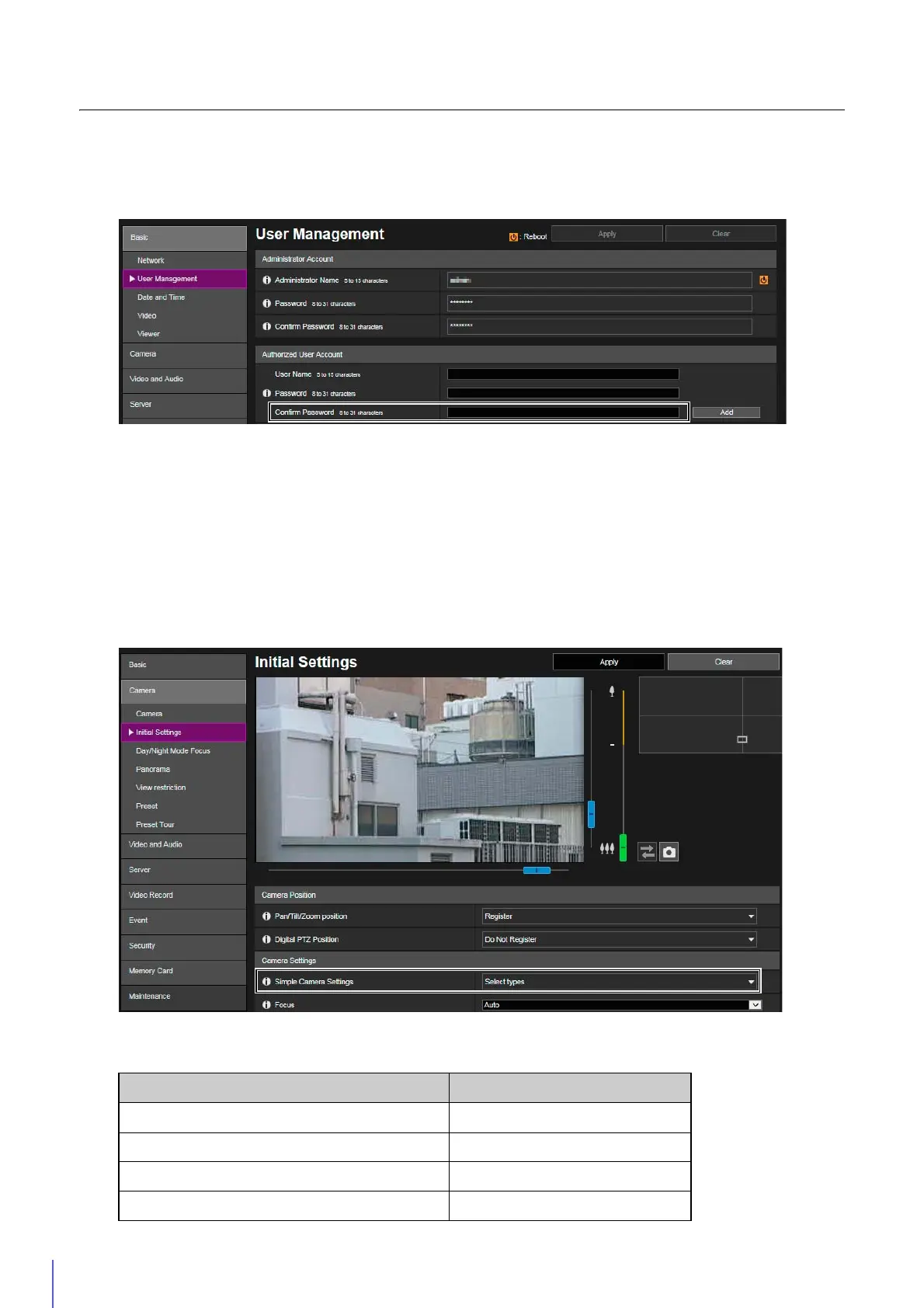
[Basic] > [User Management]
It is now necessary to enter a confirmation password when setting the password for an authorized user.
[Confirm Password]
Enter the same password as above for confirmation.
[Camera] > [Initial Settings]
Recommended values have been changed for [Exposure], [Shutter Speed Limit (Lower)], [Shutter Speed Limit
(Upper)], and [Shutter Speed], which are displayed when [Motion Priority] in [Simple Camera Settings] is selected.
The notes regarding [Motion Priority] and [Depth Priority] in [Simple Camera Settings] have been changed according
to the improved performance.
[Simple Camera Settings]
Type Motion Priority
[Exposure] Auto
[Shutter Speed Limit (Lower)] 1/1000 (sec.)
[Shutter Speed Limit (Upper)] 1/16000 (sec.)
[Shutter Speed] -



 To Next Page