EasyManua.ls Logo

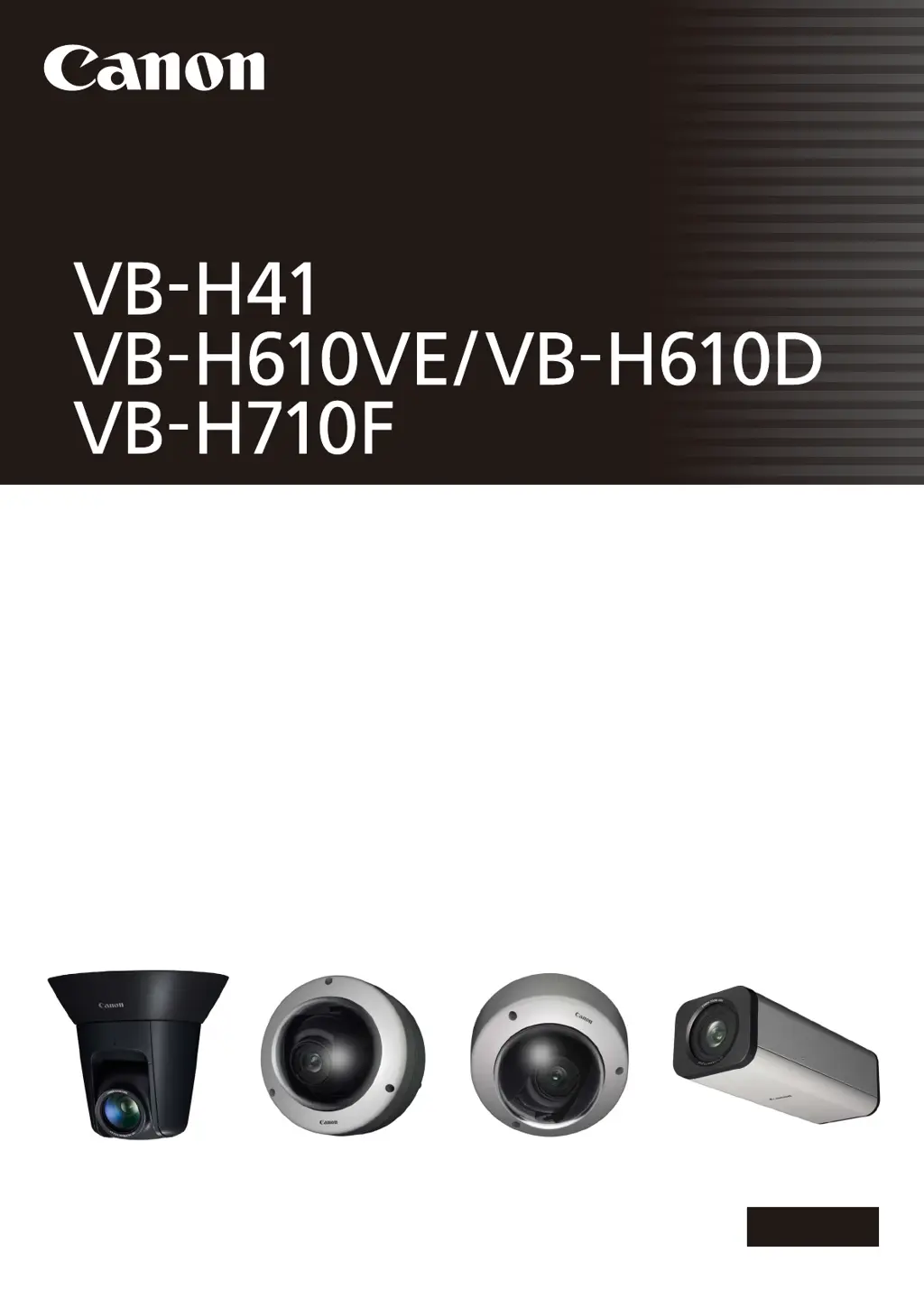
Canon VB-H610D - User Manual

Canon VB-H610D
173 pages
Print Icon
To Next Page IconTo Next Page
Loading...
ENGLISH
Network Camera
Network Camera
Operation Guide
Be sure to read this Operation Guide before using the network camera.

Table of Contents

Other manuals for Canon VB-H610D

Questions and Answers

  • C
    Courtney PhamSep 4, 2025
    What to do if VB Initial Setting Tool does not operate for Canon VB-H610D?
    • J
      jackgloverSep 4, 2025
      If the VB Initial Setting Tool isn't operating for your Canon Security Camera, check the following: * Ensure the LAN cable is correctly connected. * Restart the camera. * Verify that the camera and the PC running the tool are on the same LAN segment. * If the [Windows Firewall] function is enabled, see “Notes on Use When the [Windows Firewall] Function is Enabled”. * Check if you are using an older version of the VB Initial Setting Tool.
  • D
    Dave WatsonSep 18, 2025
    Why Admin Tools or Admin Viewer will not start on Canon VB-H610D?
    • D
      Derek HermanSep 18, 2025
      If the Admin Tools or Admin Viewer won't start for your Canon Security Camera, here are some things to check: * If you see “Your web browser is not supported,” use Internet Explorer 7.0 or later. * If you see “Application could not be started. Install .NET Framework 3.5 (SP1 or later).”, install .NET Framework 3.5 (SP1 or later) or enable settings. * If you see “JavaScript is not available or disabled on your web browser.”, set [Active Script] to [Enable] in Internet Explorer's security settings. * If you see “Application could not be started. The following settings must be carried out to use the Admin Viewer and Admin Tools.”, complete the listed steps.
  • M
    Melinda SanchezSep 16, 2025
    What does 'Cannot access the SD card' mean on Canon VB-H610D?
    • E
      Erin ReedSep 16, 2025
      If you see the message “Cannot access the SD card. Please recreate the video management imformation on the Setting page” when starting the Recorded Video Utility for your Canon Security Camera, go to [SD Card Information] under [Memory Card] in the setting page and check [Video Management Information Status]. If it says [Video Management Information Recreation Required], click [Exec] in [Recreate Video Management Information] under [SD Card Operations]. After recreating, ensure that [Video Management Information Status] is [Normal].
  • B
    Brett ParksSep 14, 2025
    Why video is not updated in the Digital PTZ panel in Admin Viewer of Canon Security Camera?
    • M
      Mrs. Michele Rollins MDSep 14, 2025
      If the video is not updating in the Digital PTZ panel in Admin Viewer for your Canon Security Camera, the [Maximum Connection Time (sec.)] setting under [Video Server] on the Settings page may be the cause. If the value is set to other than 0, the video will no longer be updated after the set time elapses. Setting it to 0 makes the video update time unlimited, but this affects the connection time for all clients.
  • B
    Brandon ColemanSep 12, 2025
    Why files cannot be saved in the Settings page or Admin Tools of Canon VB-H610D Security Camera?
    • T
      Todd WellsSep 12, 2025
      If you're unable to save files in the Settings page or Admin Tools for your Canon Security Camera, it may be due to Windows 7, Windows Vista, or Windows Server 2008 prohibiting saving to certain folders. Try specifying folders like [Documents] or [Pictures].
  • T
    Taylor Zimmerman DDSSep 12, 2025
    Why video is not displayed for Digital PTZ panel in Admin Viewer for Canon Security Camera?
    • A
      Alexander StewartSep 12, 2025
      If the video is not displayed for the Digital PTZ panel in Admin Viewer for your Canon Security Camera, check if the [Maximum Number of Clients] is configured to 0 under [Video Server] in the Settings page. If it is, increase the number in [Maximum Number of Clients].
  • J
    Julia GomezSep 9, 2025
    Why I cannot use recording-mode stream transmission on Canon VB-H610D?
    • D
      David EricksonSep 9, 2025
      You cannot use recording-mode stream transmission on your Canon Security Camera if [Upload] in the [Upload] menu is set to HTTP or FTP. To enable recording-mode stream transmission, set [Upload] to [Upload Disabled].
  • A
    Austin MartinSep 7, 2025
    What to do if Camera Angle Setting Tool does not operate for Canon VB-H610D Security Camera?
    • L
      lharrisSep 7, 2025
      If the Camera Angle Setting Tool isn't working for your Canon Security Camera: * Check if the LAN cable is correctly connected. * Ensure the camera and the PC running the tool are on the same LAN segment. * If a message prompts you to install .NET Framework 3.5 (SP1 or later), install it or enable the necessary settings.
  • R
    Robin WilkinsSep 5, 2025
    Why video cannot be recorded on an SD memory card on Canon VB-H610D Security Camera?
    • K
      Kathy ParkSep 5, 2025
      If video cannot be recorded on an SD memory card in your Canon Security Camera: * Check the [Video Record Action] settings under [Event] in the settings page and ensure it is set to [Record to SD Card] when an event occurs. * If recording-mode stream video is not being saved due to network errors or HTTP/FTP upload failures, check [Operation Settings] under [Memory Card] and ensure it is set to [Save Logs and Videos]. * To manually save recordings, ensure you have camera control privileges.
  • H
    Hannah SchneiderAug 21, 2025
    How to reset password on Canon Security Camera?
    • T
      Tara OliverAug 21, 2025
      If you've forgotten your password for the Canon Security Camera, you can initialize all settings of the camera (excluding date and time) using the reset switch. The default administrator password required for initialization is “camera”. Keep in mind that this will also reset network settings like the IP address and subnet mask, which you'll need to configure again.

Canon VB-H610D Specifications

General IconGeneral
Maximum Resolution1920 x 1080
Frame Rate30 fps at 1920 x 1080
CompressionH.264, MJPEG
Camera TypeNetwork Camera
Image Sensor1/3" CMOS
Effective PixelsApprox. 2.1MP
Focal Length3.6 mm
Angle of View (Horizontal)100°
Angle of View (Vertical)54.1° (Wide) - 27.4° (Tele)
Minimum Illumination (Color)0.5 lux
Shutter Speed1/1 - 1/10000 sec
AudioTwo-way audio
Network InterfaceEthernet (10BASE-T/100BASE-TX)
ProtocolsHTTP, HTTPS, TCP/IP
Power SourcePoE (IEEE802.3af)
Operating Temperature-10°C to +50°C (14°F to 122°F)

Related product manuals