EasyManua.ls Logo

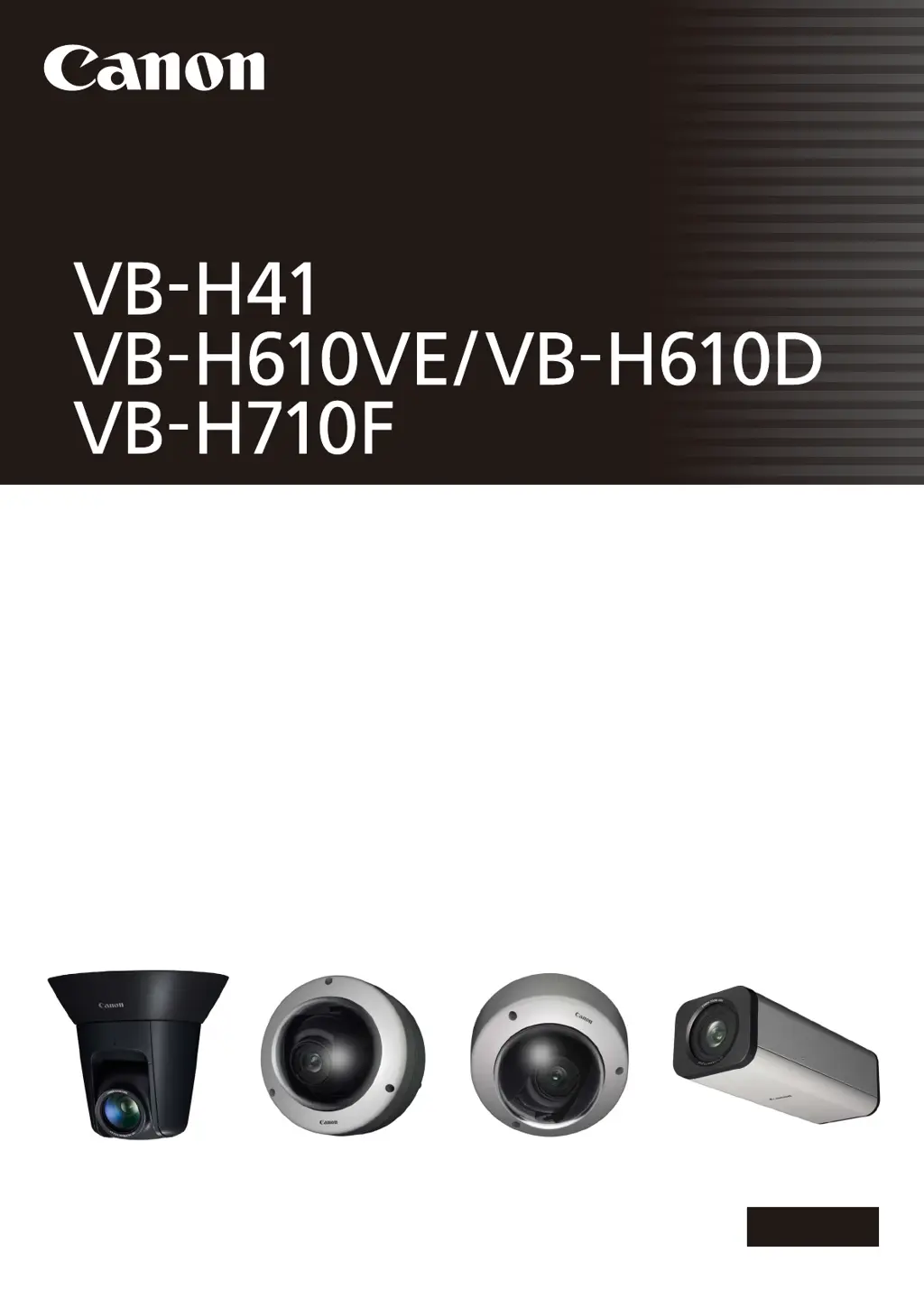
Canon VB-H610D - User Manual

Canon VB-H610D
173 pages
Print Icon
To Next Page IconTo Next Page
Loading...
ENGLISH
Network Camera
Network Camera
Operation Guide
Be sure to read this Operation Guide before using the network camera.

Table of Contents

Other manuals for Canon VB-H610D

Questions and Answers

  • P
    Phyllis RushSep 2, 2025
    Why the Canon Security Camera cannot be controlled?
    • G
      Glenn HaleSep 2, 2025
      If you're unable to control the Canon Security Camera, note that connecting to the Admin Viewer as an administrator gives you exclusive control privileges. If you're connected as an Authorized User, you'll need the administrator to release camera control.
  • J
    jacksoncalebAug 31, 2025
    What to do if data cannot be uploaded from Canon Security Camera?
    • M
      Mr. James LeeAug 31, 2025
      If data cannot be uploaded from your Canon Security Camera, check the following: * Verify the upload destination in the [Upload] menu and the upload operation upon event in the [Event] menu are correctly set. * Run a test from the [Upload] menu to check the currently set upload destination. * Check [View Logs] in the [Maintenance] menu or server logs for detailed operating environment information. * For server settings, contact your System Administrator.
  • A
    Angela Durham DDSAug 29, 2025
    Why is there no audio from my Canon Security Camera?
    • K
      Kristine PetersonAug 29, 2025
      If there is no audio from your Canon Security Camera, check the camera's audio server settings and the sound and audio device settings on your PC. If using Admin Viewer with administrator authorities, confirm the camera isn't connected to RM Viewer or another viewer where the administrator is using audio. Also, in VB Viewer, audio requires the Canon Network Camera Audio Receiver 3.0 add-on to be installed.
  • S
    Samuel SellersAug 27, 2025
    What to do if Canon Security Camera viewer gets disconnected?
    • E
      Erik DavidsonAug 27, 2025
      If the viewer keeps disconnecting from your Canon Security Camera, try the following: * Check the network and PC for any abnormalities. * Reboot the PC and try connecting again.
  • A
    Allison VelasquezAug 26, 2025
    Why is video not displayed on my Canon VB-H610D Security Camera?
    • S
      Shawn CastilloAug 26, 2025
      If video from your Canon Security Camera isn't displaying: * To improve video quality, consider adjusting the video size, quality, and frame rate settings. * Note that the camera can only be accessed by up to 30 viewers simultaneously. If this limit is exceeded, video display will be blocked and a message will appear.
  • Z
    Zachary LesterAug 25, 2025
    Why is the top page of my Canon Security Camera not displayed?
    • M
      Michael ChapmanAug 25, 2025
      If the top page of your Canon Security Camera isn't displaying, check these items: * Make sure the LAN cable is correctly connected. * Verify the network settings are correctly configured, specifically the IP address, subnet mask, and default gateway address are within the supported ranges. * If you changed the IP address, reboot the camera for the new address to take effect. * Confirm that you've entered the correct URI (camera IP address) in your web browser.
  • K
    kevinwyattAug 22, 2025
    What to do if Canon VB-H610D does not start?
    • Q
      qbutlerAug 22, 2025
      If your Canon Security Camera isn't starting, check the following: * If you're using a PoE HUB, ensure the LAN cable is correctly connected. * If using an AC adapter (sold separately), verify it's properly connected. * Try turning the camera off and then on again.

Canon VB-H610D Specifications

General IconGeneral
Maximum Resolution1920 x 1080
Frame Rate30 fps at 1920 x 1080
CompressionH.264, MJPEG
Camera TypeNetwork Camera
Image Sensor1/3" CMOS
Effective PixelsApprox. 2.1MP
Focal Length3.6 mm
Angle of View (Horizontal)100°
Angle of View (Vertical)54.1° (Wide) - 27.4° (Tele)
Minimum Illumination (Color)0.5 lux
Shutter Speed1/1 - 1/10000 sec
AudioTwo-way audio
Network InterfaceEthernet (10BASE-T/100BASE-TX)
ProtocolsHTTP, HTTPS, TCP/IP
Power SourcePoE (IEEE802.3af)
Operating Temperature-10°C to +50°C (14°F to 122°F)

Related product manuals