Pre-Recording
85
Pre-Recording
The camcorder will start recording 3 seconds before you press the START/STOP button, ensuring you
do not miss important shooting opportunities. This is especially useful when it is difficult to predict
when to start recording.
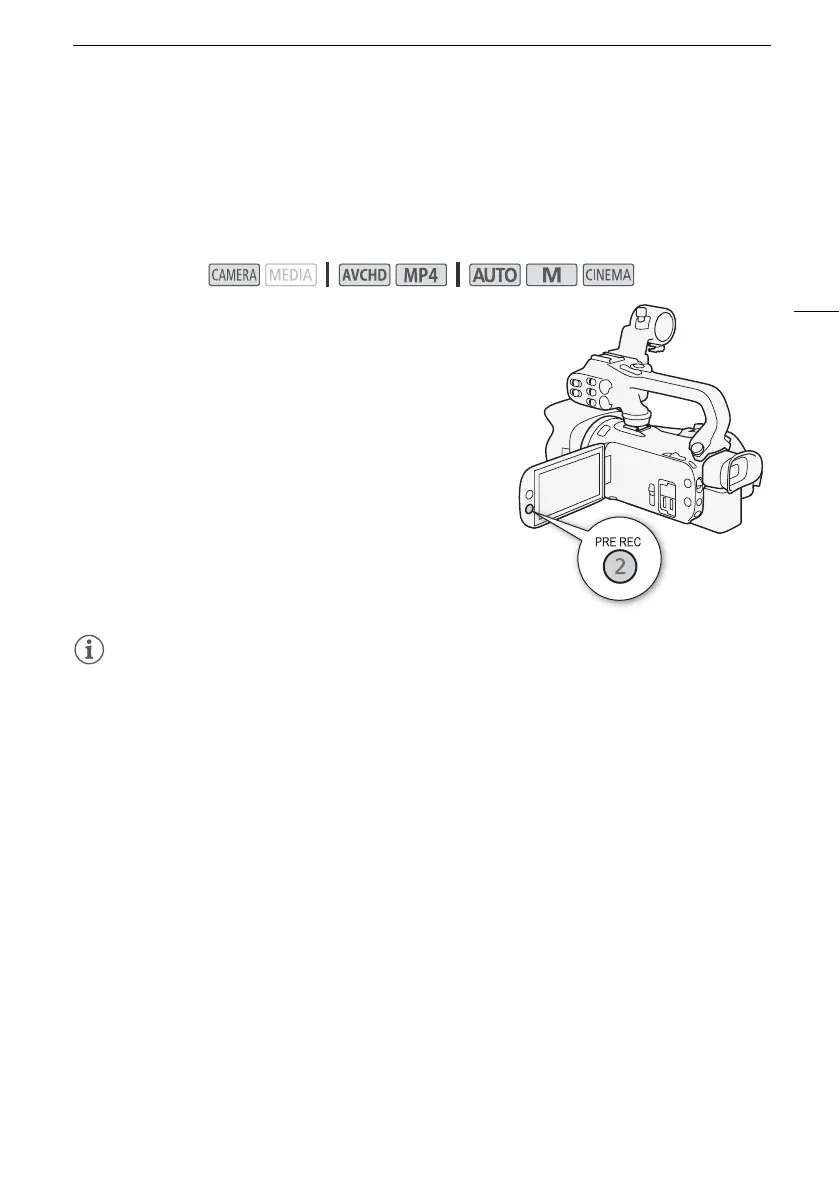
By default, the pre-recording function is assigned to assignable button 2.
1 Press the PRE REC button.
• z will appear on the screen.
• Press the PRE REC button again to turn off pre-recording.
2 Press the START/STOP button.
• The scene recorded on the memory card will start 3
seconds before the START/STOP button was pressed.
NOTES
• The camcorder will not record the full 3 seconds prior to pressing the START/STOP button if the
button was pressed within 3 seconds of having turned on pre-recording or having finished the
previous recording.
• Any of the following actions will deactivate the pre-recording function.
- Leaving the camcorder without any operation for 1 hour.
- Changing the camcorder’s operating mode.
- Activating video snapshot.
- Touching any of the following onscreen buttons in the FUNC. menu: [MENU], [Rec. Programs],
[Ä White Balance], [x AGC Limit], [— Audio Scene] or [Image Stabilizer].
- Changing the [FUNC.] > [Image Effects] > [Looks] setting.
Operating modes:



 To Next Page