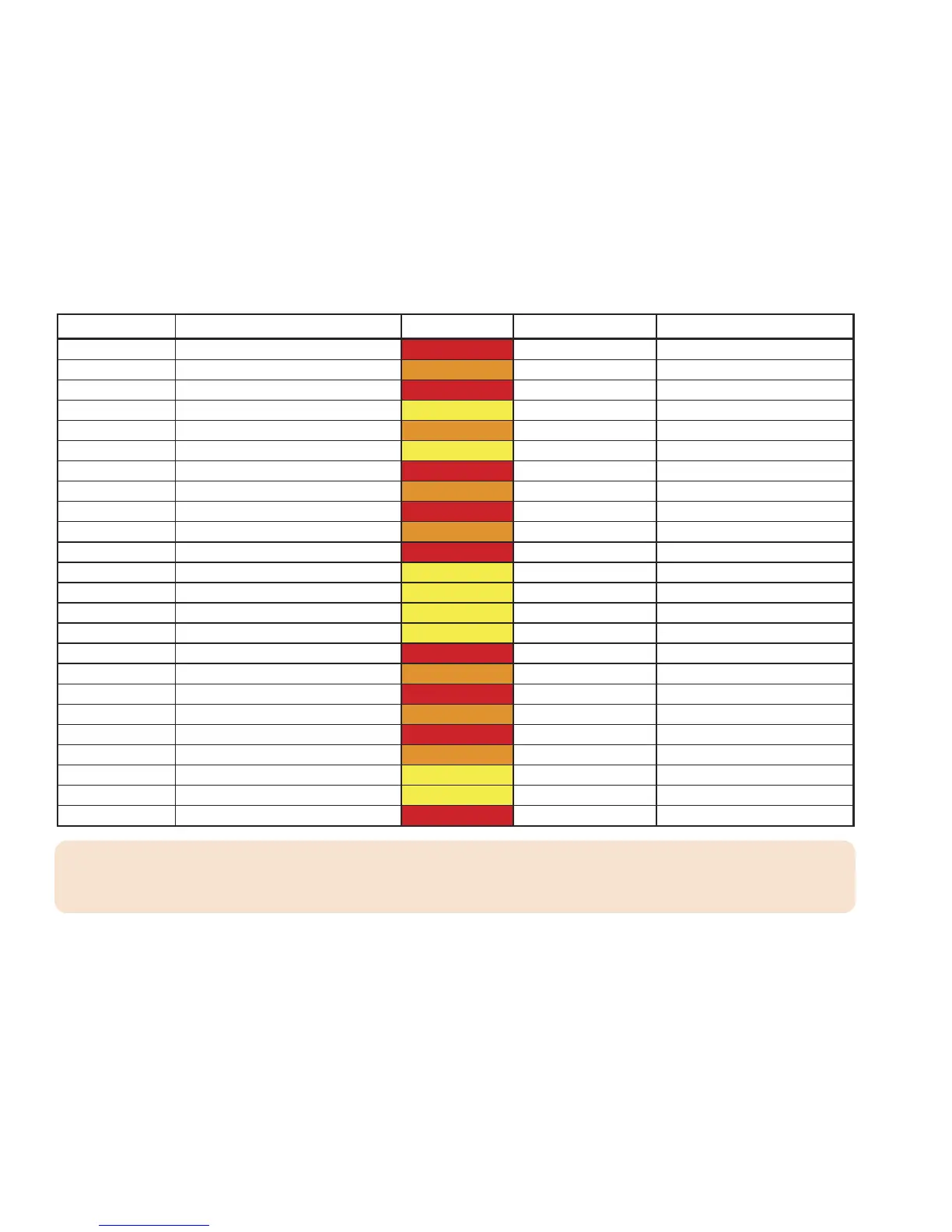
Event Code Event Description Level Default Volume Default Enable/Disable
SPW Shelter In–Place Warning Warning High * ENABLE *
SVA Severe Thunderstorm Watch Watch High ENABLE
SVR Severe Thunderstorm Warning Warning High ENABLE
SVS Severe Weather Statement Advisory Low ENABLE
TOA Tornado Watch Watch High ENABLE
TOE 911 Telephone Outage Emergency Advisory Low ENABLE
TOR Tornado War ning Warning High * ENABLE *
TRA Tropical Storm Watch Watch High ENABLE
TRW Tropical Storm Warning Warning High * ENABLE *
TSA Tsunami Watch Watch High * ENABLE *
TSW Tsunami Warning Warning High * ENABLE *
TXB Transmitter Backup On Advisory Low Disable
TXF Transmitter Carrier Off Advisory Low Disable
TXO Transmitter Carrier On Advisory Low Disable
TXP Transmitter Primary On Advisory Low Disable
VOW Volcano Warning Warning High * ENABLE *
WFA Wild Fire Watch Watch High ENABLE
WFW Wild Fire Warning Warning High * ENABLE *
WSA Winter Storm Watch Watch High ENABLE
WSW Winter Storm Warning Warning High ENABLE
? ?A Unrecognized Watch Watch High ENABLE
? ?E Unreco gnized Emergency Advisory Low ENABLE
??S Unrecognized Statement Advisory Low ENABLE
? ?W U nrecognized War ning Warning High * ENABLE *
notes: The ''Low" and "High" listed on the chart represents the default alert volume level.
The ''Disable" and "Enable" listed on the chart represents the default of Events. The events notated with an asterisk “*” have been
automatically set (users are not required to set), thus they are not shown in the “DEFEAT SIREN” or “SIREN LEVEL” menus.


 To Next Page