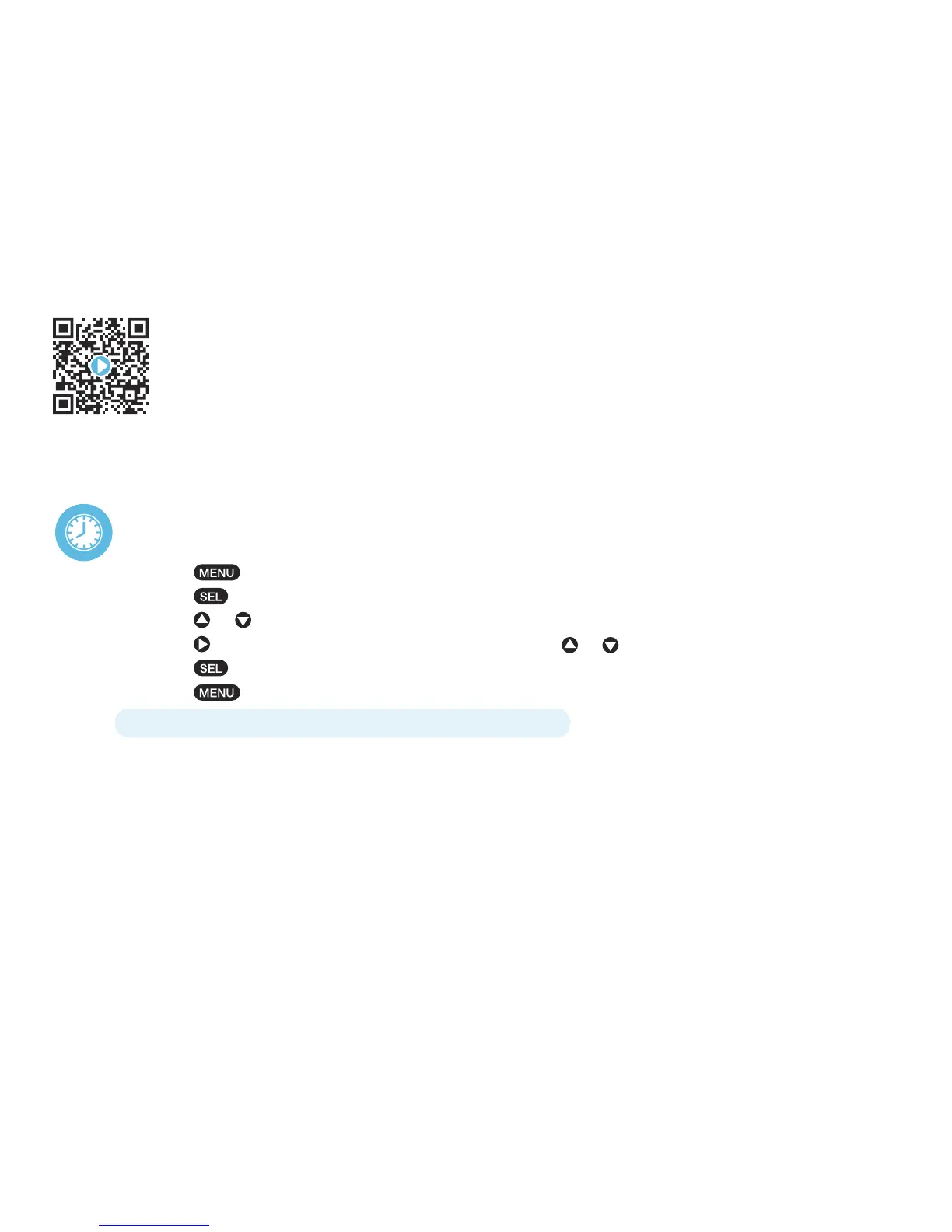
setting the time
Press button until “TIME” is displayed.
Press button; hour setting will begin to ash.
Press or arrows to adjust the hour digit.
Press arrow to advance to and adjust both minute digits using or arrows.
Press button to save your time setting.
Press button to exit.
note: The AM/PM changes automatically as you scroll through the hours.
initial setup of the basic functions
In this section we will walk you through the steps for setting up the basic functions, which include
TIME, ALARM, LANGUAGE, LED BACKLIGHT and ALERT TYPE.
For a step-by-step video describing this section, scan the QR code with your smartphone app
or visit www.hellocapello.com/weather-radio-video/#2


 To Next Page