73Instruction manual C2600Please keep this instruction manual for future reference
LIGHT BUTTON
This will appear ‘grey’ when the internal light is Off. The button will illuminate when the
internal light is On.
START/PAUSE BUTTON
After turning the oven on, select your desired cooking programme and duration and press
to start cooking.
NOTE :
A duration time must be set in order to start cooking via the App. If is pressed before a
duration is set, the oven will not start cooking.
This is a safety measure to ensure the oven is not accidentally started via the App, especially if
children are playing with it.
CAPLE WEBSITE BUTTON
Takes you to the Caple website where you can also review the Instruction Manual and
CapleHome App Connection Guide in digital form if preferred.
3
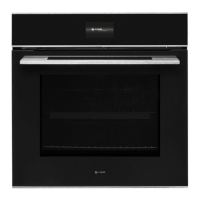
Welcome to your new Sense Premium Oven.
Featuring our new CapleTouch+ Technology, you’ll be able to
save your family favourites, set multi-stage cooking timers
and customise your oven display with ease.
To control your appliance from your smart phone or tablet,
download the CapleHome App from www.caple.co.uk or
by scanning the below barcode:



 To Next Page