Instruction manual C995i 17
Please keep this instruction manual for future reference
WHEN YOU HAVE FINISHED COOKING
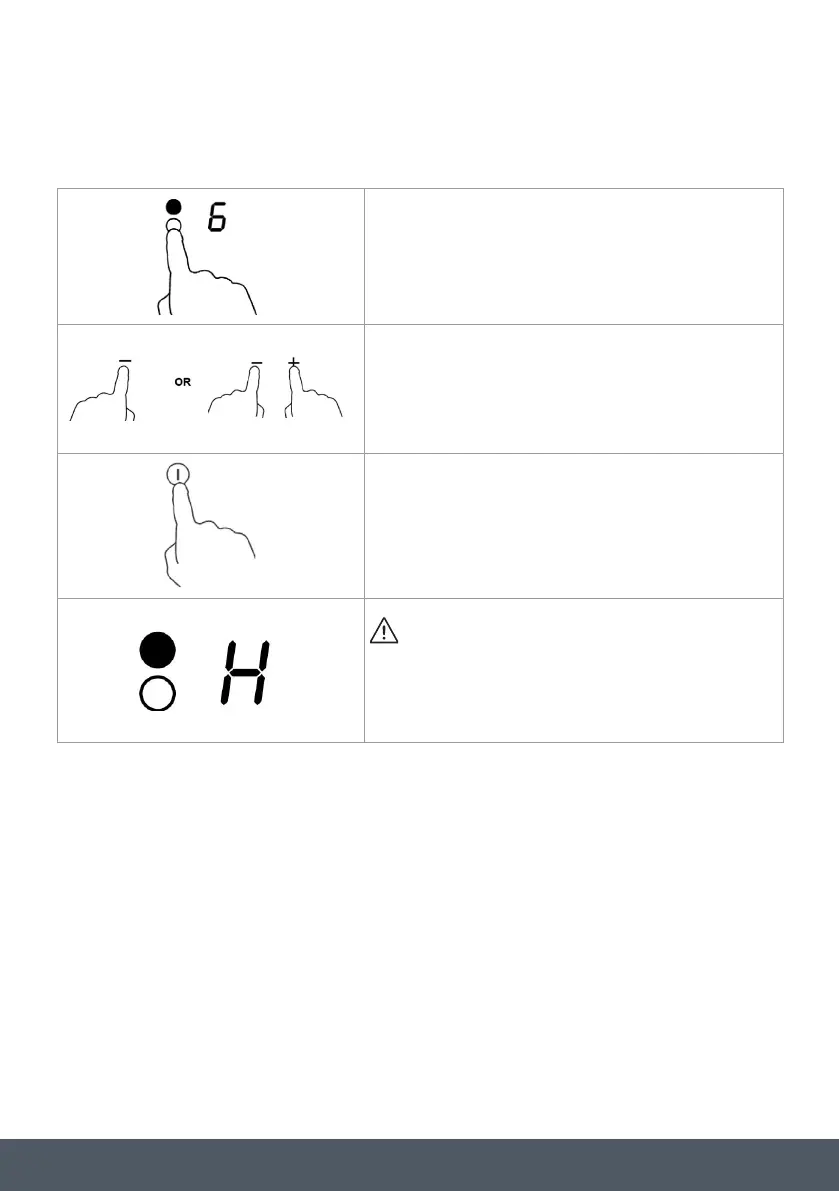
Touch the heating zone selection control that you wish to switch off.
Turn the cooking zone off by scrolling down to” 0” or touching”-“
and”+” control together. Make sure the display shows”0”.
Turn the hob off completely by touching the ON/OFF control.
Beware of hot surfaces
‘H’ will show which cooking zone is hot to touch. It will disappear
when the surface has cooled down to a safe temperature. It can also
be used as an energy saving function if you want to heat further
pans, use the zone that is still hot.



 To Next Page