EasyManua.ls Logo

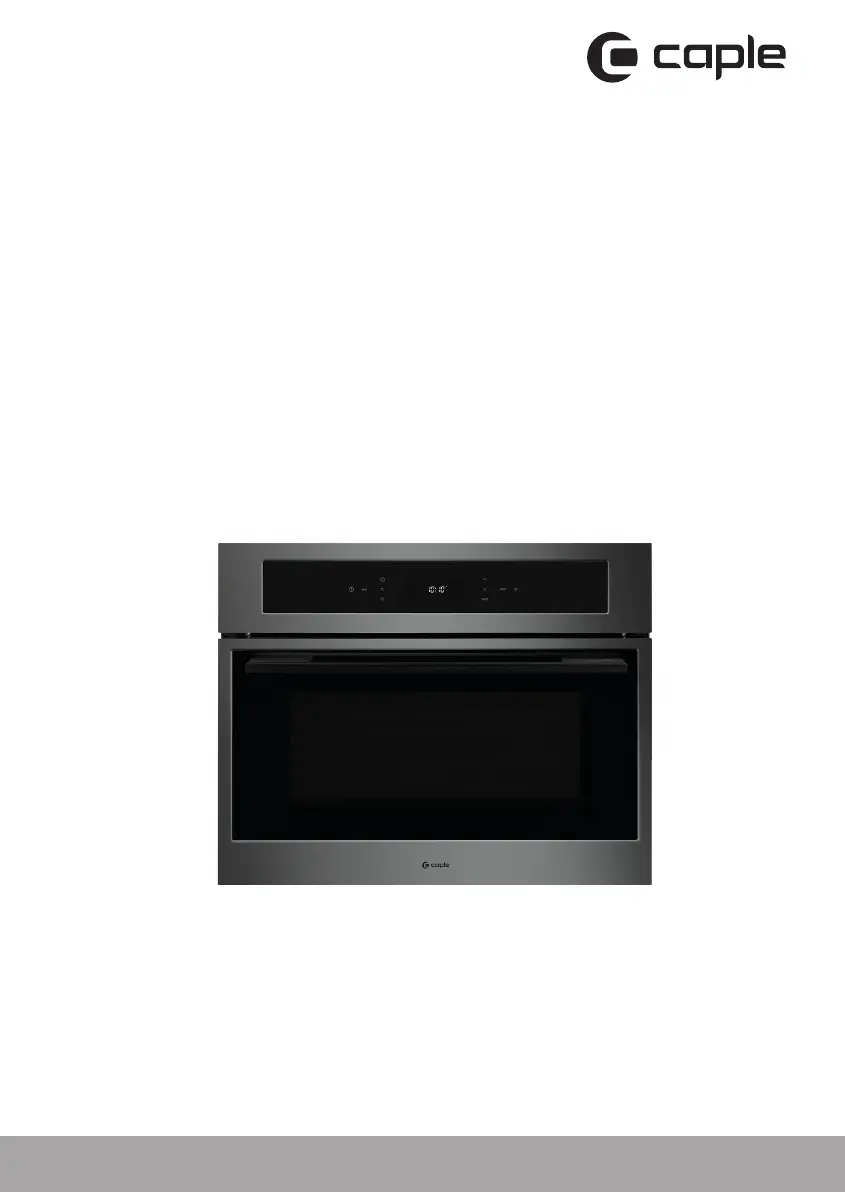
Caple SO110GM - User Manual

Caple SO110GM
28 pages
Print Icon
To Next Page IconTo Next Page
Loading...
Contact Caple on 0117 938 7420 or for spare parts www.caple.co.uk
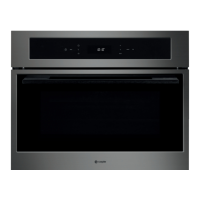
Combination steam oven
Instruction manual
SO110GM
SO110GM Steam Oven Instruction manual.indd 1 18/06/2018 14:13

Questions and Answers

  • S
    Sally CruzAug 11, 2025
    How to fix a Caple SO110GM control panel that is not working?
    • M
      michaelwilliamsAug 11, 2025
      If the control panel on your Caple Oven isn't working, it might be due to the Child Lock being activated or a defective control panel. First, try to unlock the unit. If that doesn't work, please contact a service agent for assistance.
  • T
    Todd HillAug 19, 2025
    What to do if the 'lack of water' sign appears on my Caple SO110GM Oven?
    • K
      Katherine MartinezAug 19, 2025
      If the lack of water sign appears on your Caple Oven, it's likely due to an empty water tank or faulty pumps. Begin by filling the water tank. If the issue persists, it may be necessary to replace the pump; in this case, please contact Caple service for assistance.
  • A
    Amber KennedyAug 30, 2025
    Why is food not cooked after steaming in my Caple Oven?
    • A
      Alexander LeeAug 30, 2025
      If your food isn't cooking properly after steaming in the Caple Oven, it could be because the food is sealed with a cover, or no steam is being generated. Remove any cover from the food. If the problem continues, contact a service agent.

Caple SO110GM Specifications

General IconGeneral
Energy RatingA
Number of Functions8
Fuel TypeElectric
Number of Ovens1
Number of Cooking Programs8
Thermostat Range50 - 250°C
TimerYes
Cooling FanYes
Dimensions (H x W x D)595 x 595 x 575 mm
Product TypeOven
TypeBuilt-in Single Oven

Related product manuals