Instruction manual SO110GM
Please keep this instruction manual for future reference
26
TROUBLESHOOTING
If your steam oven is found to be operating abnormally, please stop using it.
Disconnect the power and follow the following instruction.
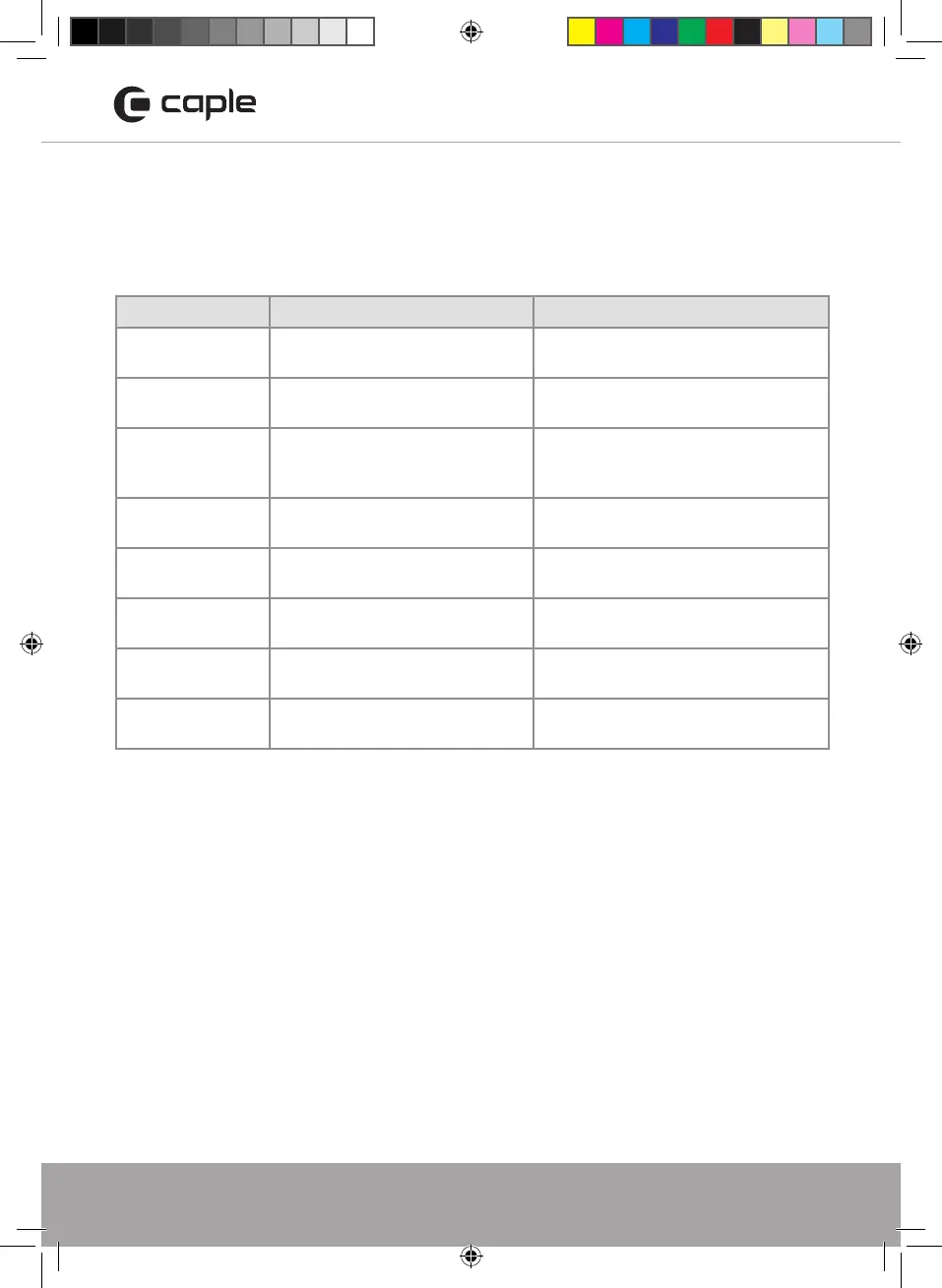
Troubles Reason Solution
Lack of water sign
No water in water tank. Bad
pumps.
Fill water into the tank. Replacement
of pump, please contact Caple service.
Control panel is
not working
Child Lock is on. Defective control
panel.
Unlock the unit.
Please contact service agent .
Food are not
cooked after
steaming
The food is sealed with a cover.
No steam is generated.
Remove the cover. Contact service
agent.
E2 appear
on display
Interior sensor error. Contact Caple service.
E3 appear
on display
Interior sensor overheat. Contact Caple service.
E4 appear
on display
Steam heating plate sensor error. Contact Caple service.
E5 appear
on display
Steam heating plate overheat. Contact Caple service.
E1 appear
on display
No water tank or water tank not
in place.
Contact Caple service.
If the problem still persists, please contact Caple service for assistance:
T - 0117 938 7420
E - service@caple.co.uk
SO110GM Steam Oven Instruction manual.indd 26 18/06/2018 14:13


 To Next Page