11
Instruction manual WC6100
Please keep this instruction manual for future reference
SETTING THE TEMPERATURE
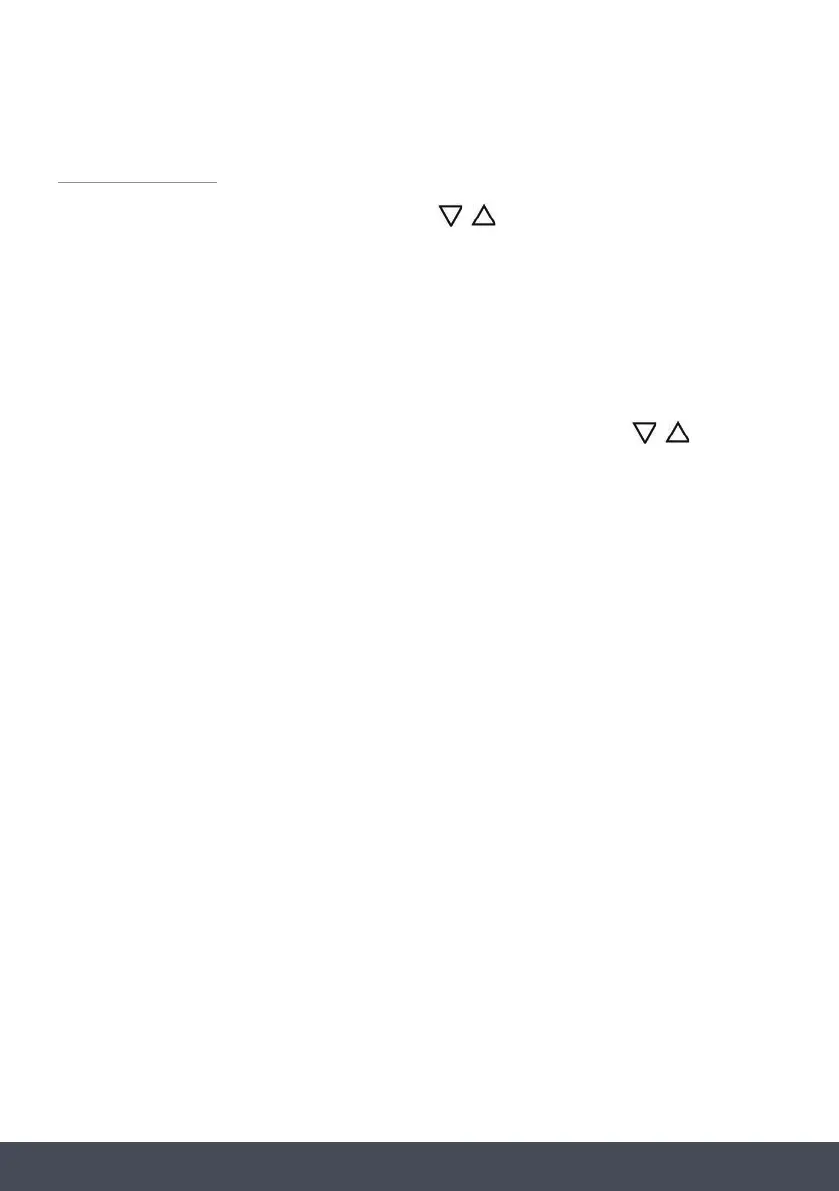
Set the desired cooling temperature by pressing the
Touch control keys
This button controls the upper compartment temperature zone.
Each press of the button will decrease the temperature in increments of 1ºC. When
the temperature reaches the minimum 5ºC it jumps up to the maximum of 10ºC.
This button controls the lower compartment temperature zone.
Each press of the button will decrease the temperature in increments of 1ºC. When the
temperature reaches the minimum 10ºC it jumps up to the maximum of 18ºC.
To turn the internal light on/off
Press and hold this key to turn the appliance on/off (hold for approx 3 seconds).
INTERNAL LIGHT
In order to reduce energy consumption, the LED light within this wine cabinet will automatically
switch off when the door is closed. If you would prefer the LED light to remain on continuously,
this is possible. Please press and hold the key for 5 seconds, the display will show “LP”.
After 4 seconds the display will revert back to normal and the light will remain on until manually
switched off. If you would like to revert back and conserve energy (recommended), press and
hold the key for 5 seconds, the display will show “LF” . After 4 seconds the display will
revert back to normal, and the light will automatically switch off when the door is closed.
/
Touch control keys
This button controls the upper compartment temperature zone.
Each press of the button will decrease the temperature in increments of 1ºC. When
the temperature reaches the minimum 5ºC it jumps up to the maximum of 10ºC.
This button controls the lower compartment temperature zone.
Each press of the button will decrease the temperature in increments of 1ºC. When the
temperature reaches the minimum 10ºC it jumps up to the maximum of 18ºC.
To turn the internal light on/off
Press and hold this key to turn the appliance on/off (hold for approx 3 seconds).
INTERNAL LIGHT
In order to reduce energy consumption, the LED light within this wine cabinet will automatically
switch off when the door is closed. If you would prefer the LED light to remain on continuously,
this is possible. Please press and hold the key for 5 seconds, the display will show “LP”.
After 4 seconds the display will revert back to normal and the light will remain on until manually
switched off. If you would like to revert back and conserve energy (recommended), press and
hold the key for 5 seconds, the display will show “LF” . After 4 seconds the display will
revert back to normal, and the light will automatically switch off when the door is closed.
keys. Each press of the key will scroll
through the available temperature settings in increments of 1°C.
The temperature setting can be adjusted from 5°C to 18°C. Once the desired temperature is
selected, the display will continue to ash for 5 seconds. Once it has stopped ashing, this
conrms the new temperature has been set, and the screen will now display the new
set temperature.
NOTE:
It is possible to change the display from Celsius to Fahrenheit. Press and hold
Touch control keys
This button controls the upper compartment temperature zone.
Each press of the button will decrease the temperature in increments of 1ºC. When
the temperature reaches the minimum 5ºC it jumps up to the maximum of 10ºC.
This button controls the lower compartment temperature zone.
Each press of the button will decrease the temperature in increments of 1ºC. When the
temperature reaches the minimum 10ºC it jumps up to the maximum of 18ºC.
To turn the internal light on/off
Press and hold this key to turn the appliance on/off (hold for approx 3 seconds).
INTERNAL LIGHT
In order to reduce energy consumption, the LED light within this wine cabinet will automatically
switch off when the door is closed. If you would prefer the LED light to remain on continuously,
this is possible. Please press and hold the key for 5 seconds, the display will show “LP”.
After 4 seconds the display will revert back to normal and the light will remain on until manually
switched off. If you would like to revert back and conserve energy (recommended), press and
hold the key for 5 seconds, the display will show “LF” . After 4 seconds the display will
revert back to normal, and the light will automatically switch off when the door is closed.
/
Touch control keys
This button controls the upper compartment temperature zone.
Each press of the button will decrease the temperature in increments of 1ºC. When
the temperature reaches the minimum 5ºC it jumps up to the maximum of 10ºC.
This button controls the lower compartment temperature zone.
Each press of the button will decrease the temperature in increments of 1ºC. When the
temperature reaches the minimum 10ºC it jumps up to the maximum of 18ºC.
To turn the internal light on/off
Press and hold this key to turn the appliance on/off (hold for approx 3 seconds).
INTERNAL LIGHT
In order to reduce energy consumption, the LED light within this wine cabinet will automatically
switch off when the door is closed. If you would prefer the LED light to remain on continuously,
this is possible. Please press and hold the key for 5 seconds, the display will show “LP”.
After 4 seconds the display will revert back to normal and the light will remain on until manually
switched off. If you would like to revert back and conserve energy (recommended), press and
hold the key for 5 seconds, the display will show “LF” . After 4 seconds the display will
revert back to normal, and the light will automatically switch off when the door is closed.
at the same
time to switch to Fahrenheit. Repeat the process to return to Celsius.
DEFROSTING/ CONDENSATION
Your wine cabinet is designed with an “Auto-cycle’ defrost system. When the cooling cycle is
OFF, the refrigerated surface of the wine cabinet (interior rear wall) defrosts automatically. The
defrosted water is channelled into a drain pan which is located at the back of the cabinet next to
the compressor from where it evaporates.


 To Next Page
 Loading...