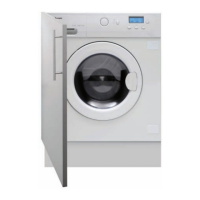
35Instruction manual WDi3301Please keep this instruction manual for future reference
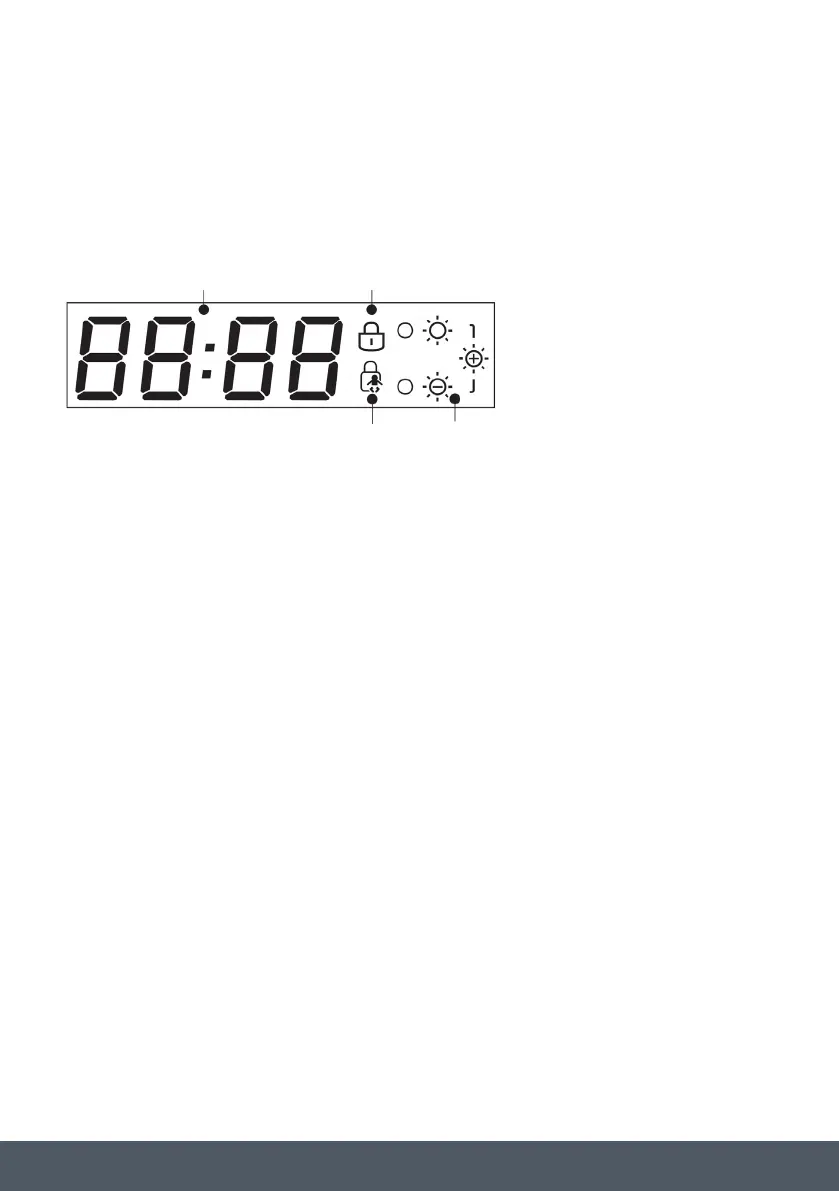
1 ) CYCLE DURATION
When a programme is selected, the display automatically shows the cycle duration, which can
vary depending on the function selected. The display also shows set Delay Times e.g. ‘2h’ and
status messages such as Error Codes e.g. ‘E20’ and the End of the cycle ‘End’.
2 ) DOOR LOCKED INDICATOR LIGHT
The indicator light is illuminated during the wash cycle.
A special safety device prevents the door from being opened during the programme. After the
programme has finished the “Door Security” light will turn off and the door can be opened.
3 ) KEY LOCK INDICATOR LIGHT
The indicator light show that the keys are locked.
4 ) DRYING LEVEL LIGHTS
The relevant indicator light is illuminated when the drying level is selected.
The display will remain on throughout the cycle.
1
,
The display also shows set Delay Times e.g.
'2h' and status messages such as Error Codes e.g. 'E20' and the End of the cycle 'End'.
2
3
during the wash cycle.
A special safety device prevents the door from being opened during the programme. After
the programme has finished the “Door Security” light will turn off and the door can be
opened.
4 DRYING LEVEL
The relevent indicator light is illuminated when the drying level is selected
1
2
3
4
1 2
3 4
DIGITAL DISPLAY
The displays indicator system allows you to be constantly informed about the status of the
machine. The display will remain on throughout the cycle.



 To Next Page