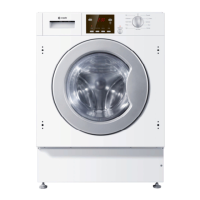
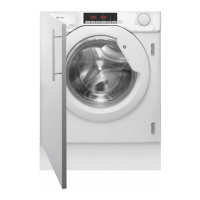
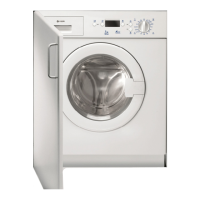
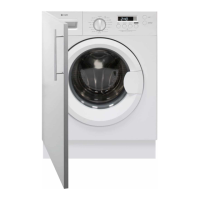
23Instruction manual WMi3001 & WMi3006Please keep this instruction manual for future reference
QUICK USER GUIDE
CAUTION:
> Detergent only needs to be added in "case I “after selecting pre-washing.
CAUTION
Before washing, please make sure the machine is installed properly.
CALIBRATION
It is recommended to calibrate the washing machine before its first use.
Complete the calibration by following the below steps:
› Power on the washing machine.
› Press
SPEED and DELAY buttons at the same time. “T19” will show on the display.
› Press START/PAUSE, to start the washing machine and wait until “****” appears.
› The washing machine is now ready to use.
CAUTION:
> Detergent only needs to be added in "case I “after selecting pre-washing.
CAUTION
Before using for the first time, the washing machine should be operated once without clothes,
as detailed below:
› Install the washing machine
› Open the door and load the laundry
› Measure out the detergent
› Close the door
› Put down (hang up) the drain hose (if not
connected to sink plumbing)
› Turn on the water tap (if not connected to
mains water supply)
› Plug in the power supply
› Turn the washing machine on
› Select the desired programme and function
› Press the
START/PAUSE button to start
washing/drying
NOTE
Should power go out when the washing machine is running, a special memory saves the
settings and, when power returns, the machine resumes the cycle from where it left off.
› At the end of the programme, the washing machine will make a sound to signify the end of
the cycle.
END will show on the display
› Close the water tap
› Turn off the washing machine


 To Next Page